For finance controllers: the payment should check the yes
20 November 2026 · Deliverd Engineering Team · 3 min read
If you run finance, the arrival of an AI agent in accounts payable probably didn't change what you answer for. Payments over a limit are decided by whoever owns that limit. Nobody approves their own request. Every payment has a record an auditor can test.
The agent changes who raises the payment. It matches the invoice, picks the supplier and proposes the amount. The controls stay yours. The work is making them apply to the agent, at the point where the money moves.
We've written a guide for finance controllers on exactly that. Here is the short version.
Eight controls an agent payment needs
- A limit per payment, and a running total. Two payments of 9,000 to one supplier in an hour are one payment of 18,000.
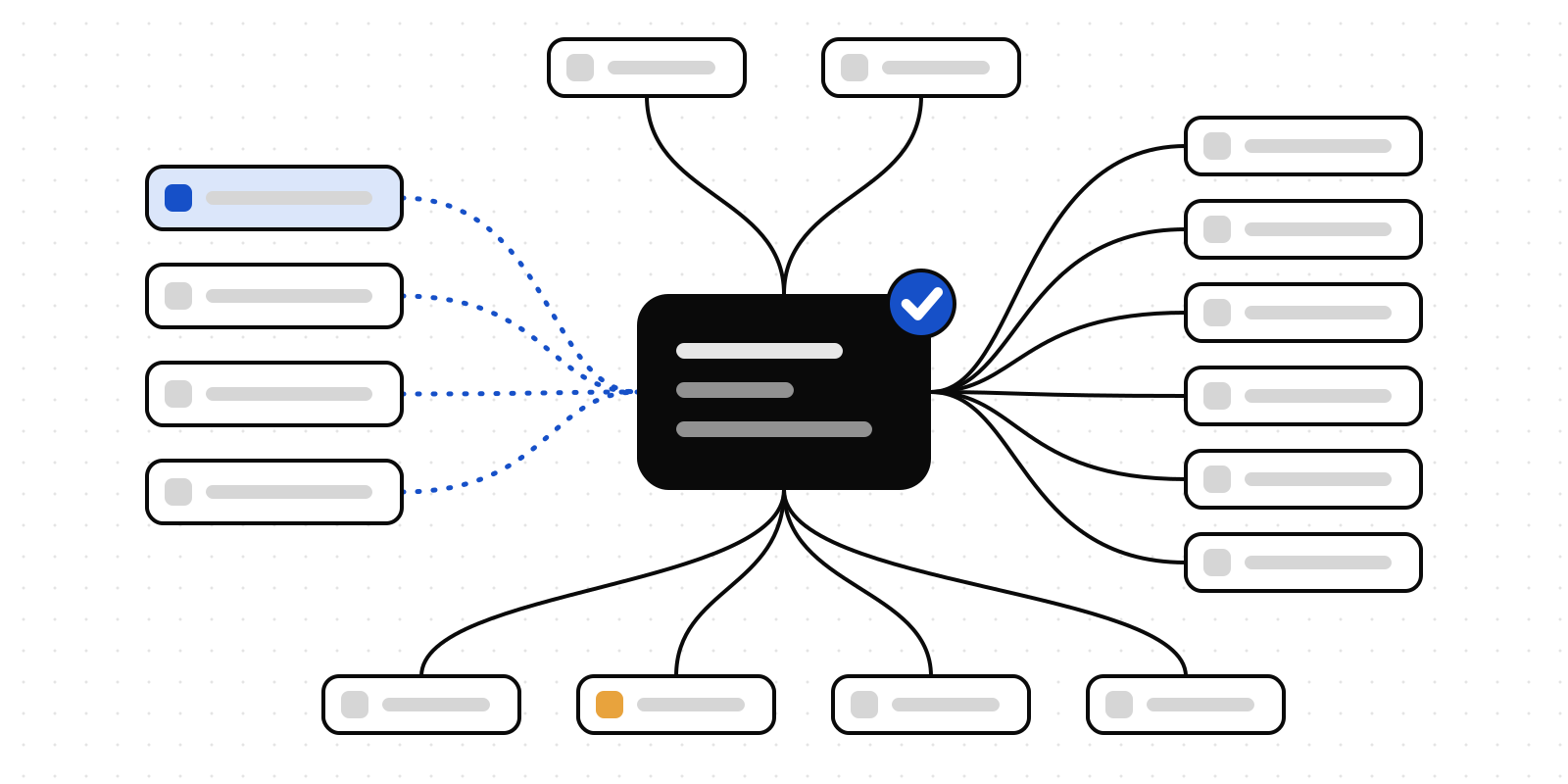
- The right approver by amount and supplier. The decision belongs to whoever holds that authority, not whoever set the agent running.
- What the approver sees. The invoice, the supplier, the amount and what's unusual about it, on the screen where they answer.
- Correct, not just reject. Most bad proposals are one wrong figure. The approver fixes it, and the corrected figure is the one that's paid.
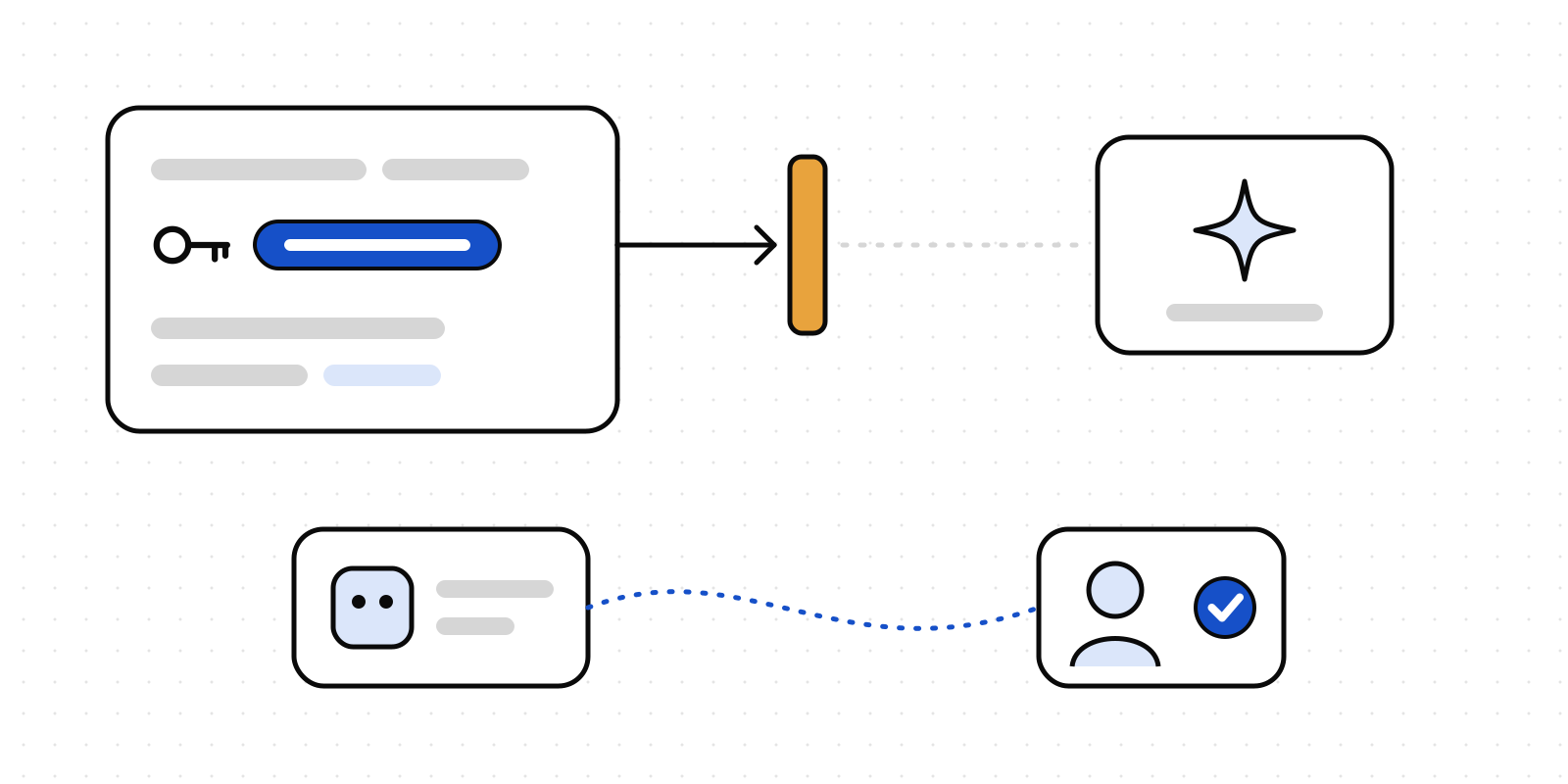
- Segregation of duties. An agent never approves anything, and the person who raised a request is not one of its approvers.
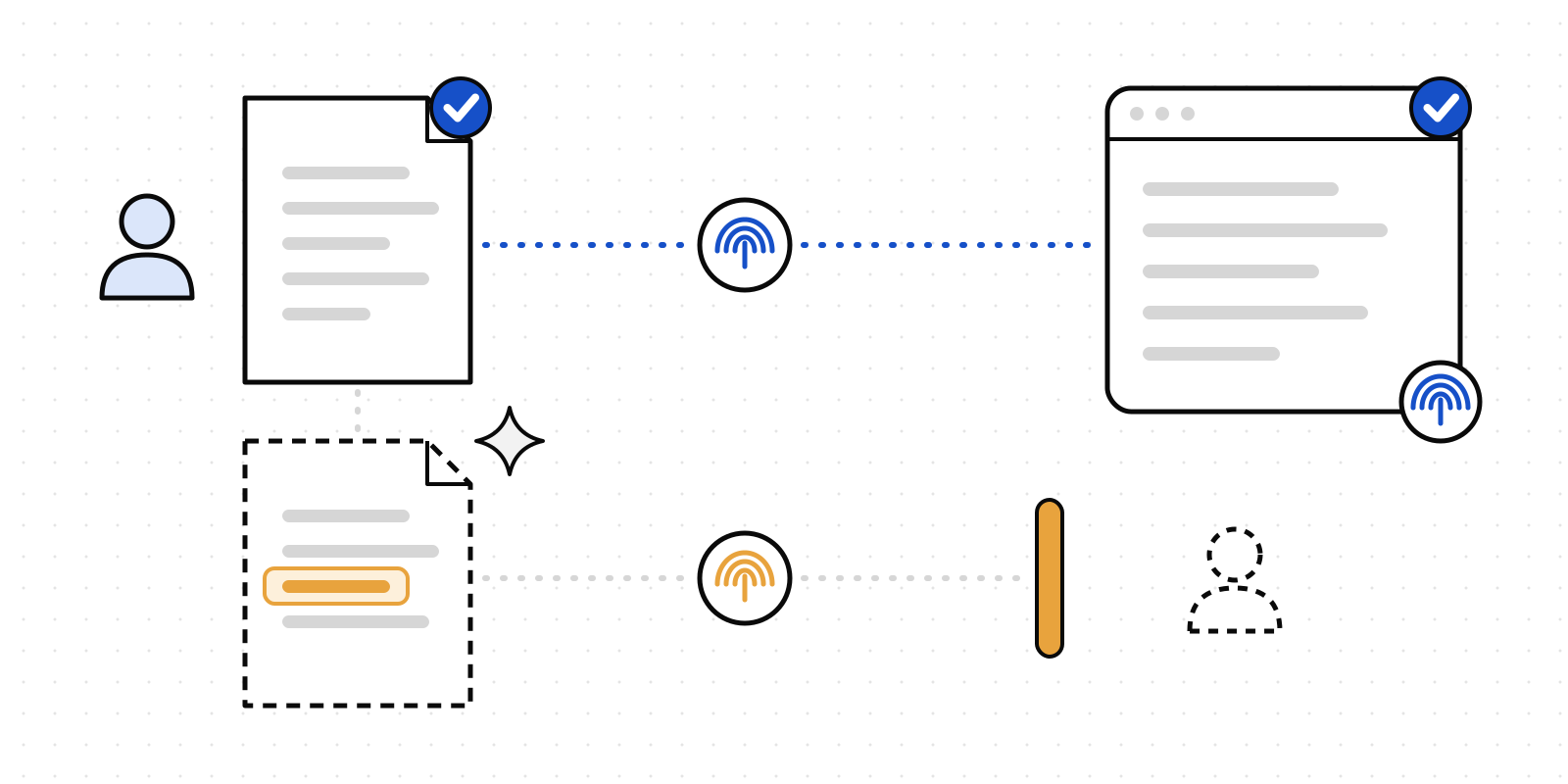
- The payment checks the yes. The system that pays refuses a payment nobody agreed to.
- One yes, one payment. An approval is spent when it's used, so a retried run can't pay twice.
- Evidence per payment. Who was asked, what they saw, what they decided, when, and what was paid.
Most of these will look familiar. They're the controls you already have for people. Number six is the one that's easy to miss.
An approval the payment never checks
The common failure is an approval step that sits beside the payment rather than in front of it. The agent asks, a person says yes, and the payment run never looks at the answer.
It reads well in a control description. It does nothing on the day the agent skips the question, retries with a different figure, or pays a supplier nobody saw. At that point the approval is a record of what everyone intended, not a control.
The fix is to make the yes something the paying system can check.
How Deliverd puts the yes in the payment path
Before it pays, the agent declares the payment at a Deliverd gate, with the supplier, the amount and the invoice. It gets one of three answers: allowed, refused, or a named person decides. Your rules settle the routine cases, and a rule can add up earlier requests, so a split payment is judged as one.
The approver answers in Teams, Slack, email or on their phone, sees what Deliverd noticed as unusual, and can correct the figure before agreeing.
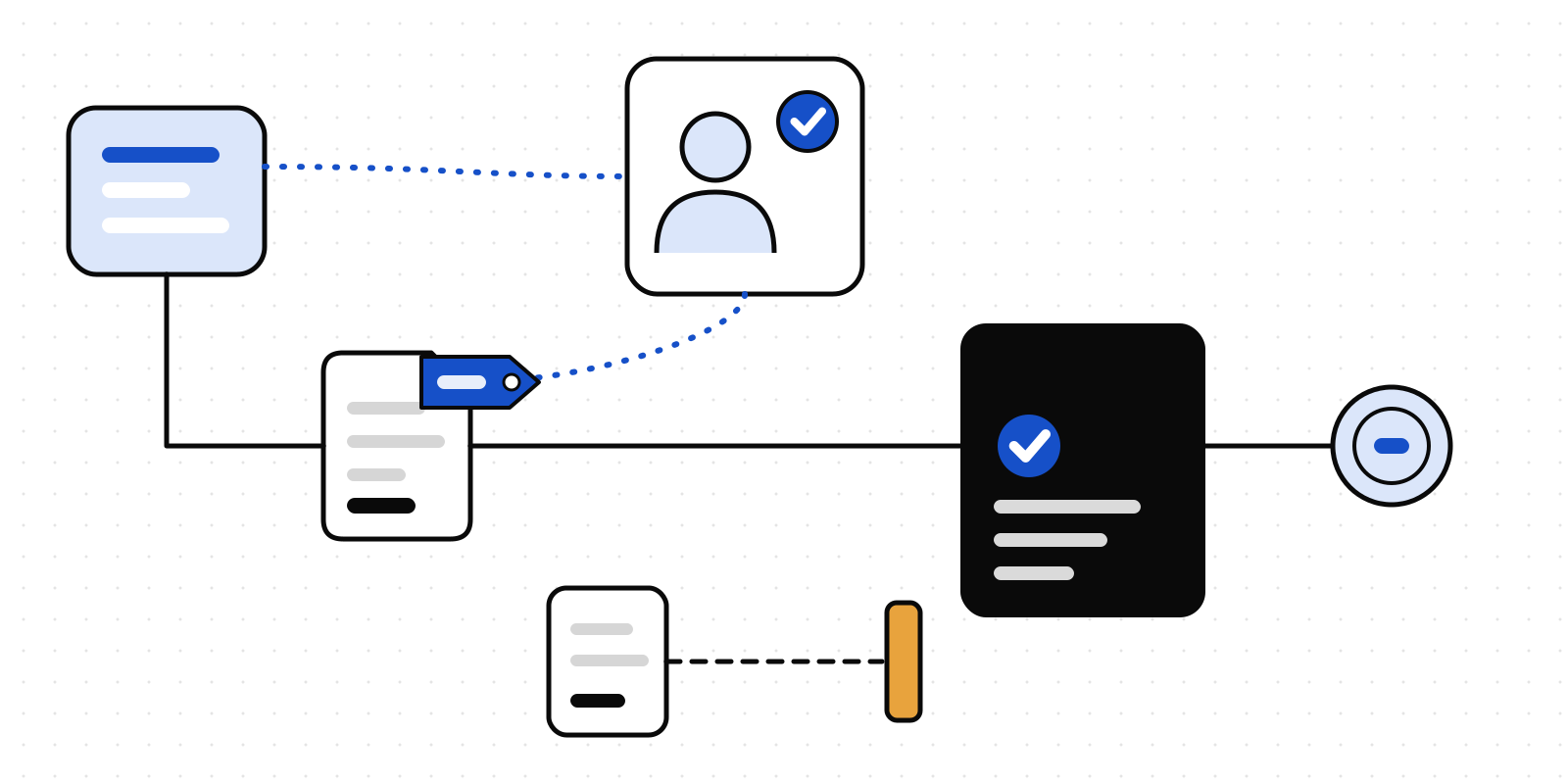
A payment that may go ahead comes back with a signed decision token. It's bound to the action, to the input that was agreed and to a short expiry. Your payment service checks it before it pays, with the SDK or one HTTP call:
const check = await deliverd.decisionTokens.verify(token, {
  action: "finance.payment",
  input: { recipient, amount, currency },
});
if (!check.ok) return refuse(check.reason);
A payment of 1,240 against a yes for 1,200 is turned away. Recording the payment spends the yes, and a second use is refused. If the agent pays without asking, it has no token, and the payment service refuses it there.
Every step exports as a signed evidence pack, in JSON, CSV or PDF, for the auditor.
What Deliverd doesn't do
Deliverd doesn't see the payment itself, and it doesn't replace the approval matrix in your ERP. Keep that for the payments people raise. The token check in your payment code is what ties the yes to the money, so that's the line of code to ask your engineers for.
Read the full guide, including when an ERP's own approvals are enough and when to build this yourself. If you're a controller with an agent on the way, we'd like to hear what you'd want it to show you.