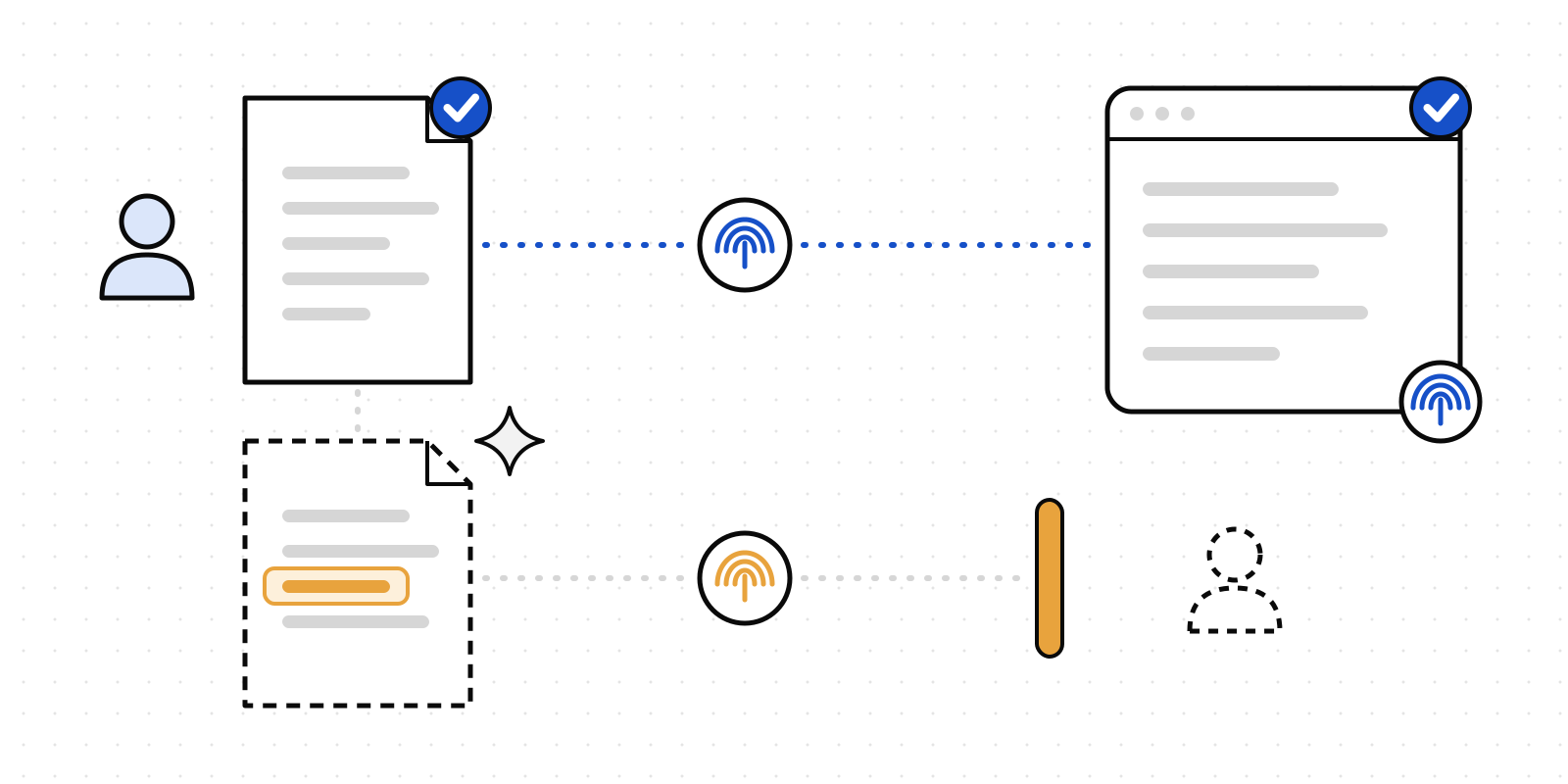
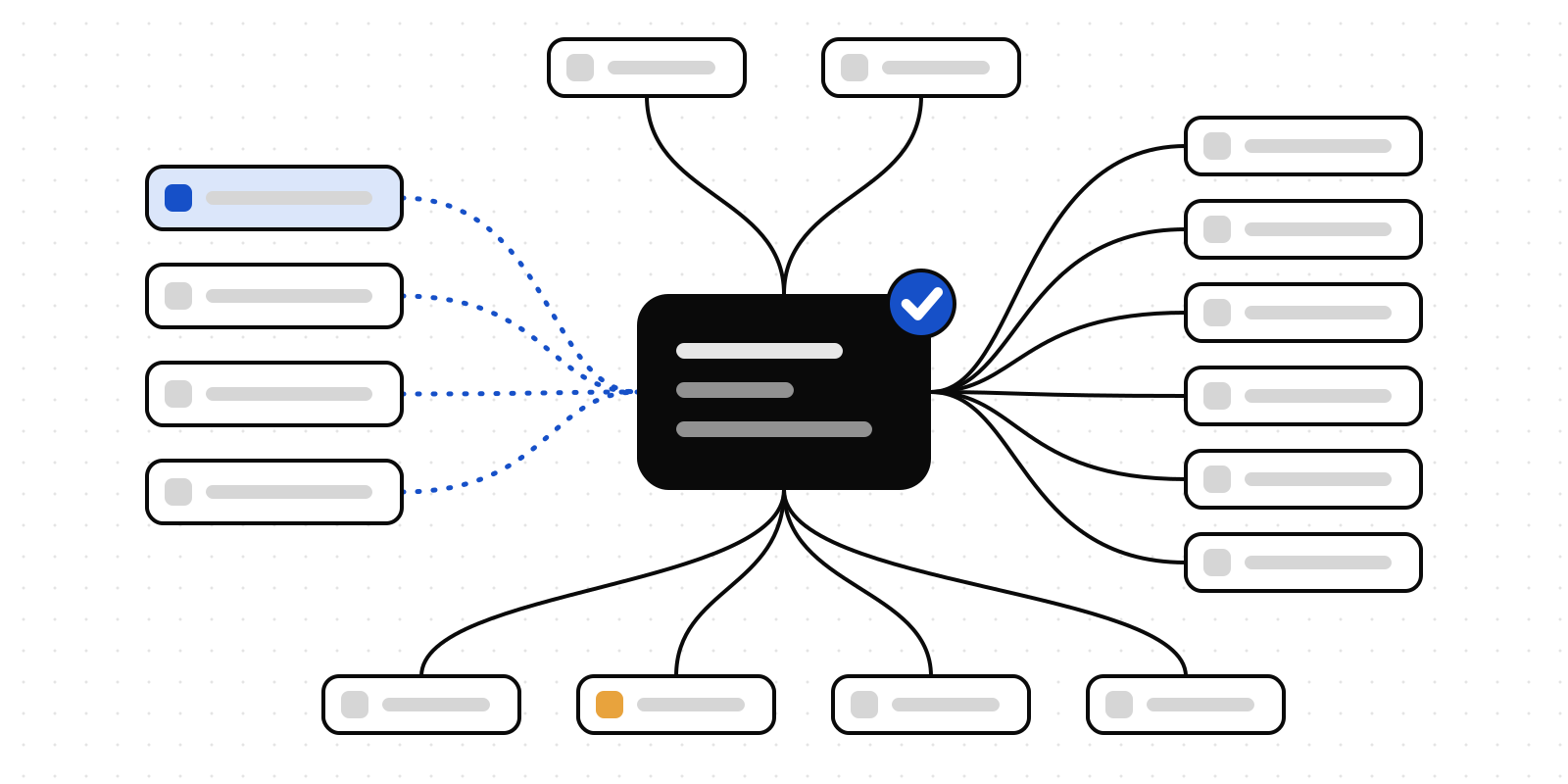
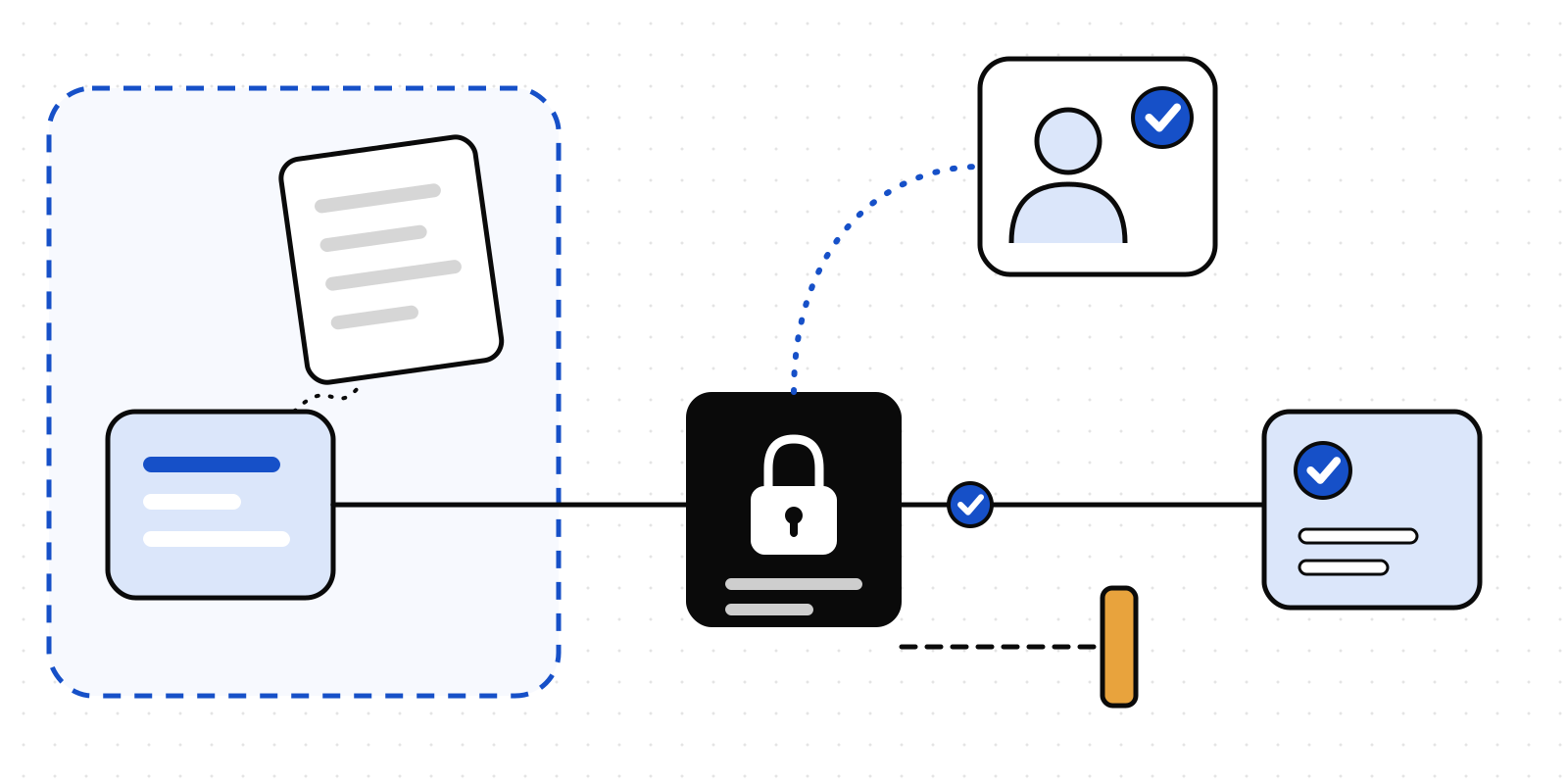
Keep the password. Give the agent a person to ask.
21 November 2026 · Deliverd Engineering Team · 5 min read
At the end of October, Bank of America sent its customers an email titled "Protecting your finances in the AI World". As TechCrunch reported, it asks them not to share their username and password with "an AI-enabled tool or agent that offers to act on your behalf", and it reminds them that if they do, "you're responsible for activity resulting from that access."
It's good advice. It's also a request. Nothing in it stops anyone.
That's not a criticism of the bank. A bank can't see what you type into a chatbot, and it shouldn't. But the same thing is happening inside every organisation that has handed its people AI tools, and there the organisation can do more than ask. A password reaches an AI in one of two ways, and each has a fix.
One: somebody types it in
Nobody sets out to give a model their password. They paste a support ticket that has one in it. They ask an assistant to "log in and sort out my bill" and helpfully include the login. They drop in a config file to find a bug.
That's what Deliverd Screen is for. It reads text before it goes to a model and finds what shouldn't be in it: card numbers, IBANs, national ID numbers, personal details, keys and credentials. Secrets are the one kind it never lets through. A key sent to a model is a key disclosed, so whatever the model is approved for, the answer is no.
Until this week, Screen found a credential the way a developer writes one: an API key by its shape, password = "..." in code, a .env line, the password in a database connection string. Reading the Bank of America story, we tried the way a person writes one, in a sentence:
My online banking password is Tr0ub4dor&3, can you log in and pay my bill?
Screen let it through. So we fixed it. A password written out in words, "my password is …", "password: …" or "passcode is …", is now a secret like any other, in the TypeScript, Python and Rust versions of Screen alike:
My online banking password is [SECRET_1], can you log in and pay my bill?
and the verdict is that it doesn't go. To keep it from shouting at every mention of the word, the value has to hold a digit or a symbol, so "the password is required" isn't a password, and neither is a row of asterisks, <your-password>, [REDACTED] or ${DB_PASS}. A password made only of letters still gets past it. Screen is a net, not a certificate.
Two: the agent is given the login
The bank's real worry is the second way: an assistant that "offers to act on your behalf" and asks for your login to do it. Once it has the password, it can do anything you can, and there's no record that tells you which of those things you meant.
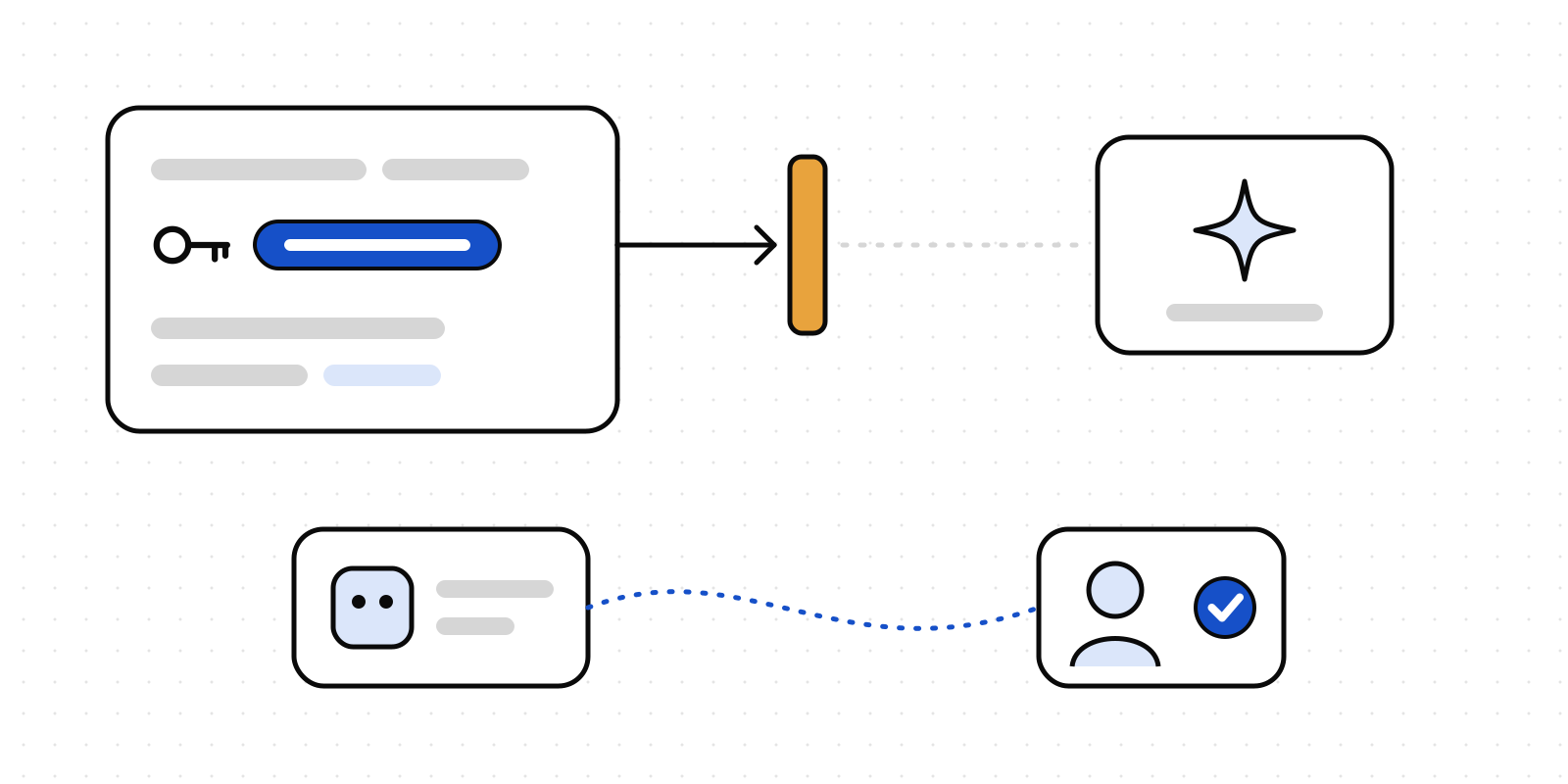
The answer isn't a better place to keep the password. It's not giving the agent one. Let it propose the action instead, and ask a person. That's what Deliverd does. The agent calls request_approval with what it wants to do and why; the person it should ask gets it in Slack, Teams, email or on their phone; the agent acts only on a yes, and Deliverd keeps the record of who said yes, when and to what.
"You're responsible for activity resulting from that access" is a fair line from a bank. Inside an organisation, the better line is one you can prove: every action an agent took has a name next to it.
Screener Pro, for the whole organisation
For organisations on Enterprise, Screener Pro puts both of those in front of everybody, not just the developers.
- A Screener for every member. Screener in the sidebar lets anyone paste text before they give it to an AI tool, pick the tool from your AI register, and get the answer your agents would get: fine to send, send the redacted copy, ask a person, or don't send. A pasted password gets "don't send". The text is checked in memory and never kept.
- A policy engine that can't be talked out of secrets. At Agents → Data screening → Policy engine, you can write your own rules for each agent, group and model, and dated exceptions with an owner. An exception can never cover secrets. The engine starts switched off; run it in shadow first to see what it would have decided.
- A review queue. Every check that was put to a person, waiting and decided, and every check refused outright.
- The numbers. Analytics → Screening counts the checks, the secrets stopped, the items redacted and the checks put to a person, by kind, model and caller. Counts only: the text is never stored.
- Microsoft Purview. With your tenant linked and your global administrator's consent, each check can be written to Purview Audit beside the rest of your Microsoft 365 AI activity, and your sensitivity labels can map to screening actions.
Screener Pro is live now, on Enterprise and in the compliance trial on any plan. Try it now: paste the sentence above into the Screener and watch what it does with a password. It finds it, refuses to send it, and records that it did.
Try the free one first
If you'd like to see the check before talking to anyone, Screener is our free, open-source page that runs Deliverd Screen in your browser tab, with nothing sent anywhere. Paste in the next thing you were about to send to an AI, and see what's in it.