Every place Deliverd meets Microsoft, and why each one is there
21 November 2026 · Deliverd Engineering Team · 8 min read
If your organisation runs on Microsoft 365, your AI does too. Copilot is in the apps people open every morning. Agents are being built in Copilot Studio and Foundry. Flows run in Power Automate, code is written with GitHub Copilot, and the security team lives in Purview, Sentinel and Defender.
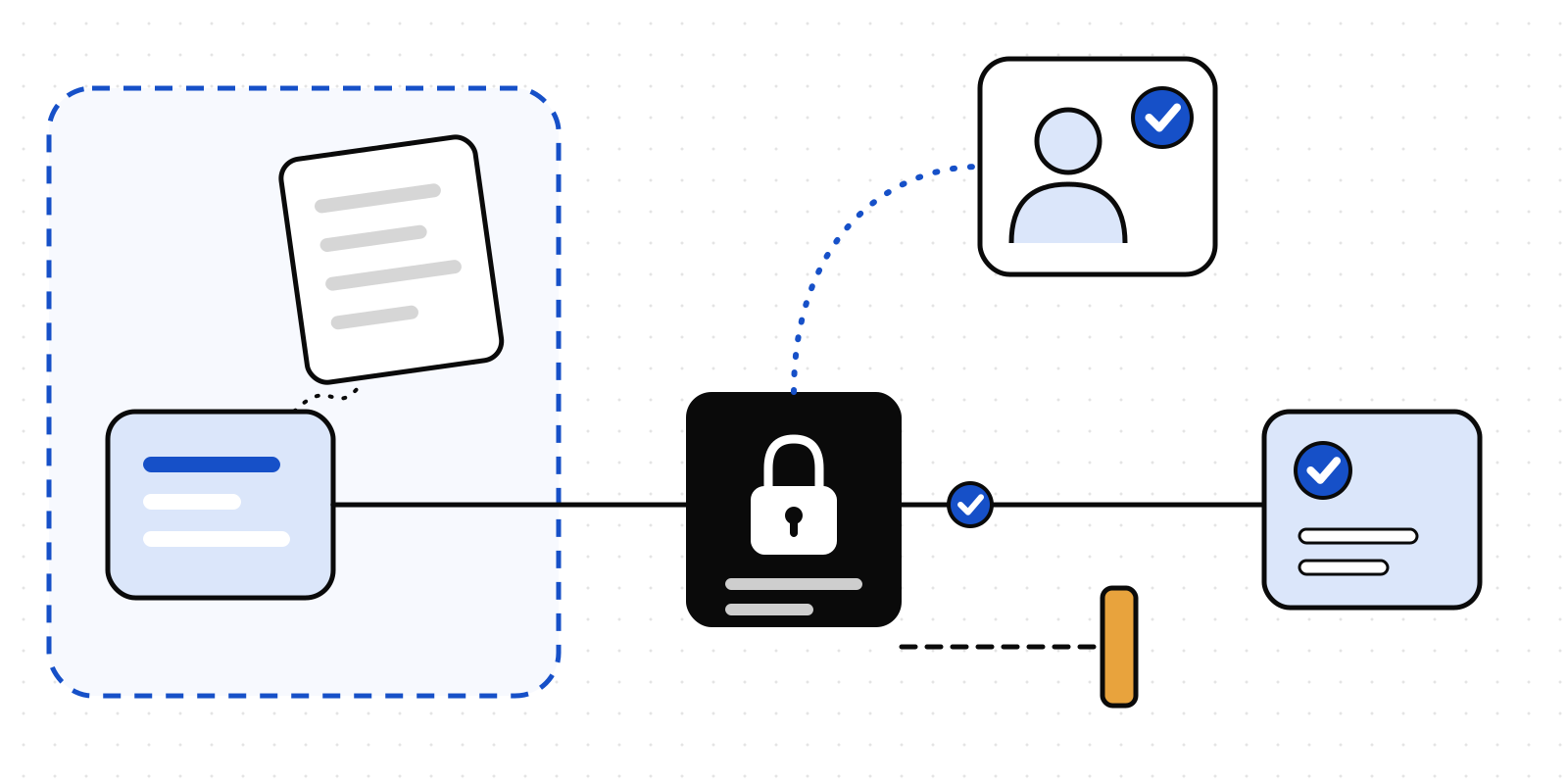
Deliverd's job is the part in the middle: a named person says yes before an agent does something that matters, and the record proves who it was. We could ask everyone to come to a new website for that. We'd rather go to them. So we built Deliverd into each place in the Microsoft stack where a decision is asked for, made or checked.
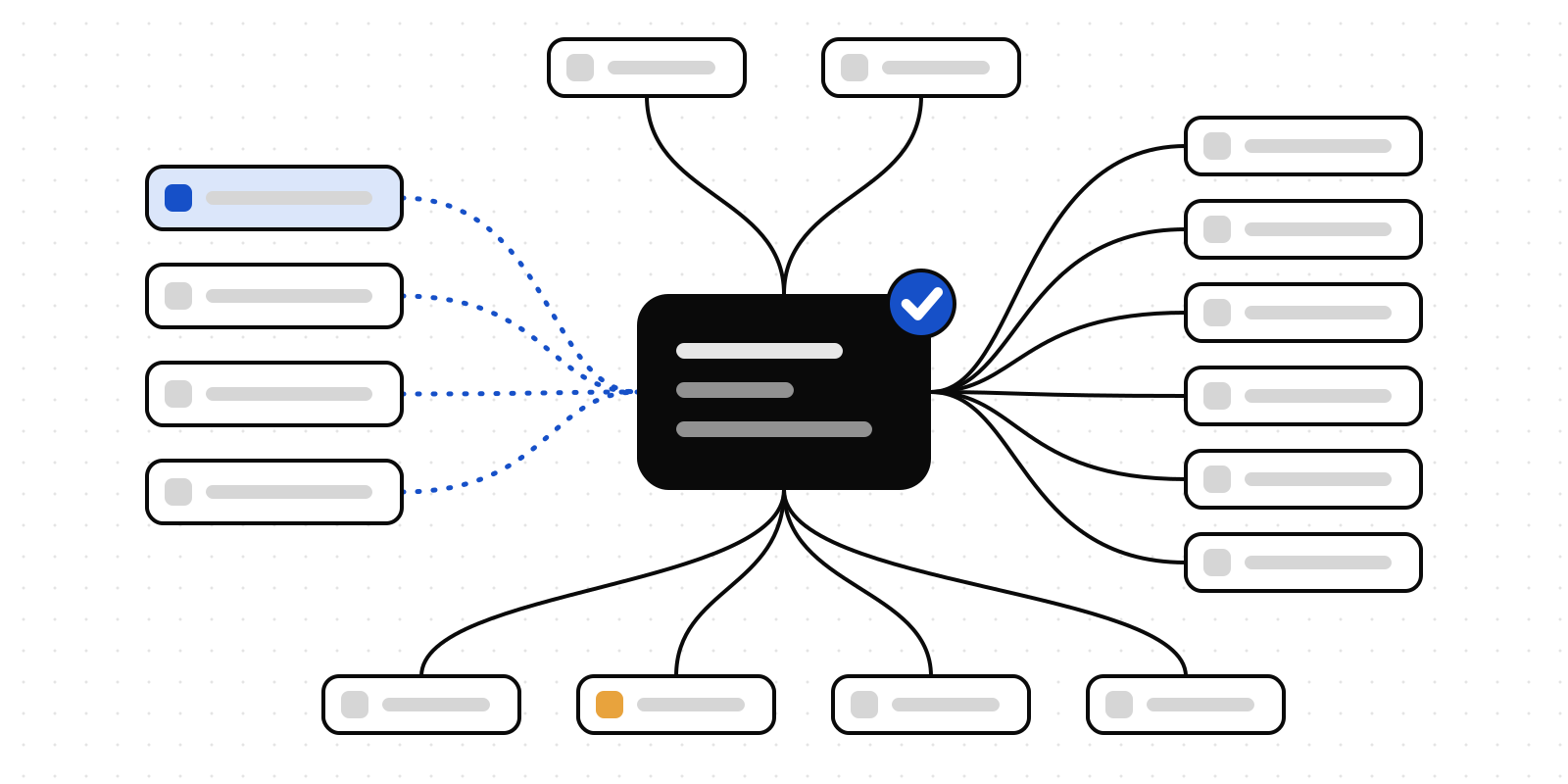
This post is the whole map, one connection at a time, with the reason each one exists.
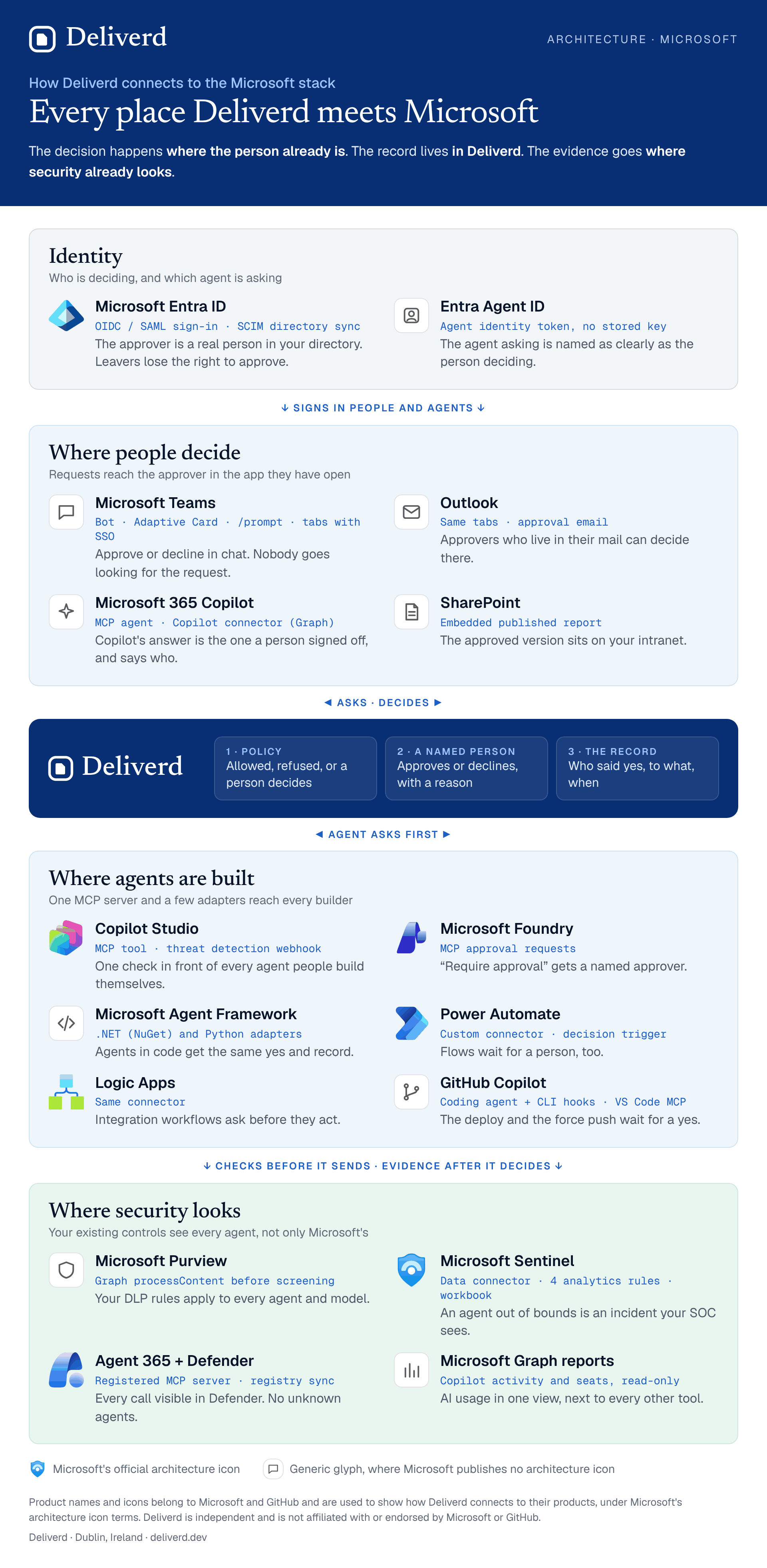
One rule behind the map
Every connection follows the same rule. The decision happens where the person already is. The record lives in Deliverd. The evidence goes where security already looks.
That's why there are so many lines on the diagram, and why none of them asks anyone to learn a new tool.
Identity: who is deciding, and which agent is asking
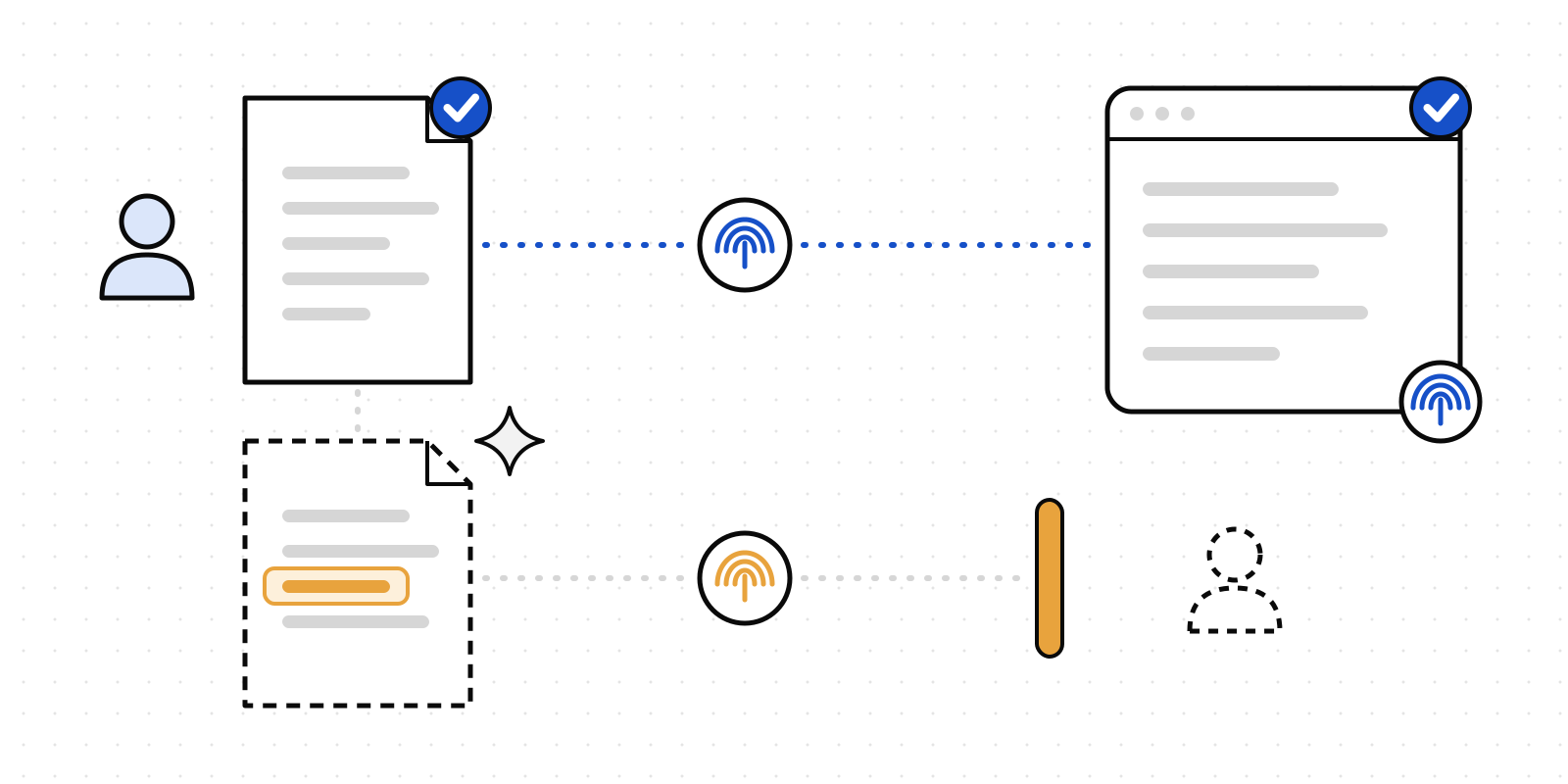
Microsoft Entra ID. People sign in with Continue with Microsoft or your organisation's single sign-on, and directory sync keeps people, groups and roles current under Organisation → Identity & SSO. Why: an approval is only worth something if the approver is a real person in your directory. When someone leaves, their right to approve leaves with them, on the same day, without anyone remembering to do it.
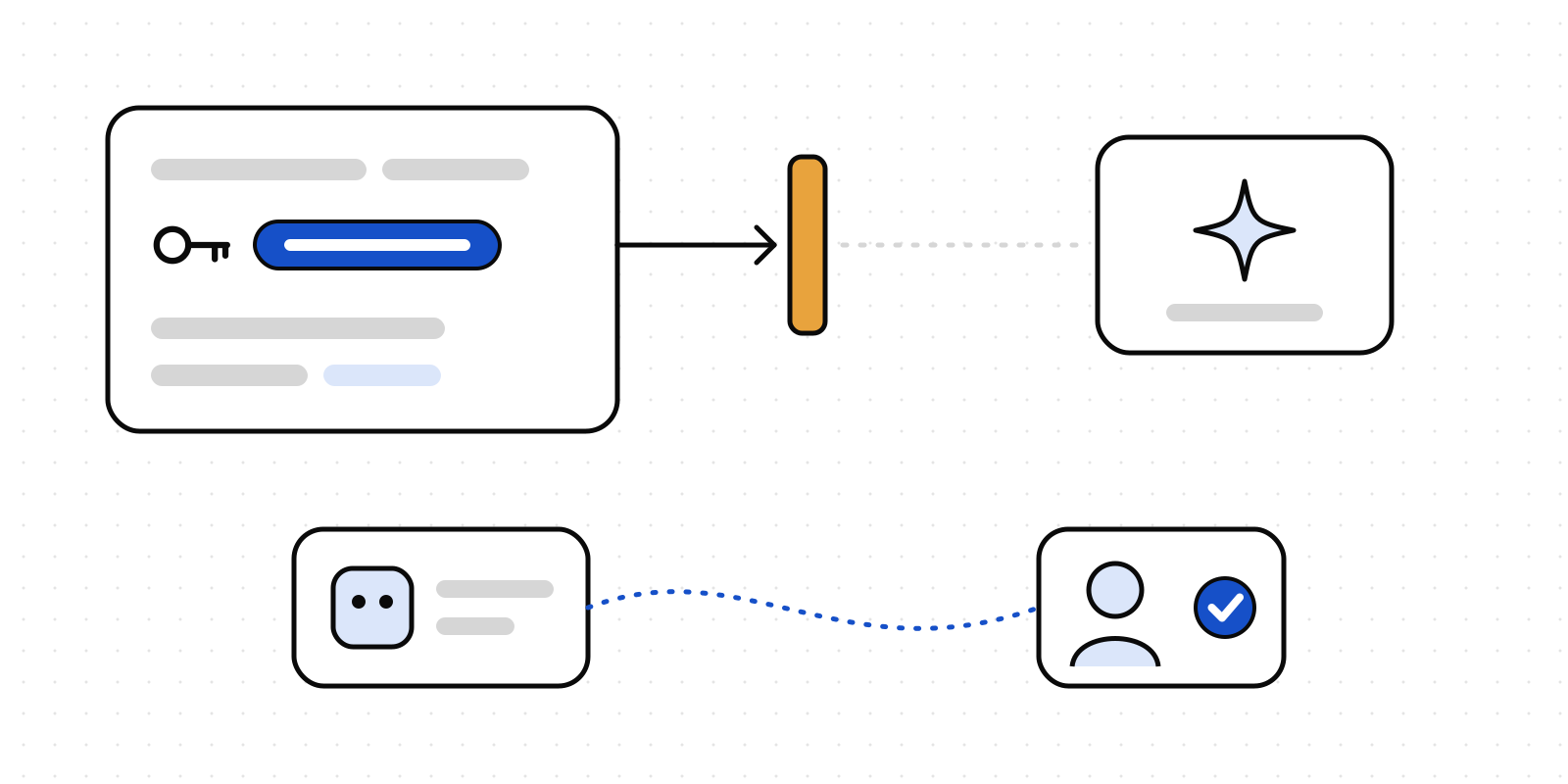
Microsoft Entra Agent ID. An agent with its own Entra agent identity can sign in to Deliverd with that identity's token instead of a stored key, and gets the scopes of the agent it's linked to under Agents → Agents. Why: the agent asking for permission should be named just as clearly as the person granting it. No key to store means no key to leak. The setup is in the Entra Agent ID guide.
Where people decide
Microsoft Teams. Approval requests arrive in Teams chat as a card with Approve and Decline, along with the detail the approver needs. /prompt, /prompts and /reports find an approved prompt or a published report without leaving the conversation. Prompts, Reports and Waiting for me sit in Teams as tabs, signed in with Teams single sign-on. Why: the fastest approval is the one nobody has to go looking for. If the request waits in an inbox nobody opens, the agent waits too.
Outlook and the Microsoft 365 app. The same tabs travel with the app package to Outlook and the Microsoft 365 app, where your tenant allows it. Every approval also goes out by email, so people who never open Teams still get asked. Why: some approvers live in their mail. They should be able to decide there.
Microsoft 365 Copilot. Deliverd works as an agent inside Copilot over the Model Context Protocol, so asking for an approval or checking a policy is something Copilot can do for you. A Copilot connector also puts what your organisation has confirmed into Copilot and Microsoft Search: confirmed knowledge, playbooks in force and approved prompts, each with who approved it, its version and its review date. Workspace items are visible only to the Entra groups mapped to that workspace. You connect it under Organisation → Integrations & webhooks. Why: when Copilot answers "how do we do this here?", the answer should be the one a person signed off, and it should say who.
SharePoint. A report published in Deliverd can be embedded in a page on your intranet. Why: the people who need the approved version shouldn't have to find it somewhere else.
Where agents are built
Copilot Studio. Add Deliverd as a Model Context Protocol tool and a Copilot Studio agent can ask a person before it acts. Copilot Studio can also ask Deliverd before every tool call of every generative agent in an environment, through Microsoft's external threat detection (in preview). Deliverd screens the inputs and blocks or records the call, as your organisation chooses. Why: the agents people build themselves are the ones nobody reviewed. This puts one check in front of all of them.
Microsoft Foundry. Foundry Agent Service can hold an MCP tool call until it is approved. Deliverd answers that hold with a named person's decision. Why: "require approval" is only half the sentence. The other half is whose.
Microsoft Agent Framework. In .NET (the Deliverd.AgentFramework package on NuGet) and Python, Deliverd answers the framework's function approval requests with a person's decision. Why: teams writing agents in code get the same yes, and the same record, as teams using a builder.
Power Automate, Logic Apps and Copilot Studio agent flows. A custom connector adds three things: request an approval, check a gate, and start a flow when someone decides. Why: most of the automation in a Microsoft shop isn't an "agent" at all. It's a flow, and it deserves a person's yes just as much.
GitHub Copilot coding agent and Copilot CLI. A hook checks a Deliverd gate before the shell commands your rules name, such as a publish, a terraform apply or a force push. Your policy allows it, refuses it, or asks a person, and the command waits for the answer. Why: coding agents are fast, and the commands that matter most are the ones you can't take back.
Visual Studio Code. Deliverd's MCP server works in Copilot's agent mode, so the agent asks before it acts from the editor too.
Where security looks
Microsoft Purview. Before Deliverd screens text for an agent, it asks Purview. The data loss prevention rules you already wrote apply to every agent and model, not only Microsoft's own. A Purview block stops the text. A warning goes to a person, so any override is a recorded decision. You link your tenant under Agents → Data screening. Why: nobody wants to write their DLP rules twice. We wrote more about this in Your Purview rules, on every AI tool.
Microsoft Sentinel. Deploy to Azure adds a Deliverd data connector to your Sentinel workspace. It pulls in your audit log: approvals asked for and decided, gates allowed and refused, and what agents reported doing with a permission. Four analytics rules raise an incident when an agent acts outside its permission or a token is used beyond its scopes, and a workbook shows the lot. Why: your SOC already watches Sentinel. An agent stepping out of bounds should show up there like any other incident. More in Deliverd in Microsoft Sentinel and the Sentinel guide.
Agent 365 and Microsoft Defender. Register Deliverd once as a server in Agent 365 and every call through it is visible in Defender, with hunting queries to match. Deliverd also reads the Agent 365 registry into your AI register, so agents your people have published turn up as discovered apps to register, allow, block or ignore. Why: you can't govern an agent you don't know exists.
Microsoft Graph usage reports. Analytics → AI usage reads Microsoft 365 Copilot activity and seats from your tenant, with read-only consent, and shows them next to every other AI tool your organisation pays for, including the Copilot seats nobody has used lately. Why: the question "who is using AI here, and how much?" deserves one answer, not one per vendor.
Why one protocol goes so far
Most of the lines on the diagram are the same connection. Microsoft has settled on the Model Context Protocol across Copilot, Copilot Studio, Foundry and Agent Framework, so one Deliverd MCP server reaches all of them. Two details make that work well:
- Reads don't nag, writes ask. Copilot asks the user to confirm every call to a tool that isn't marked read-only, and treats an unmarked tool as destructive. Every Deliverd tool carries that marking, so looking something up runs straight through and asking for an approval asks first.
- Nothing blocks. Microsoft's clients have tight time limits on a tool call. A request for an approval returns at once and the agent checks back for the answer, so a person can take an hour to decide and nothing times out.
Where we've tested it
We'd rather be specific than vague. Approvals and the tabs are tested in the Teams client. The Sentinel solution was deployed with Deploy to Azure into a real Sentinel workspace, and its rules ran. Continue with Microsoft is live for everyone. Every other connection above is tested against Microsoft's published schemas and APIs, and we're running each one through a full Microsoft 365 tenant in turn. If you'd like your tenant to be one of them, we'd love to hear from you.
Where to start
Everything above is listed, with its setup steps, at deliverd.dev/microsoft. Most of it is an administrator connecting something once. After that, the yes happens where your people already work.
Microsoft, Microsoft 365, Teams, Outlook, SharePoint, Copilot, Copilot Studio, Entra, Purview, Sentinel, Defender, Power Automate, Logic Apps, Azure, Visual Studio Code and Agent 365 are trademarks of the Microsoft group of companies. GitHub and GitHub Copilot are trademarks of GitHub, Inc. Product icons are Microsoft's, used as its architecture icon terms allow. Deliverd is an independent product and is not affiliated with or endorsed by Microsoft or GitHub.