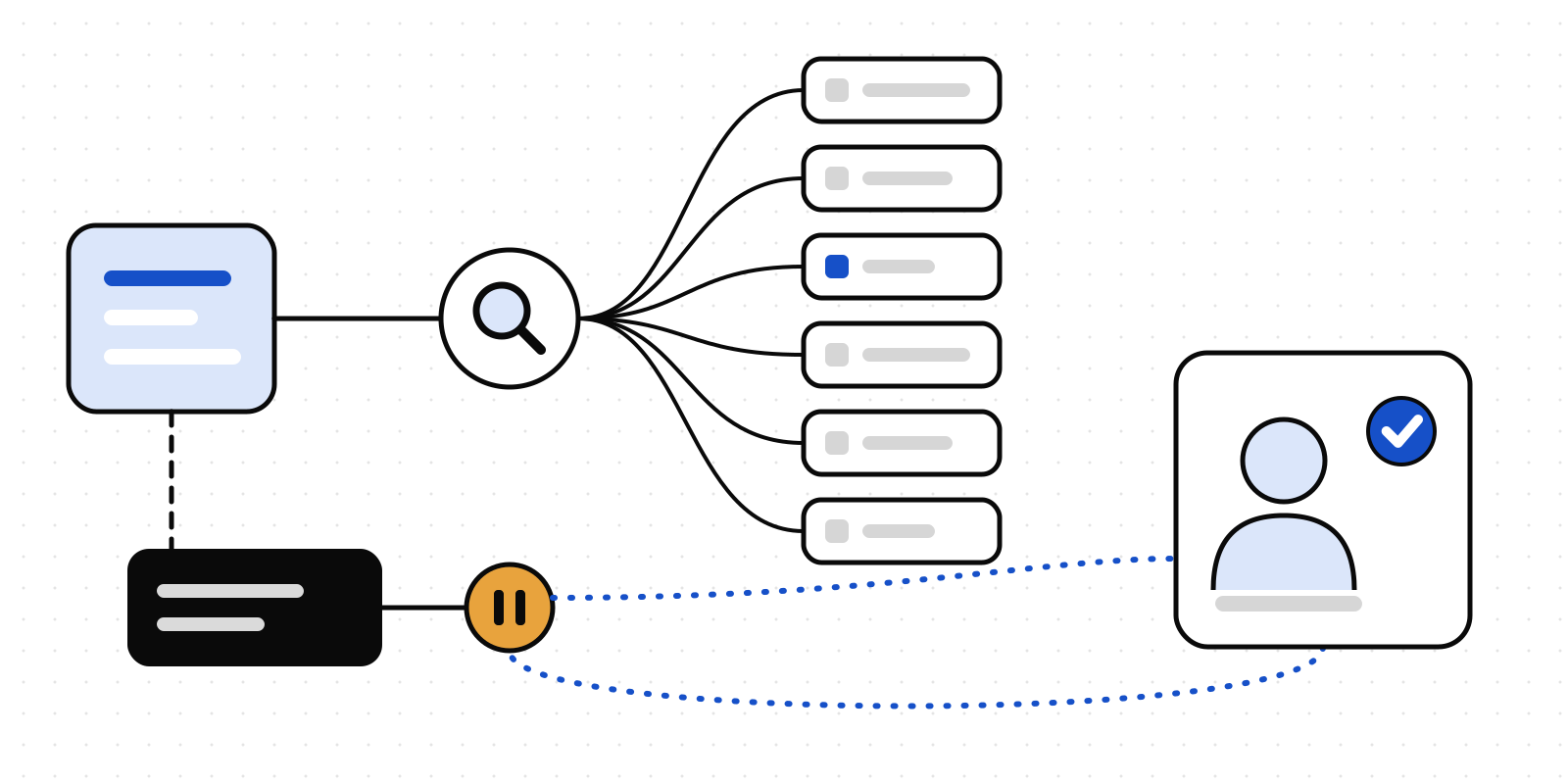
Your Purview rules, on every AI tool
15 November 2026 · Deliverd Engineering Team · 4 min read
If your organisation runs Microsoft 365, someone has probably already written its data loss prevention rules in Microsoft Purview. Which kinds of data are sensitive, who may share them, and what happens when somebody tries. Those rules took work, and they were agreed by people who don't want to agree them twice.
Then the agents arrived. A support agent on one model, a coding agent on another, an automation in n8n that summarises tickets. Purview watches Microsoft's own Copilot closely. The rest of them send text wherever they were built to send it.
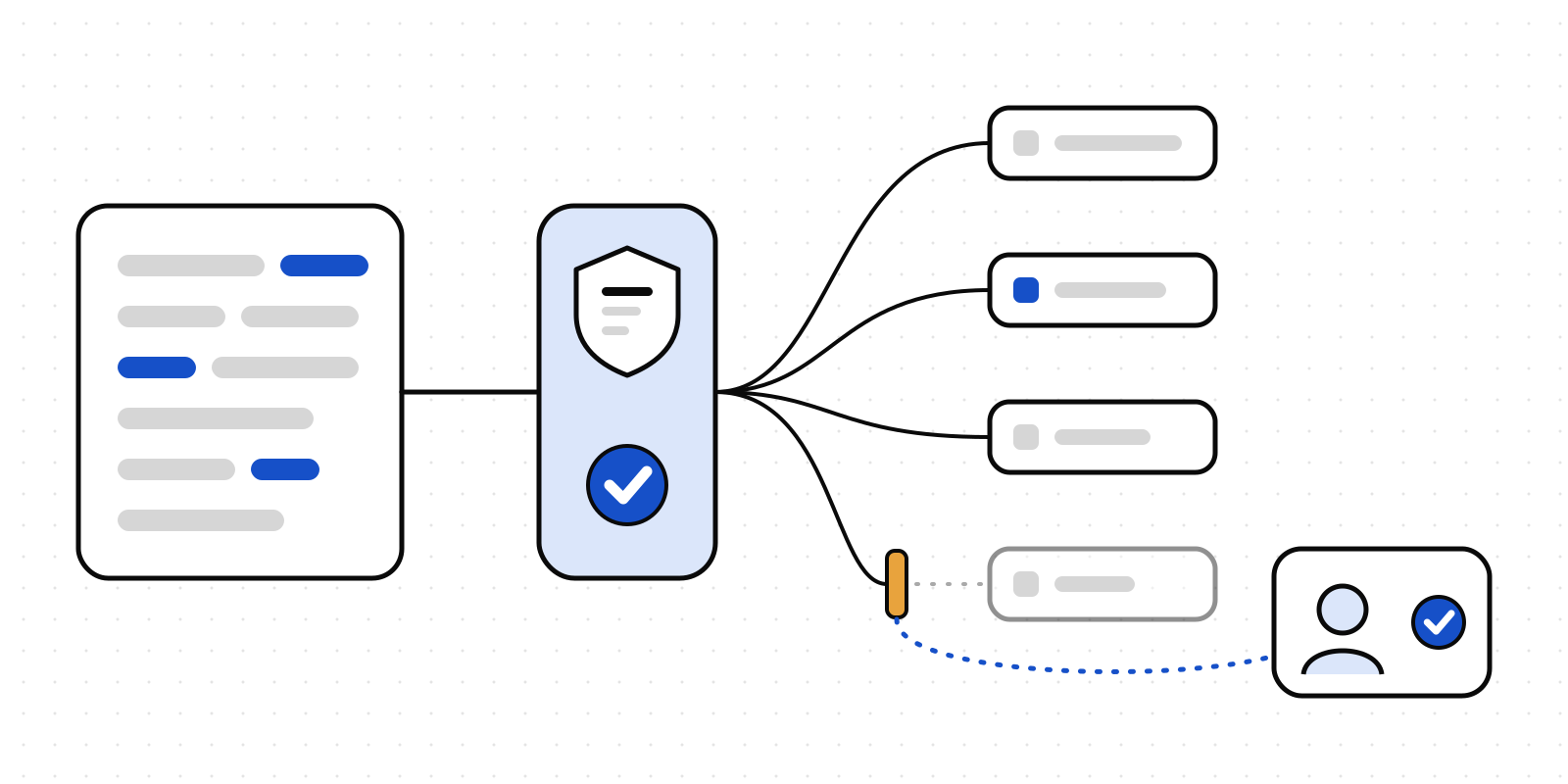
Data screening is the check an agent runs before it sends text to a model. Until now it asked one question: does this text hold data your AI register says this tool may not receive? It now asks a second one, of Purview: do your own DLP rules allow this? The stricter answer wins.
What Purview's answer does
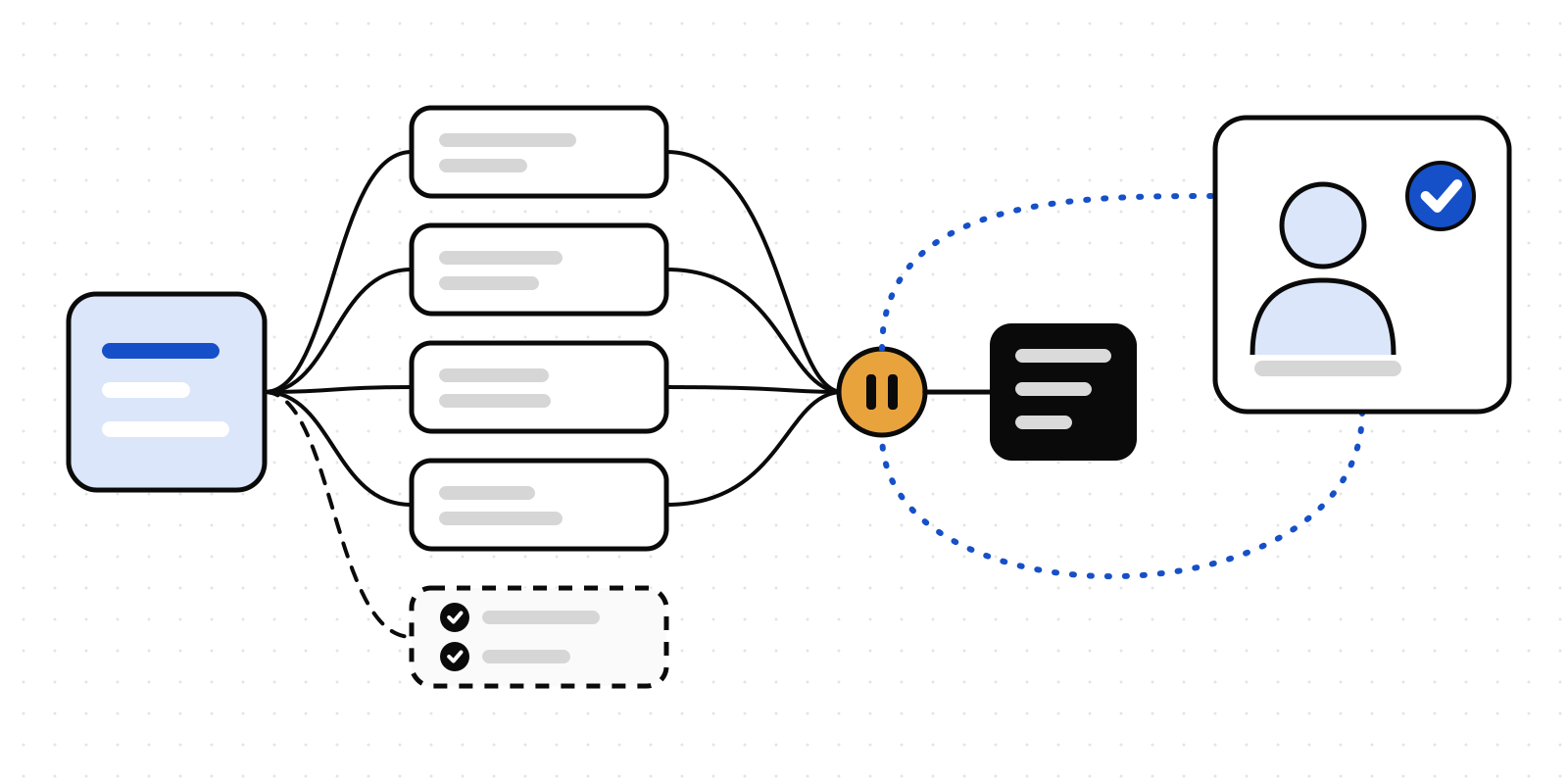
Purview answers with one of three things, and each one means something specific in Deliverd:
- Block. Nothing is sent. Your organisation's own policy said no, so the text is refused on every plan, including Free, where data screening otherwise only reports.
- Warn. A person decides. In Purview a warning is an override a user may make. In Deliverd that override is an ordinary approval, so the record says who made it and why.
- Audit. Nothing is held. Purview has recorded the activity on its side.
If Purview can't be reached, you decide in advance what that means: let it through, ask a person, or refuse. The reason on the record says honestly that Purview didn't answer.
Every check keeps Purview's answer beside Deliverd's own: the verdict, how many policy actions applied, and whether your policies changed since the last check. The text itself is never stored.
Two ways to connect it
From where the agent runs. The TypeScript and Python SDKs ask Purview directly, through Microsoft Graph, with your own Entra app. The text goes to Microsoft and never to Deliverd; Deliverd receives only Purview's answer and the counts of what its own detectors found.
const purview = purviewCheck({
  token: entraAppToken({ tenantId, clientId, clientSecret }),
  userId: entraObjectIdOfTheUser,
  app: { name: "Support assistant", entraAppId: clientId },
  onUnavailable: "ask",
});

const screened = await deliverd.screen(prompt, { aiSystemId: SUPPORT_MODEL, purview });
if (!screened.allowed) return screened.reasons;
For text Deliverd reads itself. No-code tools (n8n, Zapier, Make) and MCP clients send text to Deliverd's screening API. For those, link your tenant under Agents → Data screening → Microsoft Purview. A global administrator grants Deliverd's app one Microsoft Graph permission, Content.Process.All, and you create the DLP rule for Deliverd's app in Security & Compliance PowerShell. Purview doesn't apply a rule made only in the portal to an app like ours, which is the step most people miss, so the page walks you through it.
The open-source library takes the same option: screen(text, { purview }) in @deliverd/screen, its Vercel AI SDK middleware, and its local MCP server through DELIVERD_PURVIEW_* environment variables.
Deliverd Screen 0.2.0: more found, fewer false alarms
Deliverd Screen is the free, MIT-licensed set of detectors underneath data screening, for TypeScript, Python and Rust. It runs on your own machine and makes no network call unless you add Purview. Since we launched it:
- More secrets found. A private key is now redacted whole, from
BEGINtoEND. The user and password in a connection string such aspostgres://admin:hunter2@db/prodcount as a secret. Credentials in.envlines are found, quoted or not, while placeholders such asyour-api-key-hereare left alone. - More numbers found. North American phone numbers and IPv6 addresses.
- Fewer false alarms. A version number such as
v1.2.3.4, a time or a MAC address is no longer taken for an IP address. - Try it in your browser. The box on deliverd.dev/screen runs the detectors in the page and sends nothing.
- In CI and before a commit. A GitHub Action and a pre-commit hook fail when a prompt file, eval set or fixture holds something it shouldn't, and print the kinds and counts, never the values.
- For coding agents. Deliverd Screen is listed in the official MCP Registry, and the
screenskill in our skills plugin teaches Claude Code and other agents when to use it.
What we haven't done yet
We'd rather you hear the limits from us.
- We've built the Purview check against Microsoft's published Graph documentation. We haven't yet run it against a customer's real DLP rules. If you run Purview and want to be the first, tell us and we'll set it up with you.
- Purview's DLP for apps like this needs the right Microsoft licensing in your tenant.
- Screen finds structured identifiers well: email addresses, card numbers, IBANs, national identifiers, keys. It doesn't find names on its own; plug in a model for that. Redacted text about a person is still personal data. Treat screening as fewer identifiers sent, and a record of what was, not as proof that a prompt was clean.
Your Purview rules were written once. Now they reach the agents that aren't Microsoft's, and every time one of them says no, or a person overrides a warning, there's a record of who said yes.