Your AI policy is a request until something can say no
14 November 2026 · Deliverd Engineering Team · 4 min read
Ask an auditor about an AI system and you get the same questions you'd get about any other system. Is it in the inventory? What data does it touch, and where does that data go? Who is the vendor, and what do they do with it? Who can reach it? What did it do? Who answers for it? And can you show all of that working over time, not just on the day of the audit?
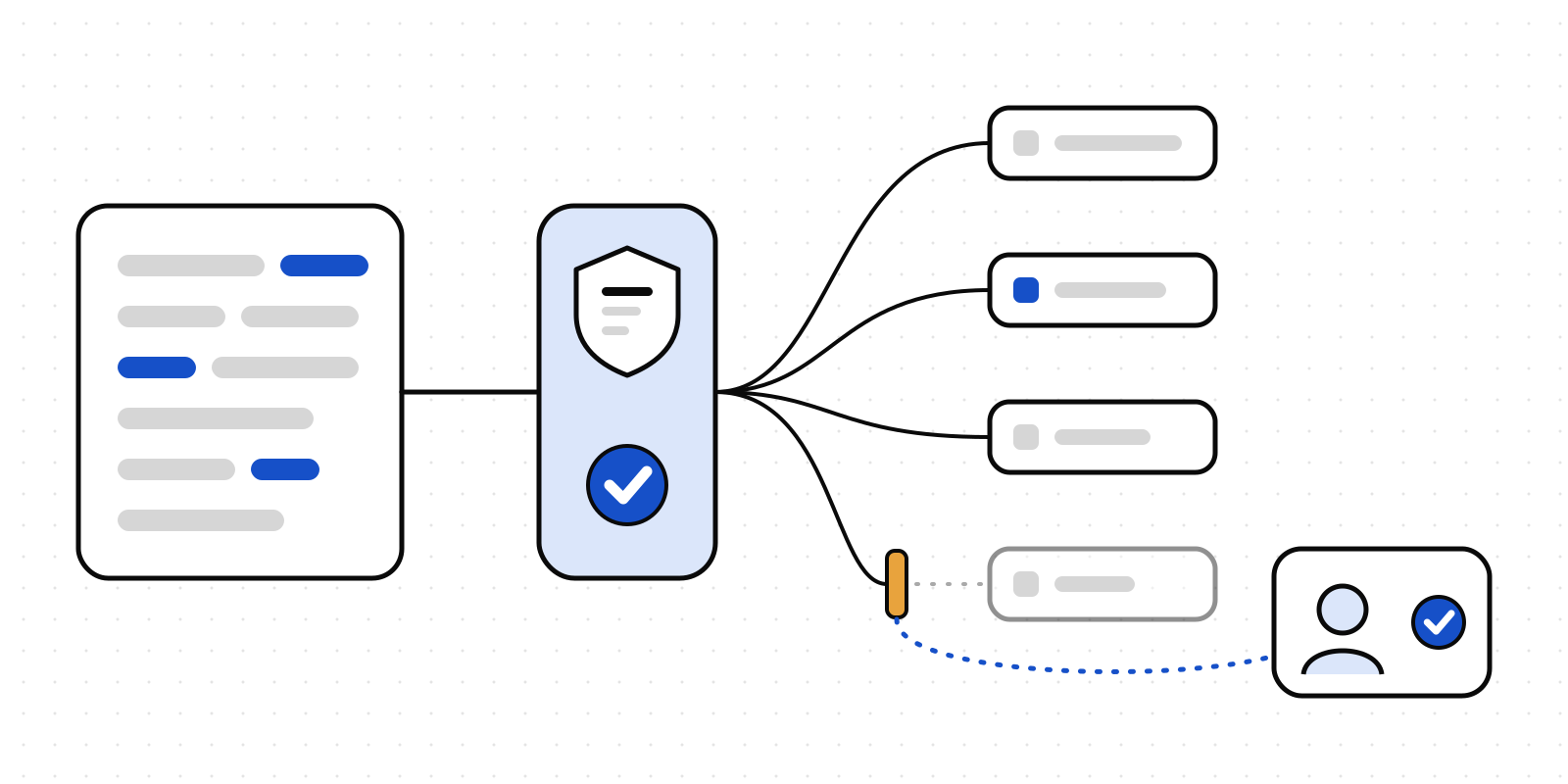
Tobias Zimmergren put the answer in one line this week, in his post on adopting AI under SOC 2, ISO 27001, GDPR and the EU AI Act: an instruction is a request until something can deny it. He argues it first for coding agents. Auditors already think this way. A policy with nothing behind it is a request. A control is something that can refuse, and that leaves a record when it does.
The first question everyone gets
After "what AI do we have?", the question that stalls adoption is "can I put this into that?". Can a support agent paste a customer's ticket into a chatbot? Can the finance team use the enterprise assistant on the forecast? Can HR run CVs through anything at all?
Most organisations answer with a long acceptable-use policy. People don't read it, and when the approved tool is harder to reach than a browser tab, they use the browser tab.
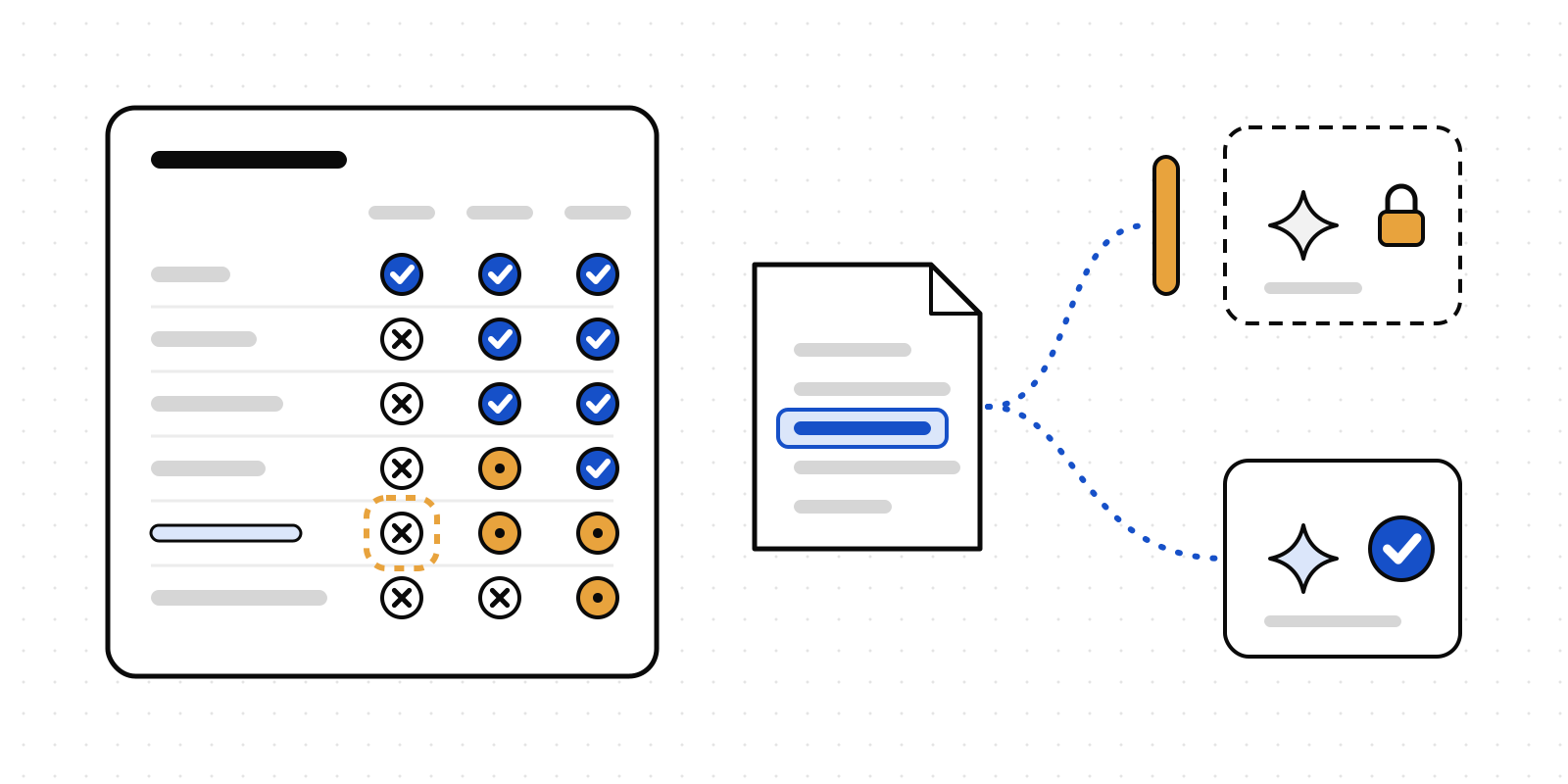
A better answer fits on one page. It's a grid. The kinds of data go down the side: public, internal, confidential, restricted, personal, special category. The kinds of AI tool go across the top: a consumer tool on a personal account, an enterprise tenant under contract with no training on your data, and a private deployment in your own cloud and region. Each cell says yes, no, or yes on a condition. Once the grid exists, most "can I use X for Y" questions are answered by reading one cell.
Then make the grid able to say no
A grid on a wiki is still a request. So in Deliverd the grid is a control.
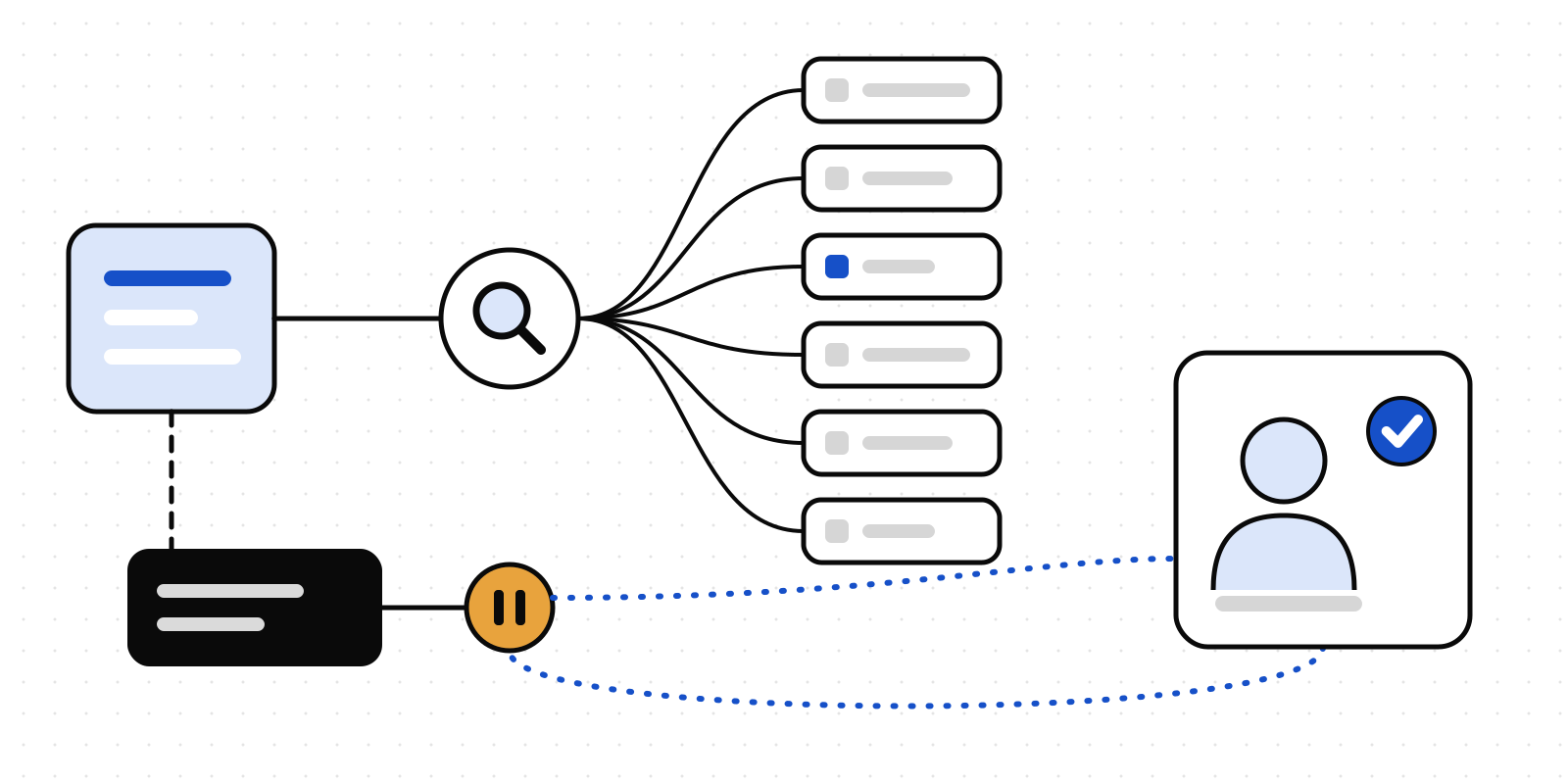
Under Governance → AI use policy you fill in the cells. Each record in your AI register says what kind of AI tool it is. Turn on Apply it in data screening, and every check Deliverd runs before an agent sends text to a model reads the cell for what it found, in the column of the tool the text is going to:
- No is handled like data the tool isn't approved for. Depending on your screening policy, it's redacted, put to a person, or refused.
- A condition puts the text in front of a named person, who approves or declines it. If the condition is "a current data protection impact assessment covers this use", it's met automatically once that assessment is signed off and still current.
- Yes lets it through. The grid only ever makes a check stricter, never looser.
A tool with no kind recorded, and any model outside the register, is treated as a consumer tool. The safe default is the strict one.
Each save of the policy goes into the audit log with the whole grid, so you can show what it said on any day of an audit period. The page also lists register records that are approved for more than the grid allows, so the two don't quietly disagree.
The assessment is per use, not per tool
GDPR Article 35 is about processing, so the unit is the use. Summarising support tickets and screening job applicants with the same model are two uses with two risk profiles. In Deliverd, each record in the AI register is one use, and it carries its own DPIA: the four parts of Article 35(7), the DPO's advice, where the use stands on Article 22, and a second person's sign-off.
The assessment also keeps a note of what the record said when it was written: the model, the data, the kind of tool, the purpose. Change any of those and the assessment shows as due for review, with the reason. A new model version is a change, and now the record says so.
Rehearse it before it happens
A prompt injection that moves personal data out is a personal data breach, with the same 72-hour clock as any other. You can now record each tabletop exercise that has an AI system in it, including whether it ran that clock. The AI overview tells you when there hasn't been one for a year.
The AI use policy guide has the detail on all three.
What this doesn't do
It doesn't make you compliant, and it isn't legal advice. Your organisation still decides what goes in each cell, and whether a use needs a DPIA at all. What it does is turn the decisions you've already made into something that can say no, and keep the record that it did.
Book a pilot if you'd like to see the grid in front of your own register.