What your SOC sees when an agent asks
26 November 2026 · Deliverd Engineering Team · 4 min read
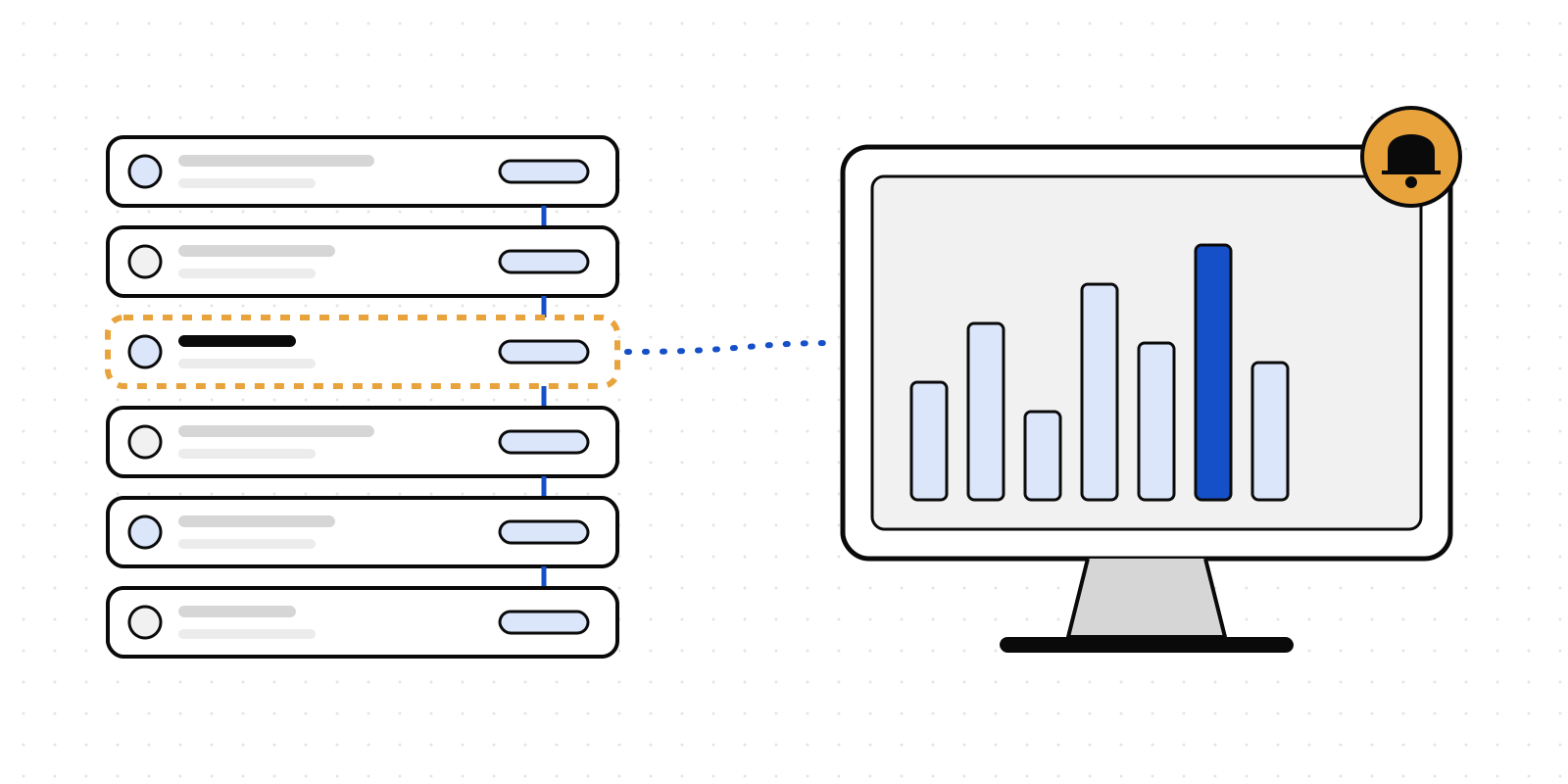
When we first wrote about Deliverd in Microsoft Sentinel, it was a solution we'd built and not yet run. Every approval, every policy gate and every act an agent wasn't allowed would land in your Sentinel workspace, with four rules ready to raise an incident.
Since then three things have happened. We've run it end to end in our own Microsoft tenant. Getting there turned up a bug, which we fixed. And the audit log it carries now holds two kinds of record that didn't exist then, both from the rest of our Microsoft work.
From an approval to an incident
On 23 November we installed it in Deliverd's own Microsoft tenant, with the same Deploy to Azure template a customer uses. One deployment created the DeliverdAudit_CL table, the data collection endpoint and rule, the native codeless connector, the four analytics rules and the workbook.
Then we did what agents do all day. An agent, using its own key, asked for an approval. A person read it and approved it. Within minutes both events were in Sentinel: the request with the agent as the actor, the decision with the person as the actor, and each row carrying its place in the hash chain. A Sentinel analytics rule then turned those Deliverd events into an incident, in the same queue as everything else the SOC works.
The rules we ship do the same. Later that morning an administrator changed how long the organisation keeps its audit log. That's exactly the kind of change an auditor asks about, and the packaged rule Deliverd - Policy, evidence or legal hold changed raised it as a Sentinel incident on its next scheduled run.
That's the point of the whole integration. Every Deliverd approval, with who asked and who decided, lands in Microsoft Sentinel, and Deliverd's own analytics rules turn the changes that matter into incidents.
Getting there taught us one thing worth passing on. An early version of the template was refused by Sentinel, because an alert's description may use at most three placeholders and one of our rules used more. Nothing about that is in the error you'd want to read at 2am. The template served from deliverd.dev has been fixed since, and every rule installs.
New: agents born from a blueprint
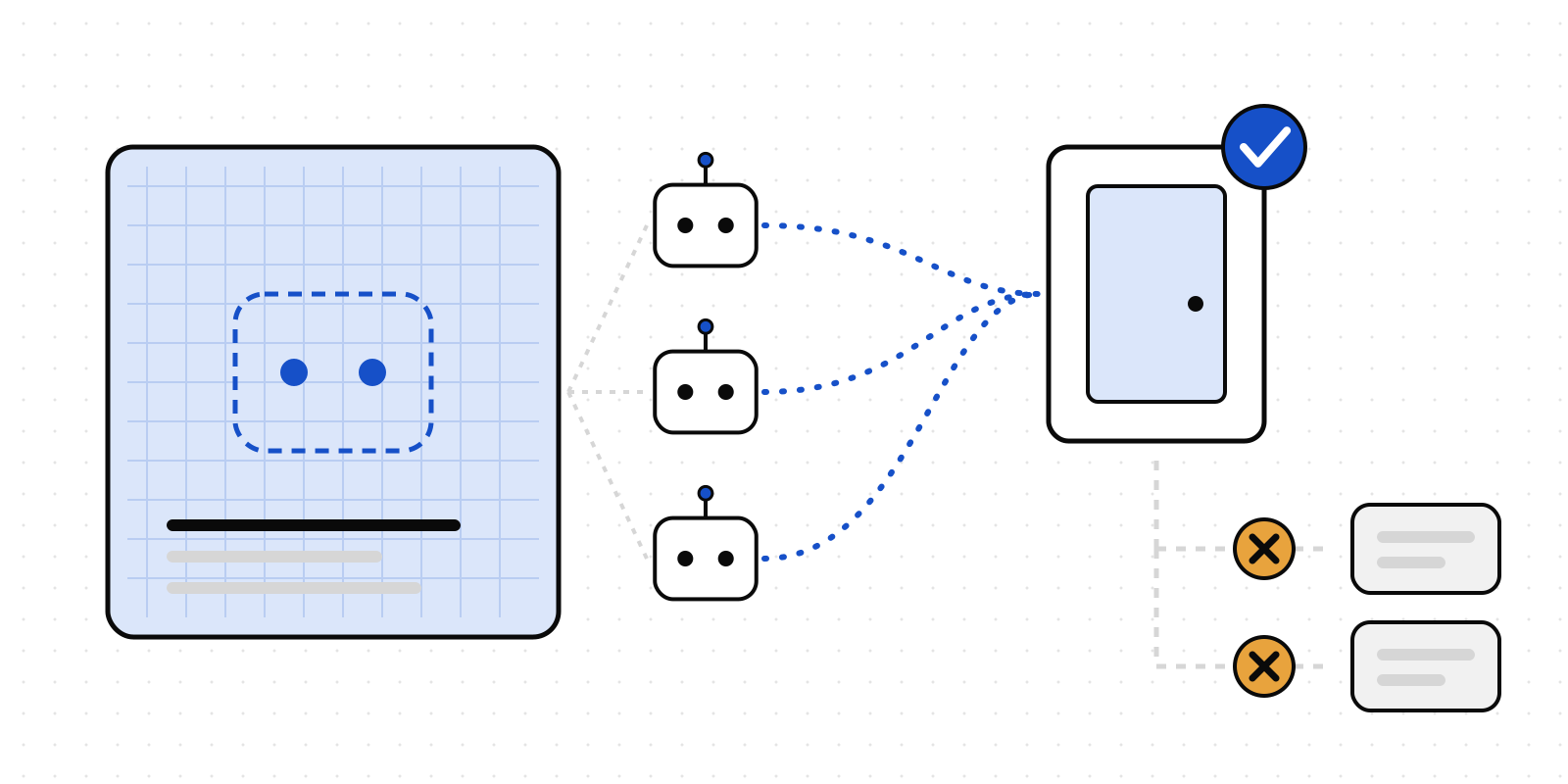
Deliverd now works with Entra Agent ID blueprints. The first time an agent made from a registered blueprint signs in, Deliverd creates its agent record, switched off until an administrator turns it on.
Each of those creations is an audit event, agent.entra_blueprint_created, and it arrives in Sentinel like everything else. For a security team that's a useful question to be able to ask: which agents appeared this week, from which blueprint, and are any of them already turned on?
DeliverdAudit_CL
| where EventType == "agent.entra_blueprint_created"
| project TimeGenerated, ResourceId,
    Identity = tostring(Metadata.appId),
    Blueprint = tostring(Metadata.blueprintAppId),
    Status = tostring(Metadata.status)
New: Purview's answer on every screening
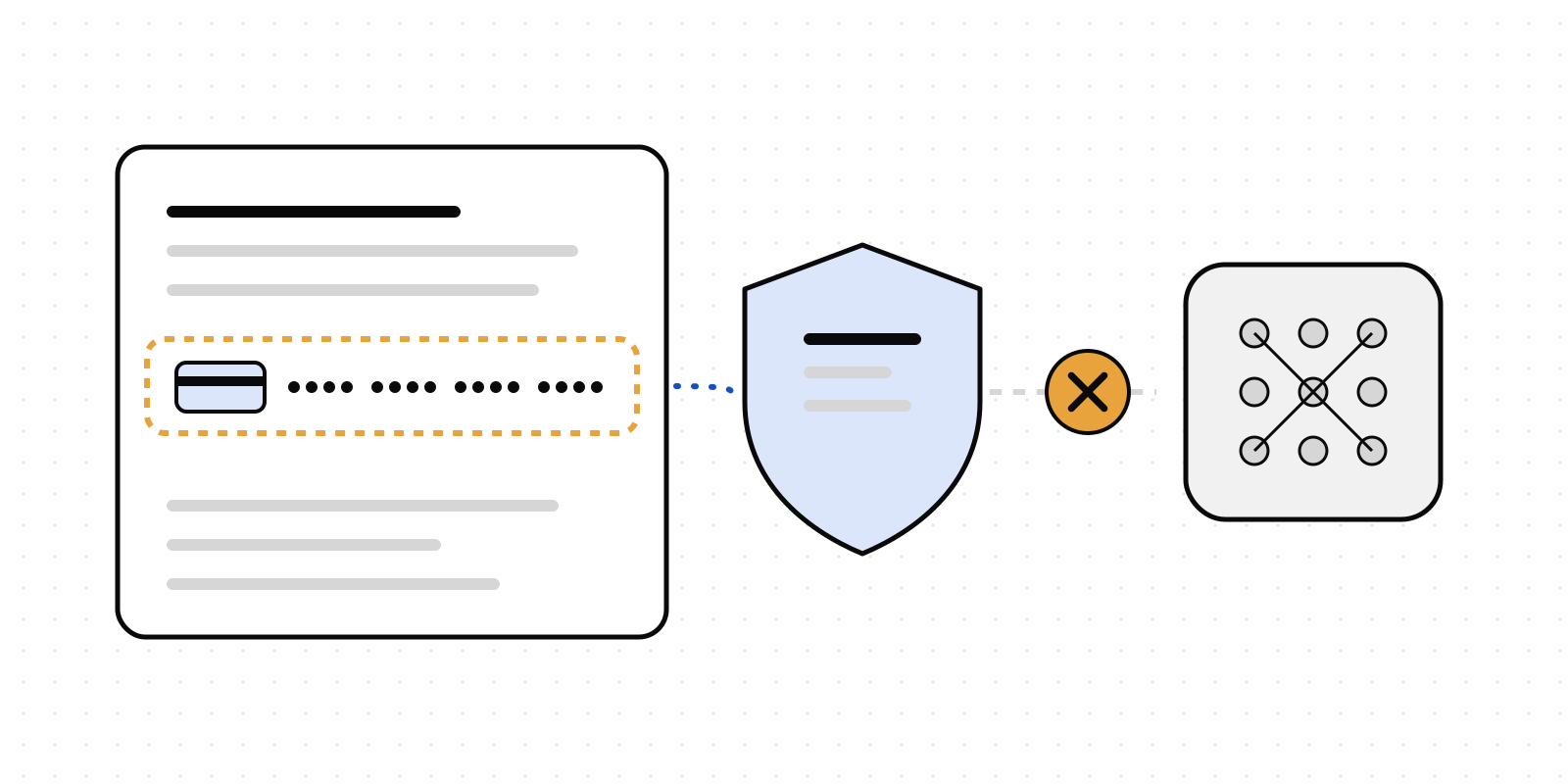
Before Deliverd screens text for an agent, it can ask Microsoft Purview. Each check is recorded as data_screen.checked, with Deliverd's verdict and Purview's answer: the restriction Purview returned and how many policy actions applied. The text itself is never in the record, only the verdict and the counts.
So your analysts can see, per agent, how often Purview stopped text on its way to a model:
DeliverdAudit_CL
| where EventType == "data_screen.checked"
| extend Purview = tostring(Metadata.purview.restriction)
| where Purview == "block"
| summarize Blocked = count() by ActorLabel, bin(TimeGenerated, 1d)
An agent that keeps trying to send card numbers to a model is either badly built or being misused. Either way, it's the SOC's business.
Why it belongs in Sentinel
Your security team already has Entra's sign-in logs and Purview's alerts in Sentinel. What it hasn't had is the middle of the story: what the agent asked to do, who said yes, and what happened when the answer was no. Deliverd's record fills that gap, and each row keeps its place in your organisation's hash chain, so what Sentinel holds can be checked against Deliverd's own copy.
Getting it
One Deploy to Azure step installs the lot: pick the workspace Sentinel runs on, give it your Deliverd address and an API token with audit:read, and the table, connector, four rules and workbook arrive together. The queries above work on the same table, so your analysts can start from them and build their own.
If you run Sentinel and want it installed with our help, tell us and we'll do it with you. The steps are in the Sentinel guide.
Everything we've built for Microsoft is at deliverd.dev/microsoft.
Microsoft, Sentinel, Entra, Purview and Azure are trademarks of the Microsoft group of companies. Deliverd is an independent product and is not affiliated with or endorsed by Microsoft.