One agent, start to finish, across Microsoft
27 November 2026 · Deliverd Engineering Team · 5 min read
On 21 November we drew the whole map of where Deliverd plugs into Microsoft, one connection at a time. A map is useful, but it doesn't show you a working day.
So here's one agent instead, followed from its first minute to its last record. It's an invoice agent: it reads supplier invoices, checks them, and pays the ones that are right. Nothing exotic. Most finance teams are building something like it right now.
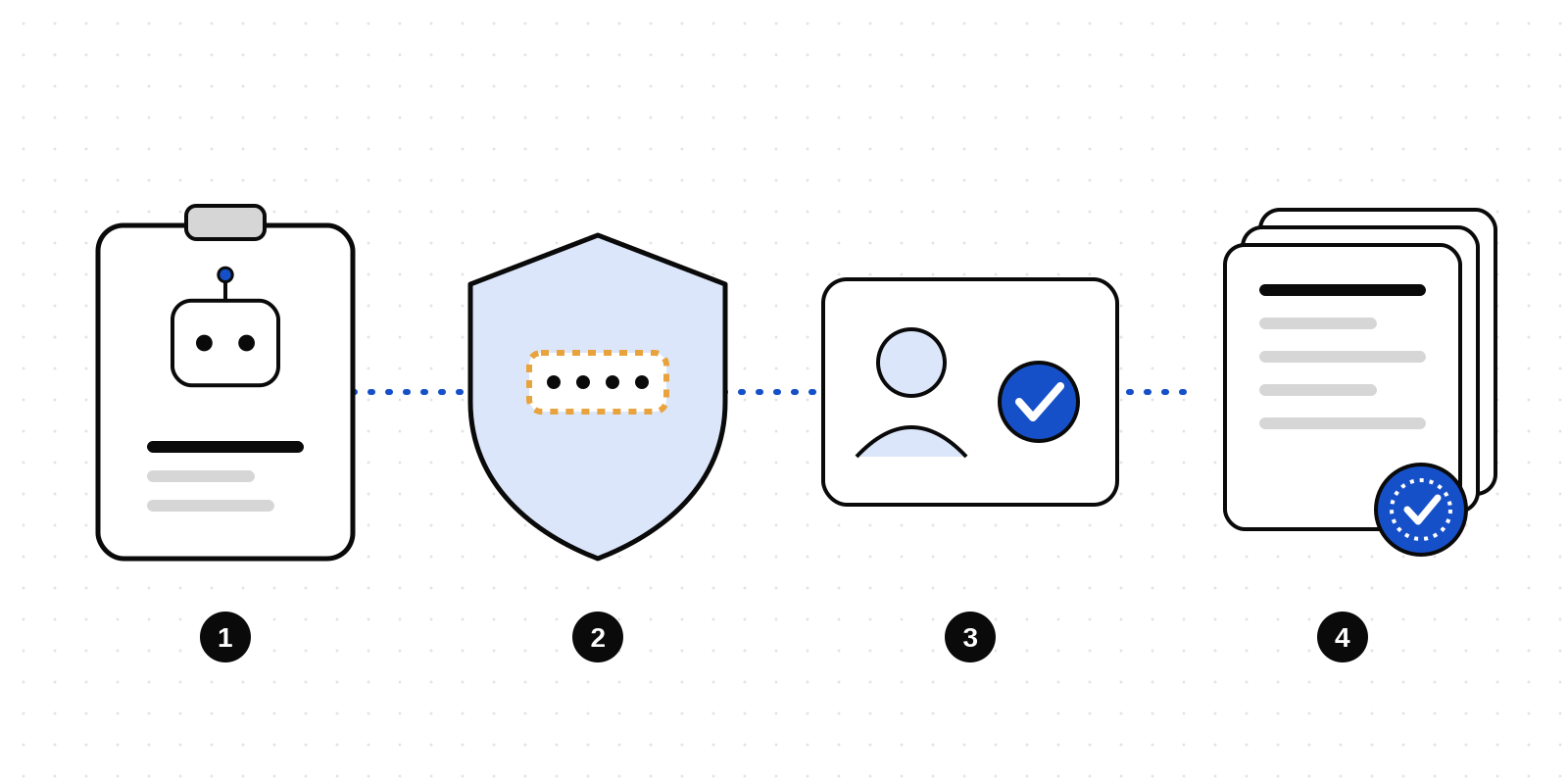
1. It's born in Entra
An administrator creates the agent in Microsoft Entra from the Deliverd Agent Blueprint. The agent gets its own identity in the directory, with a sponsor, an owner and one permission: to act through Deliverd.
There's no API key to hand it, store or rotate. It signs in as itself.
2. Entra decides what it can reach
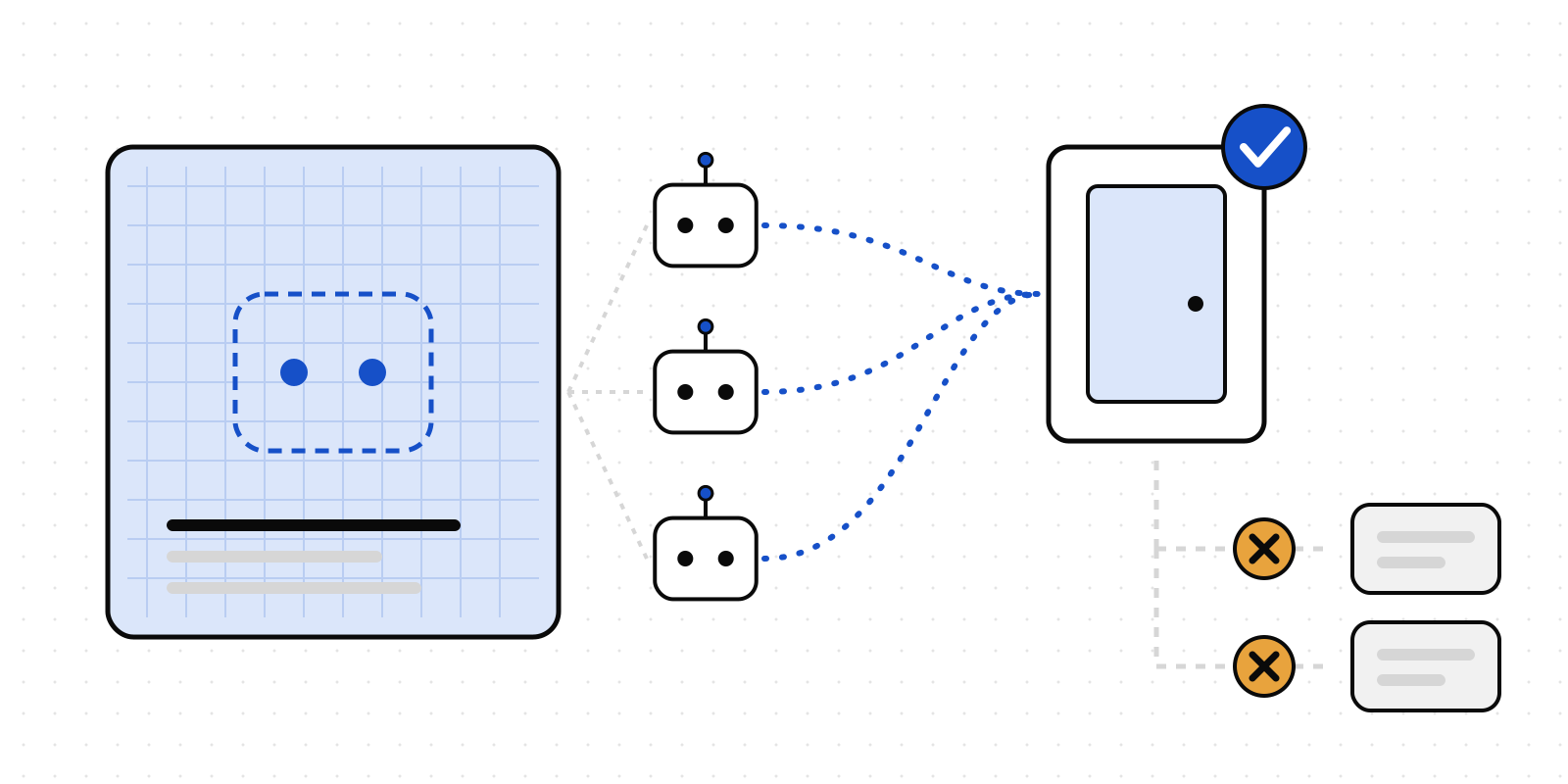
The blueprint comes with a Conditional Access policy: agents made from it can get a token for Deliverd and nothing else. If the invoice agent tries to get a token for Microsoft Graph, to read mail or files directly, Entra refuses it. That check is Microsoft's, not ours and not the agent's.
So whatever this agent wants to do, it has to come through the one door. How the blueprint and the policy work, and our test of them.
3. Deliverd meets it, switched off
The first time the agent signs in, Deliverd creates its record under Agents → Agents, turned off. Until an administrator turns it on, it can't do anything. A new agent never gets to act just because it was allowed to exist.
The administrator turns it on, and it starts work.
4. Purview decides what it can send
The agent wants a model to read an invoice. The invoice has the supplier's card details on it.
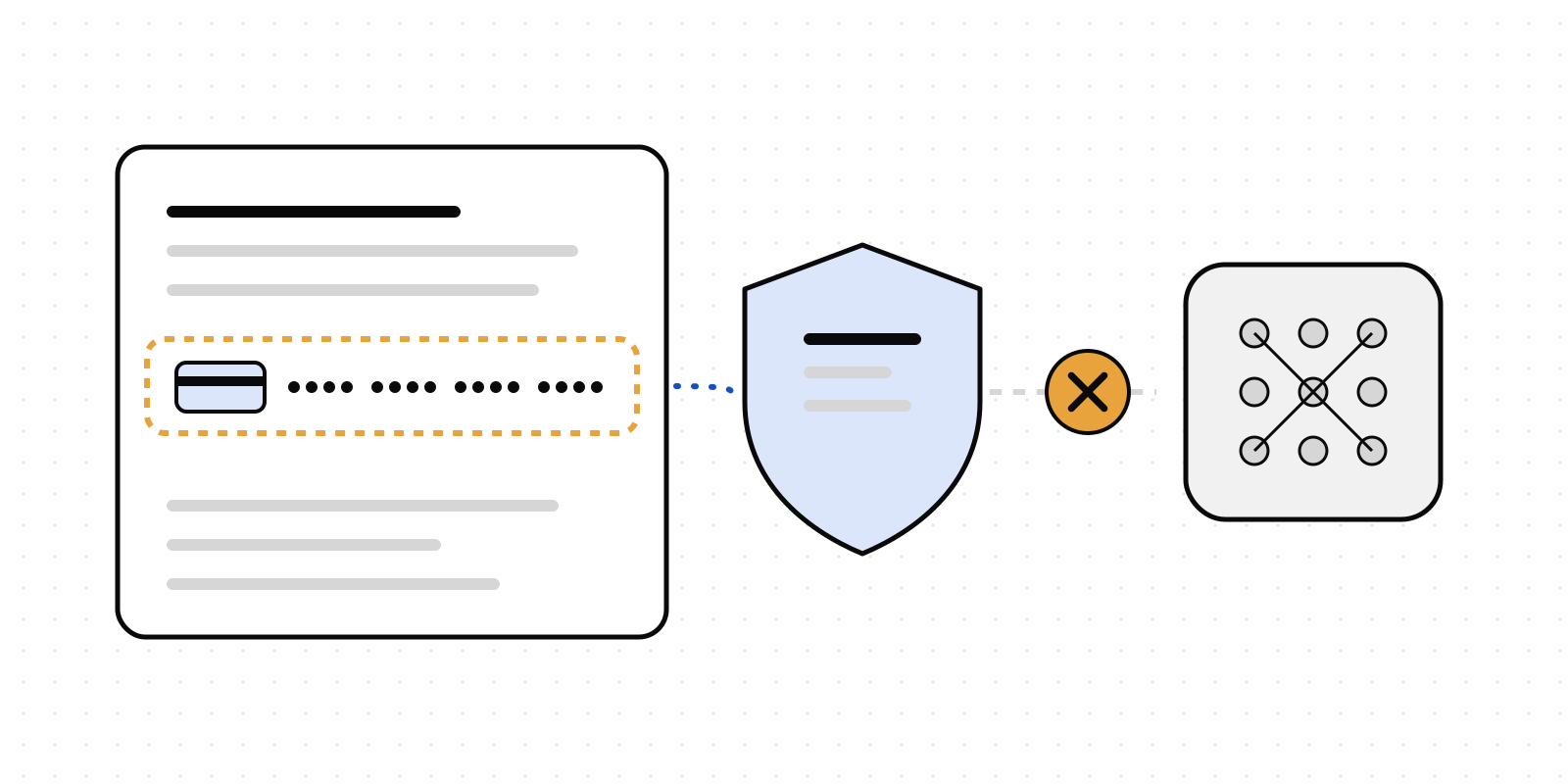
Before the text goes anywhere, Deliverd screens it, and asks Microsoft Purview whether your DLP policies allow it. Purview says block. Deliverd says Do not send, and gives the agent the reason. The card number never reaches the model. What it took to get Purview to block, including the step we'd missed.
5. Deliverd decides what it does, and who said yes
The agent has a clean invoice now and wants to pay it: €12,400 to a supplier whose bank details changed last week.
Your policy says a payment over a threshold, to recently changed bank details, needs a person. So the agent asks. The request lands in Microsoft Teams as a card, with the amount, the supplier, the change of bank details and the agent's reason, and Approve and Decline buttons. The person who decides is a real account in your Entra directory, and if they leave the company their right to approve leaves with them.
They check the change with the supplier by phone, then approve. The agent pays. Nobody had to open a new tool.
6. The record goes where security looks
Every step above is in Deliverd's audit log: the agent being created, the screening and Purview's block, the request, who approved it and when, and what the agent reported doing with the approval. Each entry sits in a hash chain, so nobody can quietly edit one later.
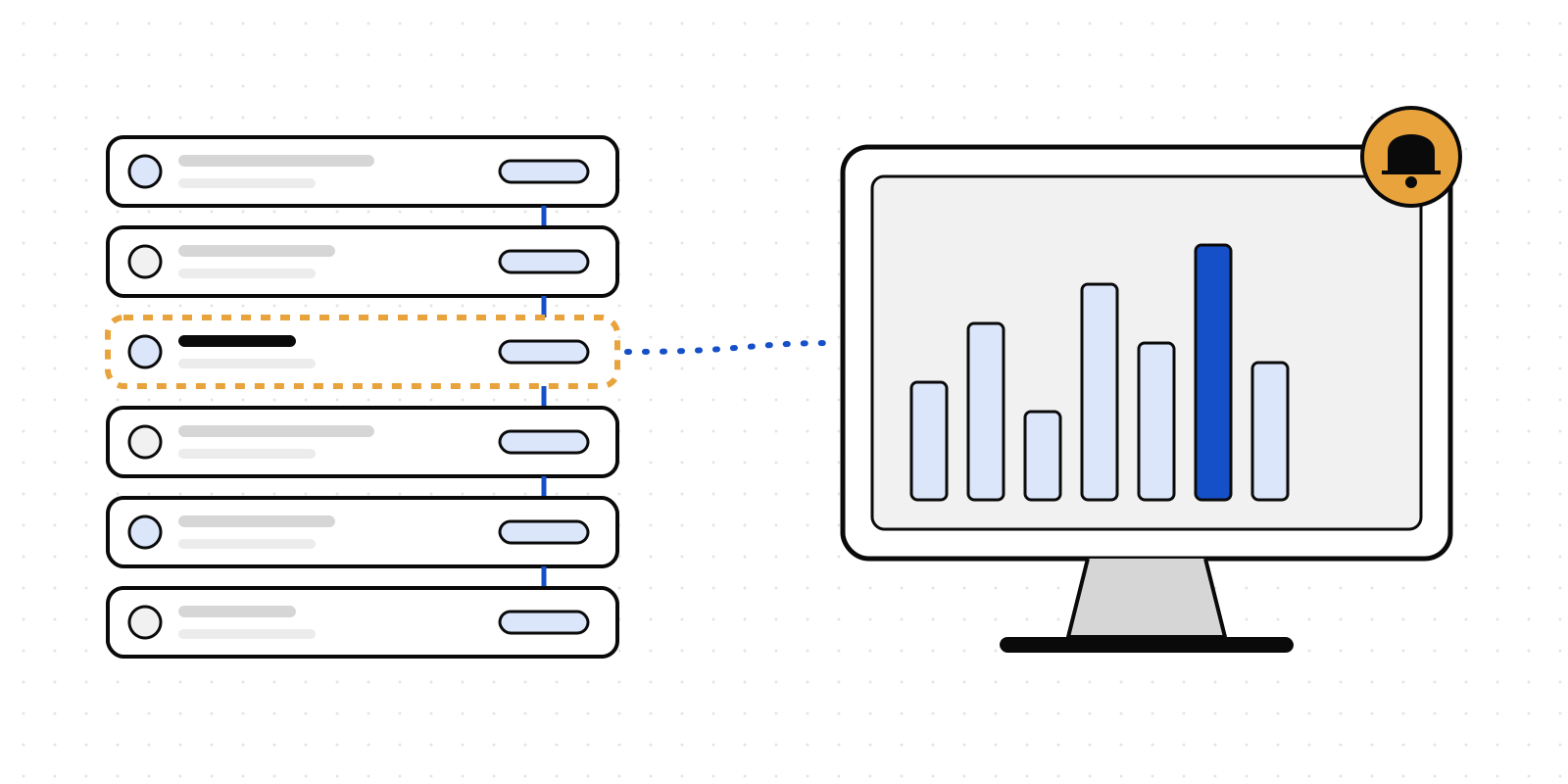
That log flows into Microsoft Sentinel. If the agent ever reports doing something its approval didn't cover, a Sentinel rule raises an incident beside everything else your SOC watches. What a security analyst can ask of the record.
The one line
Entra decides what an agent can reach. Purview decides what it can send. Deliverd decides what it does with it, and who said yes.
Each of those three is a different team's job: identity, data protection, and the people who own the decision. None of them should have to do the others' work, and none of them should have to take the others on trust. That's why the record ends up in Sentinel, where all three can read it.
What we've tested, and where
We'd rather be exact than impressive.
- Entra blueprint and Conditional Access: tested on 22 November in Deliverd's own tenant. The test agent got its Deliverd token and was refused Microsoft Graph. It was created in Deliverd turned off, and once turned on it asked for an approval with nothing but its Entra token.
- Purview: tested on 23 November in the same tenant, against a real DLP policy. Purview blocked a card number and Deliverd said Do not send.
- Teams approvals: tested in the Teams client.
- Sentinel: tested on 23 November in the same tenant, installed with the same Deploy to Azure step a customer uses. A real approval reached Sentinel within minutes, with the agent who asked and the person who decided, and a Sentinel analytics rule turned it into an incident. A governance change, to how long the audit log is kept, set off Deliverd's packaged rule for policy, evidence and legal hold changes, which raised its own incident.
The invoice agent above is an illustration, not a customer story. The parts are real, and each one was tested in our own Microsoft tenant.
Start here
Everything above, with its setup steps, is at deliverd.dev/microsoft. If you run Microsoft 365 and want to try the whole chain in your own tenant, tell us there and we'll do it with you.
Microsoft, Microsoft 365, Entra, Microsoft Graph, Teams, Purview and Sentinel are trademarks of the Microsoft group of companies. Deliverd is an independent product and is not affiliated with or endorsed by Microsoft.