We tested our Purview screening against a real DLP rule. At first it said nothing.
25 November 2026 · Deliverd Engineering Team · 4 min read
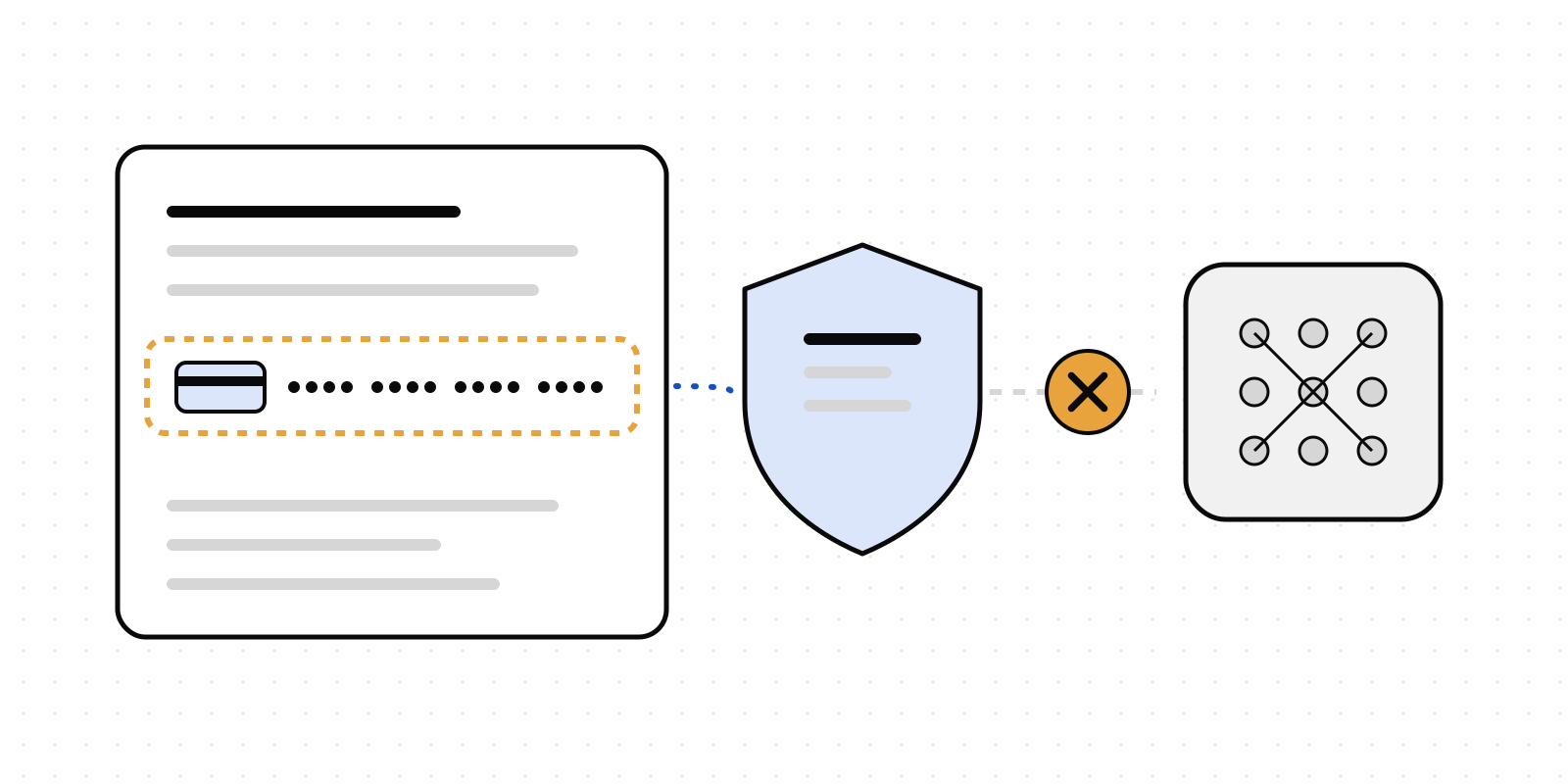
On 15 November we wrote that your Purview rules now apply to every AI tool. Before Deliverd screens text for an agent, it asks Microsoft Purview whether your data loss prevention rules allow it. The stricter answer wins.
We'd built that against Microsoft's published API, and it worked against Microsoft's published API. What we hadn't done was point it at a real DLP policy in a real tenant and watch it block something. On 23 November we did. It's worth telling you how that went, because the first answer was nothing at all.
The test
In Deliverd's own Microsoft tenant we turned on an E5 trial and Purview pay-as-you-go billing. We created a DLP policy with one rule: block text containing a credit card number. Then we pasted a test card number into Deliverd's Screener, in a demo organisation linked to that tenant.
First answer: nothing
Purview answered. No error, so the link and the consent were fine. But it returned no policy actions. The text was still redacted, and that was Deliverd's own AI register rule doing the work. Purview had stayed silent.
One field in its reply gave the game away: protectionScopeState: modified.
The step we'd missed
Microsoft's flow has two steps, and we were only doing the second:
- Compute the protection scopes. Ask Purview which policies cover this app for this user. It answers with the scopes and an ETag.
- Process the content. Send the text, with that ETag.
Skip step 1 and Purview tells you, politely, that the scopes have changed and you should go and compute them. It doesn't evaluate your policies against the text. "Modified" was Purview telling us exactly that, and we hadn't been listening.
The fix went live that night. Deliverd now computes the scopes first, keeps the answer for an hour and sends its ETag with every check. If Purview says the scopes have changed, Deliverd computes again and asks once more. If your tenant hasn't granted the new permission yet, ProtectionScopes.Compute.All, screening carries on exactly as before, so nobody's setup broke while we fixed it.
Second answer: still nothing
With the scopes computed, Purview stopped saying "modified". It still returned no actions.
This time it wasn't us. Microsoft's built-in Credit Card Number type wants supporting evidence near the number, such as the word "card", a card brand or an expiry date. A bare 4111 1111 1111 1111 scores too low to trip a rule at the default confidence. That's sensible behaviour for a DLP engine (a sixteen-digit number on its own could be anything), but it catches out anyone testing with a bare number.
Third answer: block
So we sent what a real person might actually paste: "Please charge my Visa card 4111 1111 1111 1111, expiry 12/28."
Purview returned block. Deliverd turned that into Do not send, with the reason "Your organisation's Microsoft Purview policy blocks sending this text", alongside its own register rule. The text never went to a model.
The SDKs had the same gap
Agents using our SDKs can ask Purview themselves, with their own Entra app, so their text never reaches Deliverd at all. Those helpers made the same mistake, so we fixed them the same way the next morning:
@deliverd/sdk0.43.1 and@deliverd/screen0.3.1 on npmdeliverd0.32.1 anddeliverd-screen0.2.1 on PyPIdeliverd-screen0.2.1 on crates.io
Add ProtectionScopes.Compute.All to your app's permissions to get the full behaviour. Without it, checks keep working as before, but DLP rules that name your app won't apply.
What Purview needs before it blocks anything
The test also showed us where our own copy was too generous. We used to say the DLP rules you already wrote would apply. That isn't quite true, so we've changed it. For an app like Deliverd's, Purview applies a DLP policy only when:
- the policy names the app, and it's created in Security & Compliance PowerShell (the Purview portal can't make one like that yet);
- Purview pay-as-you-go billing is on, linked to an Azure subscription in the same tenant;
- the user the text is checked as has Purview DLP licensing, such as Microsoft 365 E5;
- the app has both
Content.Process.AllandProtectionScopes.Compute.All, with admin consent.
Without any one of these, every call succeeds and nothing is ever blocked. That's the worst kind of failure, because it looks exactly like success. The Purview setup guide has the two PowerShell commands and a table of what to check when nothing blocks.
Why we're telling you this
We could have fixed it quietly and kept the tile saying "works". But a compliance control that silently does nothing is the thing our customers are buying Deliverd to avoid. We'd rather show our working: the test, the miss, the fix, and the record of the check that finally blocked.
Purview is one part of the Microsoft story. The identity part is in An agent that can only reach Deliverd, and everything we've built is at deliverd.dev/microsoft.
Microsoft, Microsoft 365, Purview, Entra and Azure are trademarks of the Microsoft group of companies. Visa is a trademark of Visa Inc. Deliverd is an independent product and is not affiliated with or endorsed by Microsoft.