Welcome to Deliverd
6 September 2026 · Dave Reid · 4 min read
Welcome. This is the first post here, so it should do two things: say plainly what Deliverd is for, and get you set up quickly enough that you can judge it yourself rather than take our word for it.
Your AI writes the report. Then what?
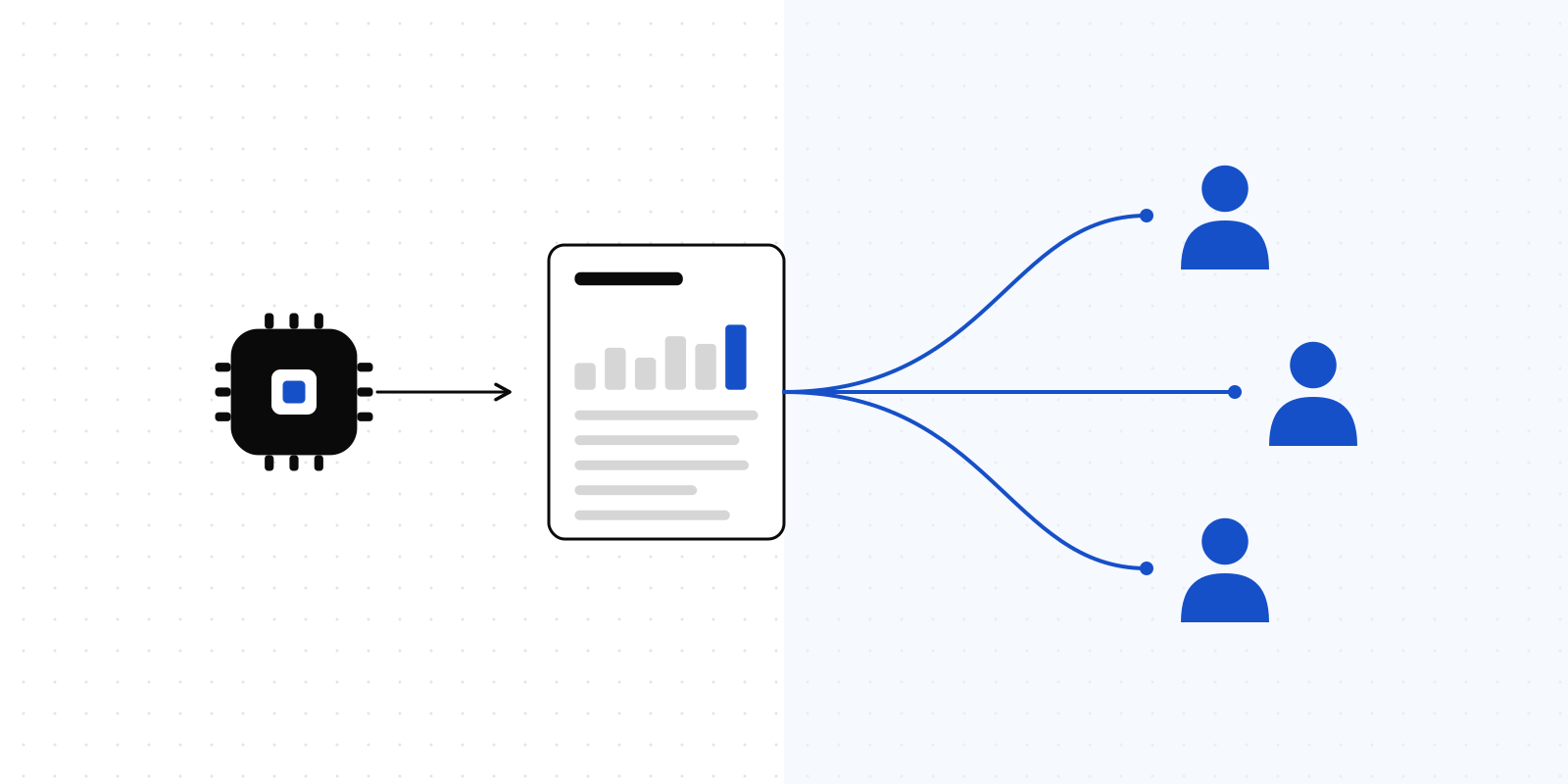
An agent can produce a genuinely good report now — a claims loss analysis, an infrastructure audit, a weekly finance pack. That part is solved, and it improves every month.
Everything after it is not. You download the file. You find somewhere to host it. You work out who should be allowed to read it, and the honest answer turns out to be "anyone with the link". You paste that link into an email. Next week the numbers move, so you do all of it again at a new address, and now nobody is sure which version they are looking at.
Deliverd is that second half. It is the secure delivery layer for AI-generated work.
What it does
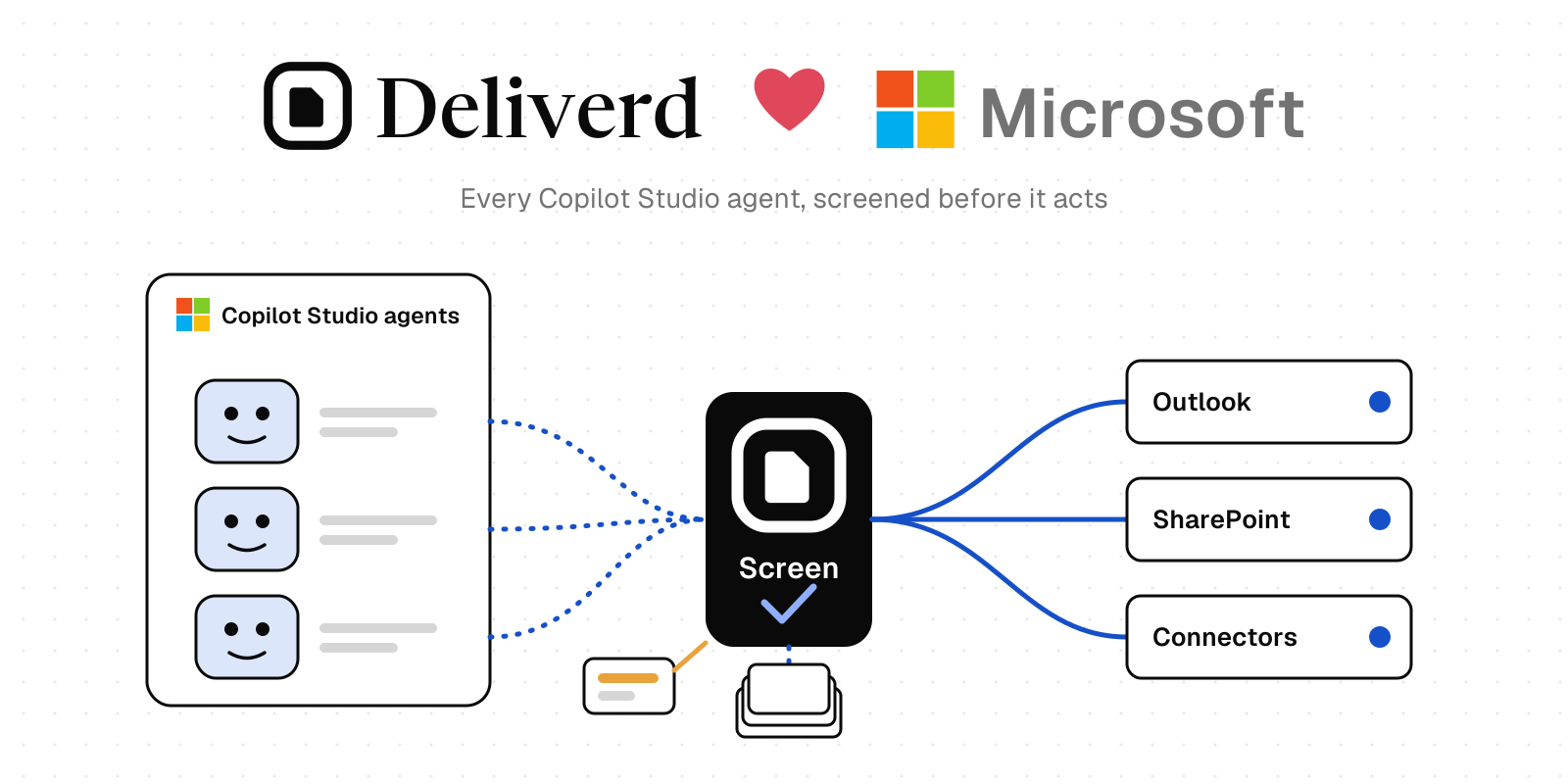
Publishes to people, not to URLs. Send a report to a named person, a group, or a verified guest outside your company. Access is checked every time the report is opened, so forwarding the link forwards nothing.
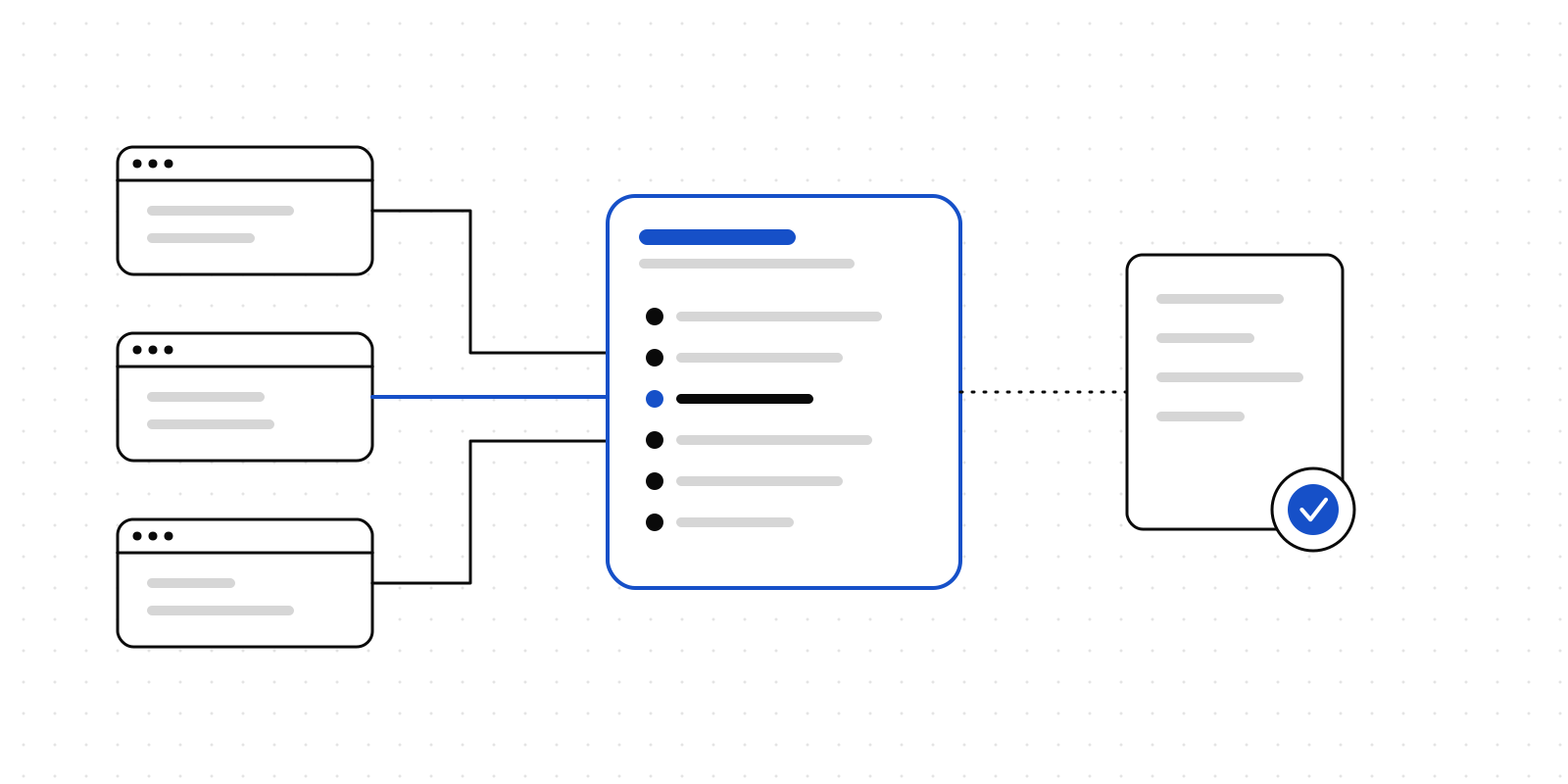
One URL, every version. Share the address once. You and your agents keep updating what sits behind it. Every version is kept and scanned for secrets before it goes out, so last month's numbers are never a mystery and the link you sent in March still works in September.
Keeps a record. Every version, every change, and an audit trail of who did what. Comments land on the passage they are about, and stay attached to it through the next publish.
None of that asks anything new of your readers. They get a link. It opens.
Set it up in one paste
Copy this into Claude Code, Codex, Cursor or Claude Desktop:
Set up Deliverd so you can publish reports for me.

1. Run: npx deliverd setup
   It looks for Claude Code, Codex, Claude Desktop and Cursor on this
   machine and adds the Deliverd MCP server to each one it finds.
   No API key is involved.

2. Tell me exactly what it connected and what it says to do next. Some
   tools need a restart, and Codex needs "codex mcp login deliverd"
   before the connection is live.

3. Once you can see the Deliverd tools, build a short, well-made HTML
   page summarising what you just set up, and publish it with the
   publish_report tool. Title it "Hello from Deliverd".

4. Give me the URL it returns.

If npx is unavailable, install the CLI first with: npm install -g deliverd
One step in there is yours rather than your agent's. The first time a Deliverd tool is used, a browser window opens and asks you to approve the connection — that is where you sign in, or create an account if you have not already. It is the only manual step, and it is deliberate: no token is copied, pasted or written to disk, and removing someone from your organisation cuts their agent off at once rather than whenever a key would have expired.
That is the whole setup. From then on, "publish this to the finance team" is a sentence rather than a procedure.
What to try first
Ask your agent for something it would normally hand you as a file.
- "Summarise this quarter's incidents as a report and publish it to me."
- "Update that report with this week's numbers." — same URL, new version.
- "Who can open it?" — then add someone and watch what they receive.
The third one is where this either earns its place or does not, and it takes about a minute to find out.
What it costs
Free, with no card: ten reports, two publishers, a gigabyte of storage, comments, and guest access for people outside your organisation. Two publishers rather than one is deliberate — handing work to someone else is the entire point of the product, and you cannot evaluate that alone. Reports published on the free plan carry our branding, which is the trade.
Team is 12 euro a month and adds workspaces, your own domain, scheduled agents, single sign-on, viewer analytics, a ninety-day audit trail, and your branding instead of ours. The full comparison sits in the pricing section on the home page.
If you would rather not use MCP
The same publishing works from a terminal or a CI job with the deliverd CLI, or over the REST API with a scoped token. There is also an open-source skill that teaches Claude Code, Codex and Cursor how to build a well-made HTML artifact in the first place — and the craft half of that works with no Deliverd account at all, which is the point.
All three are on the developers page.
One more thing
This blog is new, and deliberately not a content-marketing exercise. It will carry notes on what we are building, what we got wrong, and how the delivery side of AI work is changing. You can follow it with RSS rather than giving us an email address.
Thanks for being here this early.