Your first approval in five minutes
25 October 2026 · Deliverd Engineering Team · 4 min read
This is the shortest honest path from nothing to an agent that stops and asks a person before it does something that matters, and carries on with their answer. Five steps. The first works before you have an account.
1. Try it with nobody in the loop
Install the TypeScript SDK:
npm install @deliverd/sdk
Then run an approval in development mode:
import { Deliverd } from "@deliverd/sdk";

const deliverd = new Deliverd({ mode: "development" });

const decision = await deliverd.approve({ title: "Deploy to production" });

if (decision.approved) console.log("Deploying");
Development mode needs no key and makes no network call. An imaginary approver answers instantly, and you choose what they say with development: { outcome: "rejected" }. The outcomes for an approval are approved, rejected, timeout (nobody answered in time) and question (the approver asked something back before deciding); a gate can also be denied, which is a policy refusing it. Write the branch for each before you go live. The one people forget is the question.
It runs the same client code as production, the same retries and the same waiting, so what works here is what will run later. Setting DELIVERD_MODE=development in the environment does the same without touching the code.
2. Get a key
Sign up at deliverd.dev. Free has no time limit. Then make a token under Settings → API tokens and put it in the environment:
export DELIVERD_API_KEY=dlv_...
With no arguments, the client reads the key from DELIVERD_API_KEY. The token acts as you, with your role. For an agent that runs on its own, such as a scheduled job, an agent identity with its own name and key is better, but that can wait.
3. Ask a real person
Take the development mode line out and give the request something worth deciding:
import { deliverd } from "@deliverd/sdk";

const decision = await deliverd.approve({
  title: "Refund order #1042 (€240)",
  description: "Customer reports the parcel arrived damaged. Photos are on the order.",
  risk: "medium",
  externalId: "refund-1042",
});

if (decision.approved) await refundOrder("1042");
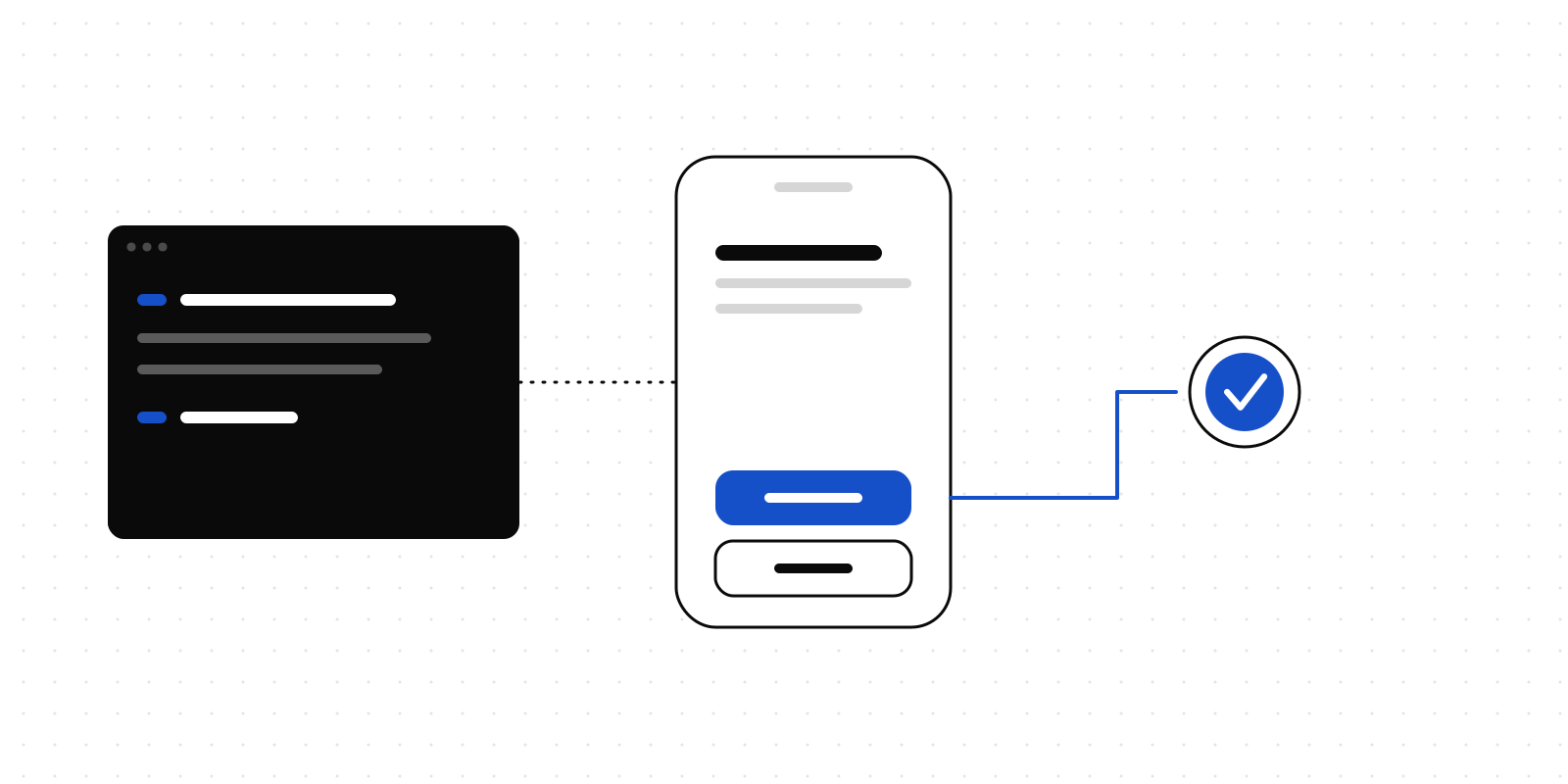
With no approvers named, the request goes to your organisation's administrators, which on day one is you. Open the link in the email, or the request in the app, and approve it. The approve() call is waiting; it returns as soon as you decide.
The externalId matters more than it looks. If the agent crashes and restarts, the same call finds the request it already made instead of asking you twice.
The same thing from a shell script or a CI step, with the CLI:
npx deliverd login
npx deliverd ask "Ship v4 to production?" --why "All checks green" --wait
--wait blocks until somebody decides and exits non-zero on anything but an approval, so set -e is the whole integration.
4. Or let your AI tool ask
If the agent is Claude, ChatGPT, Cursor or another AI tool rather than code you wrote, skip the SDK. Connect Deliverd as an MCP server and the tool can ask you directly. In Claude Code:
claude mcp add --transport http deliverd https://deliverd.dev/api/mcp
There is no token to paste: the first time it connects, a browser window asks you to choose the organisation and approve access. To connect every AI tool on your machine in one go, run npx deliverd setup. Other tools are covered in the MCP docs.
Then tell the tool when to ask:
Before you deploy, delete anything or send anything outside the team, ask for approval with Deliverd and wait for the answer.
5. Look at a finished one
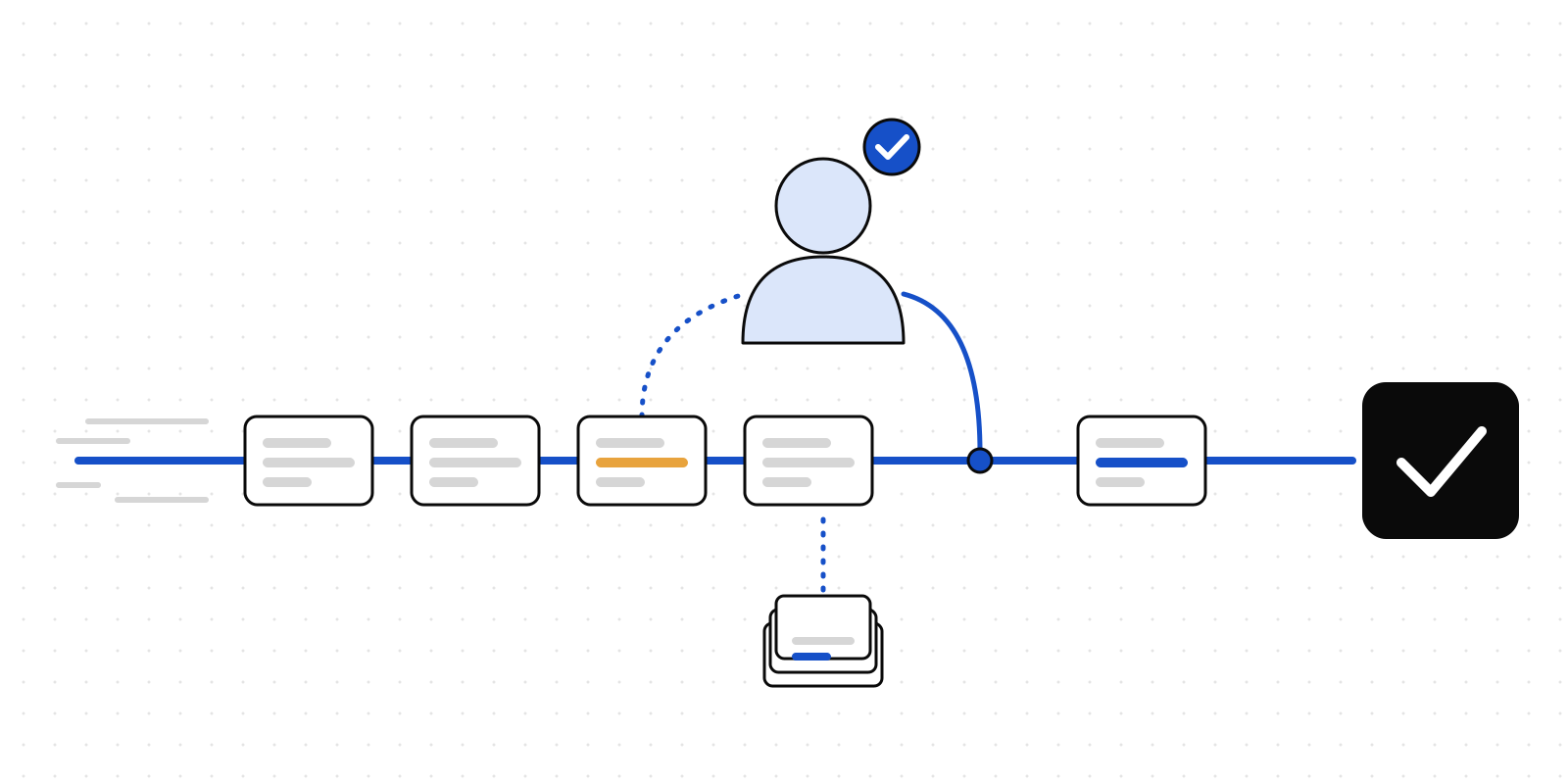
An empty account has nothing to show yet. To see what a piece of work looks like once people have been asked and have answered, an administrator can choose Load a sample project on the home page. It is a motor claim payout from our claims-triage case study: a decided approval, one waiting on you, a gate that asked a person, an answered question, a review, and the evidence pack for all of it. Everything in it is marked as sample data and left out of analytics, and one button removes it.
Open the project, look at the timeline and Who worked on this project, and download the evidence pack. That is the record your own agents will be building.
Where next
- The TypeScript, Python and Rust SDKs: reviews, questions, gates and projects.
- The CLI, for build steps and scripts.
- Approvals, for what the person on the other end sees.