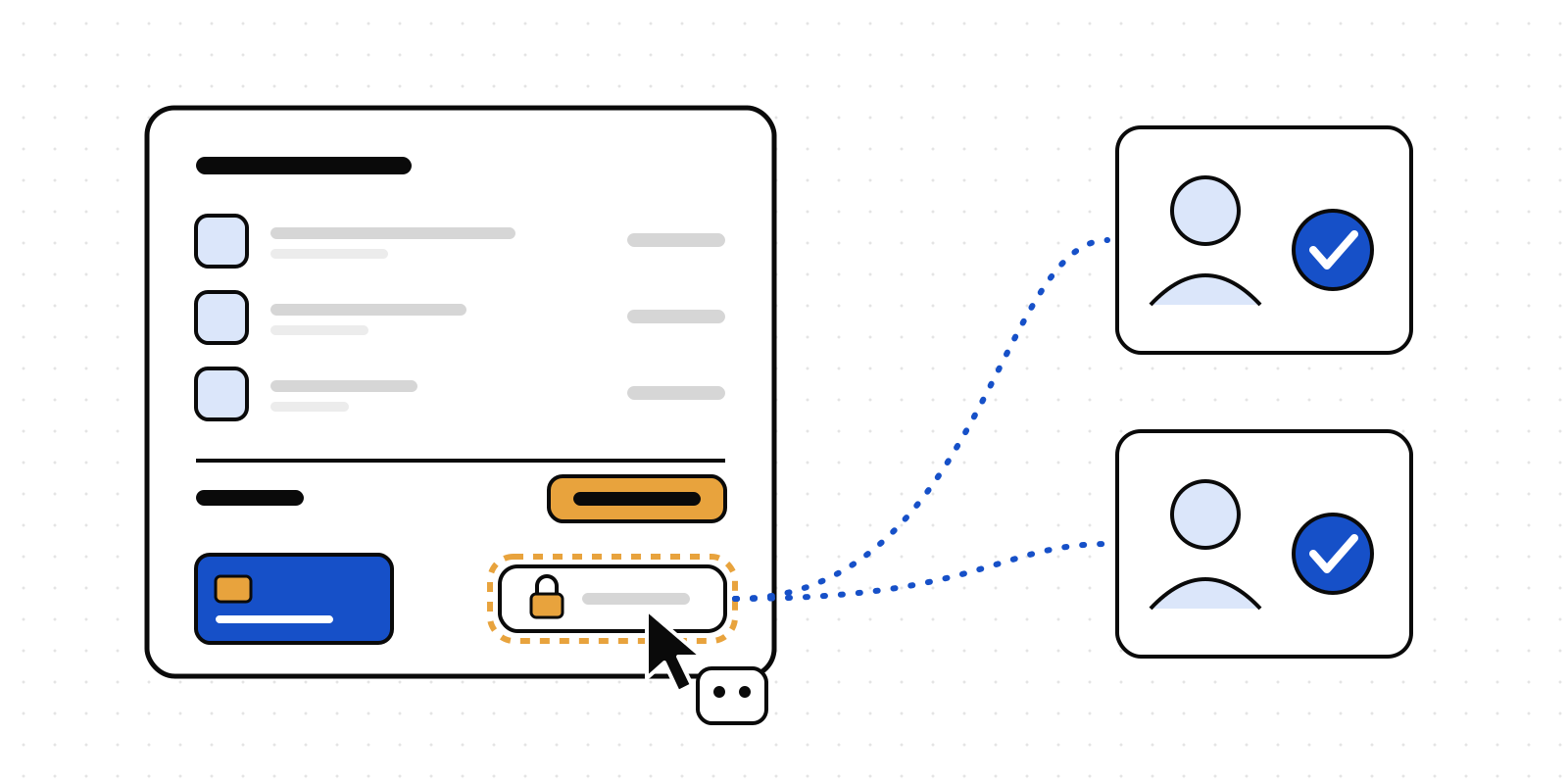
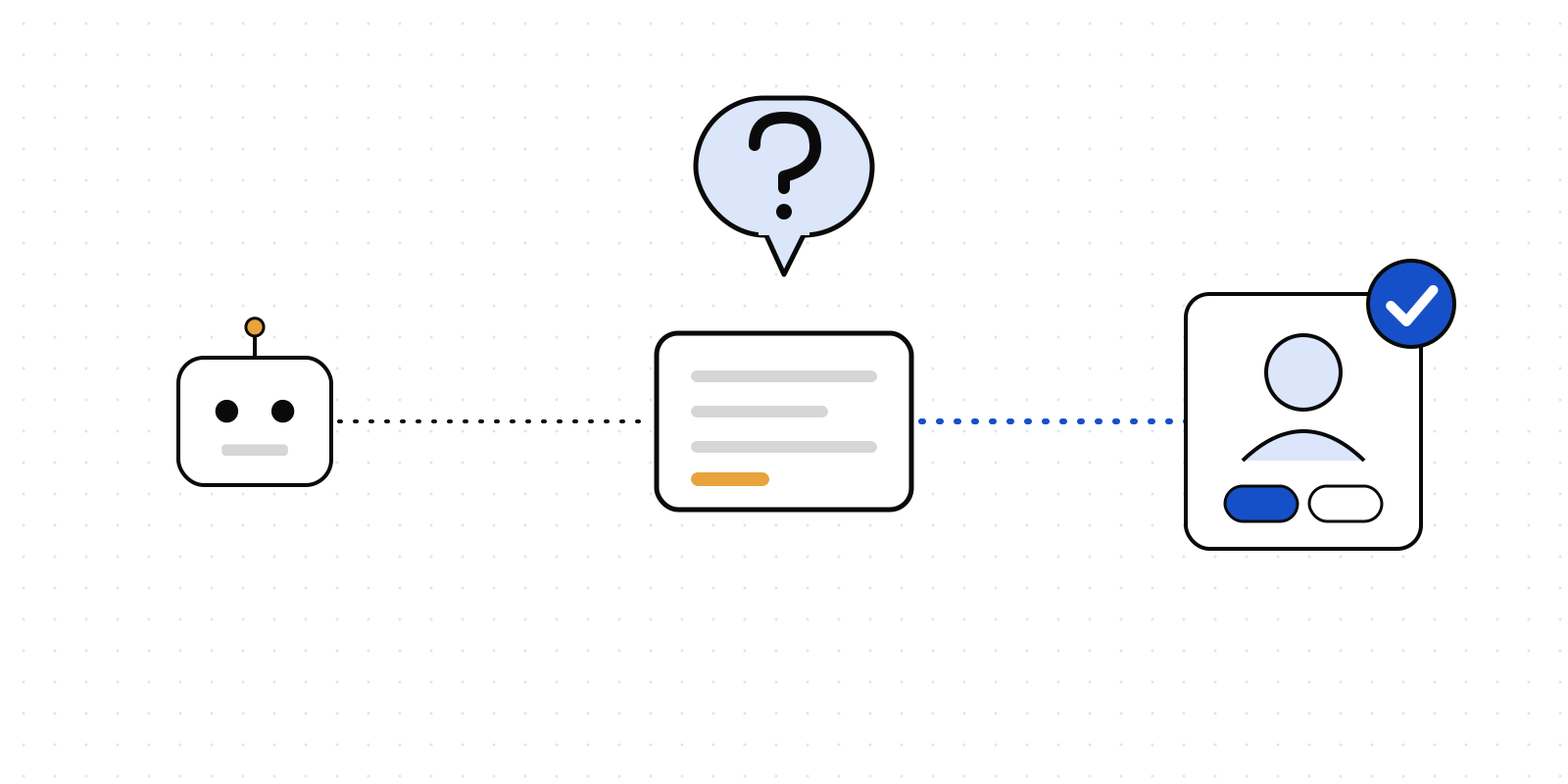
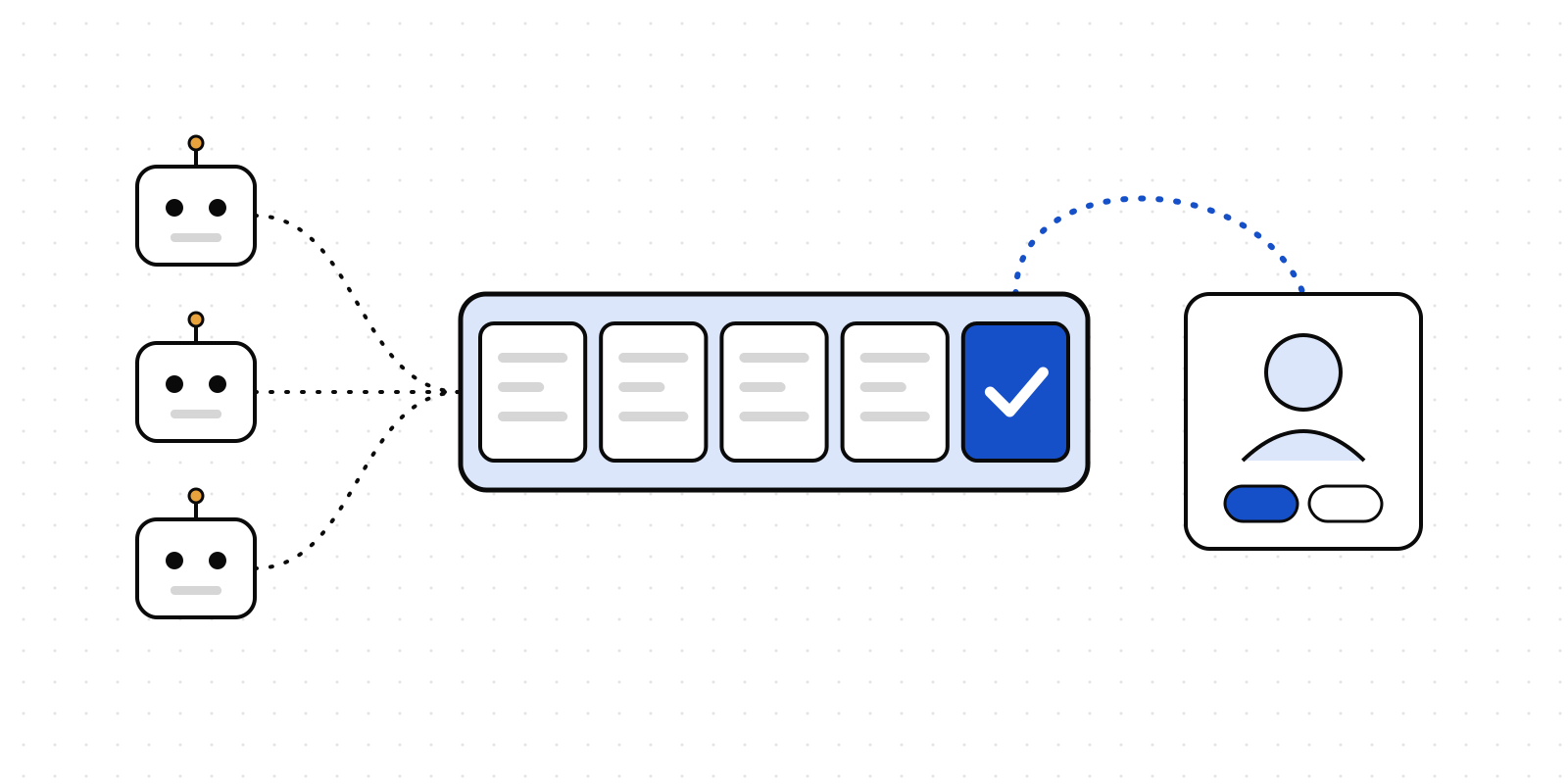
Your app has an agent now. Some buttons should still wait for a person
12 November 2026 · Deliverd Engineering Team · 5 min read
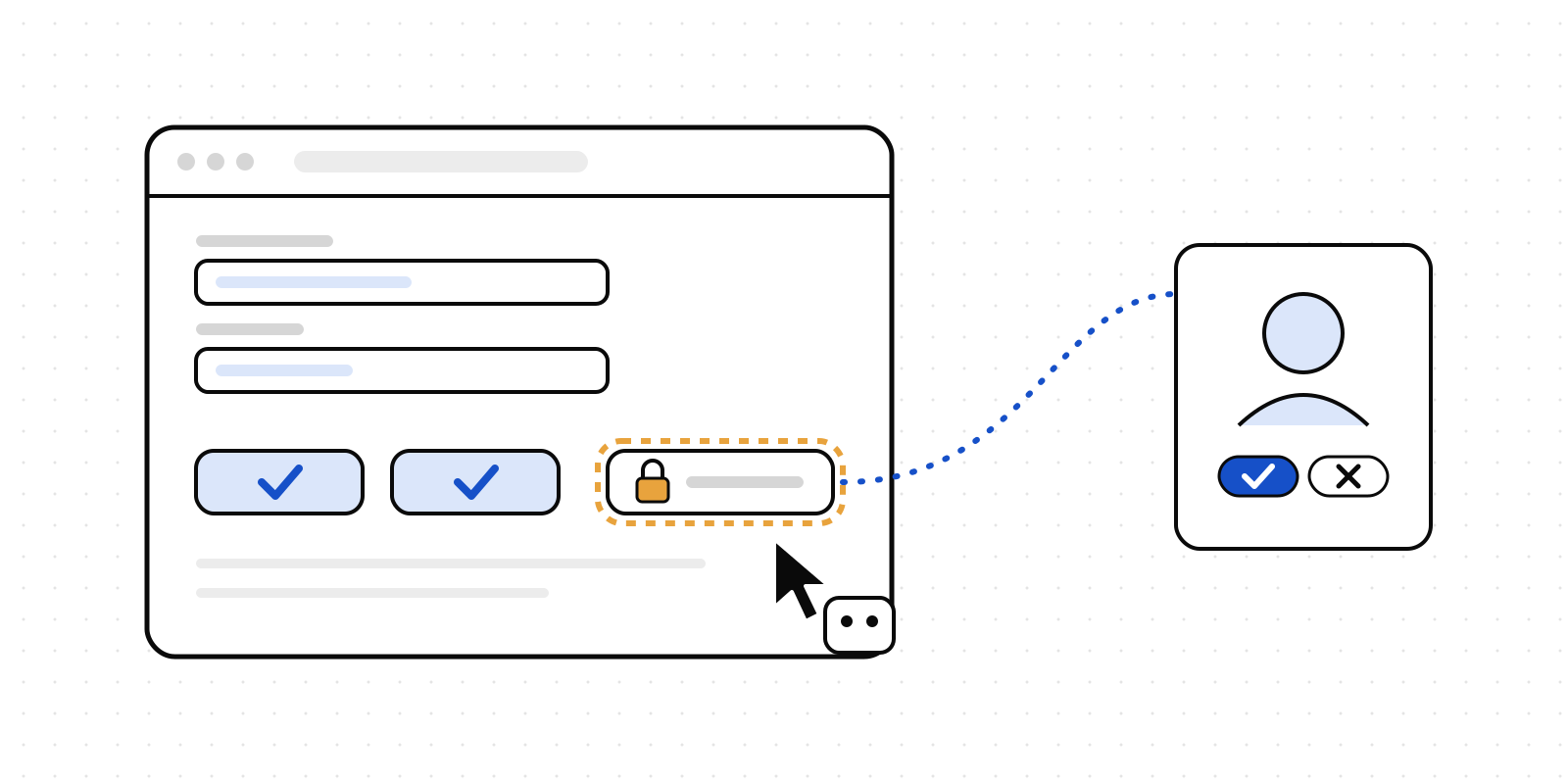
Most of what we write about is agents calling tools: an API, an MCP server, a script. There is another way an agent gets work done, and it is about to become common. It uses your app the way a person does. It reads the page, fills in the fields and presses the buttons.
Vercel has just released UI SDK, in beta. It is a component library for React, Vue, Svelte, Solid and web components, and it is built for this. Its agent bridge lets an agent see every control on the page by name and use it directly, from your own model or from a browser's agent through WebMCP. No screenshots, no guessing where the button is.
That raises an obvious question. If an agent can press any button in your app, what about the ones that delete a project, refund a customer or send an email to every user?
The mark is already there
UI SDK has a good answer built in. You mark a control an agent must not use alone, with a sentence that says what it does:
<AlertDialogClose value="confirm" data-agent-confirm="Deletes the project and all its files">
  Delete forever
</AlertDialogClose>
When an agent tries that button, the bridge stops and calls a function you give it, called allow, and waits for a yes or a no. Without one, the step fails with "Needs a person".
What allow does is up to you. The examples in UI SDK's docs use the browser's own confirm box, and that is fine when the person sitting at the screen is the one who should decide. Often they aren't. The person who asked the agent to tidy up old projects is not always the person who owns the decision to delete one. And a confirm box leaves no record of who clicked OK.
Deliverd answers the mark
@deliverd/sdk 0.34.0 adds a Deliverd version of allow. In the browser:
import { createAgent } from "@ui-sdk/react/agent";
import { deliverdAllow } from "@deliverd/sdk/adapters";

const agent = createAgent({
  allow: deliverdAllow({ endpoint: "/api/deliverd/ui-approval" }),
  timeout: 15 * 60_000,
});
And one route on your server:
import { Deliverd } from "@deliverd/sdk";
import { uiSdkApprovalRoute } from "@deliverd/sdk/adapters";

export const POST = uiSdkApprovalRoute({ deliverd: new Deliverd(), approvers: ["ops"], timeout: "13m" });
Now, when an agent tries a marked button, the request goes to the people you named, in Slack, Teams, email or on their phone. They read your sentence, "Deletes the project and all its files", with the control and the values the agent chose. If they approve, the button is pressed. If they decline, nothing happens and the agent is told a person said no. Either way, the decision is on the record: who was asked, who answered, and when.
Steps you didn't mark go straight through. The agent can still fill in a search box or switch a tab without anyone being asked.
What it looks like
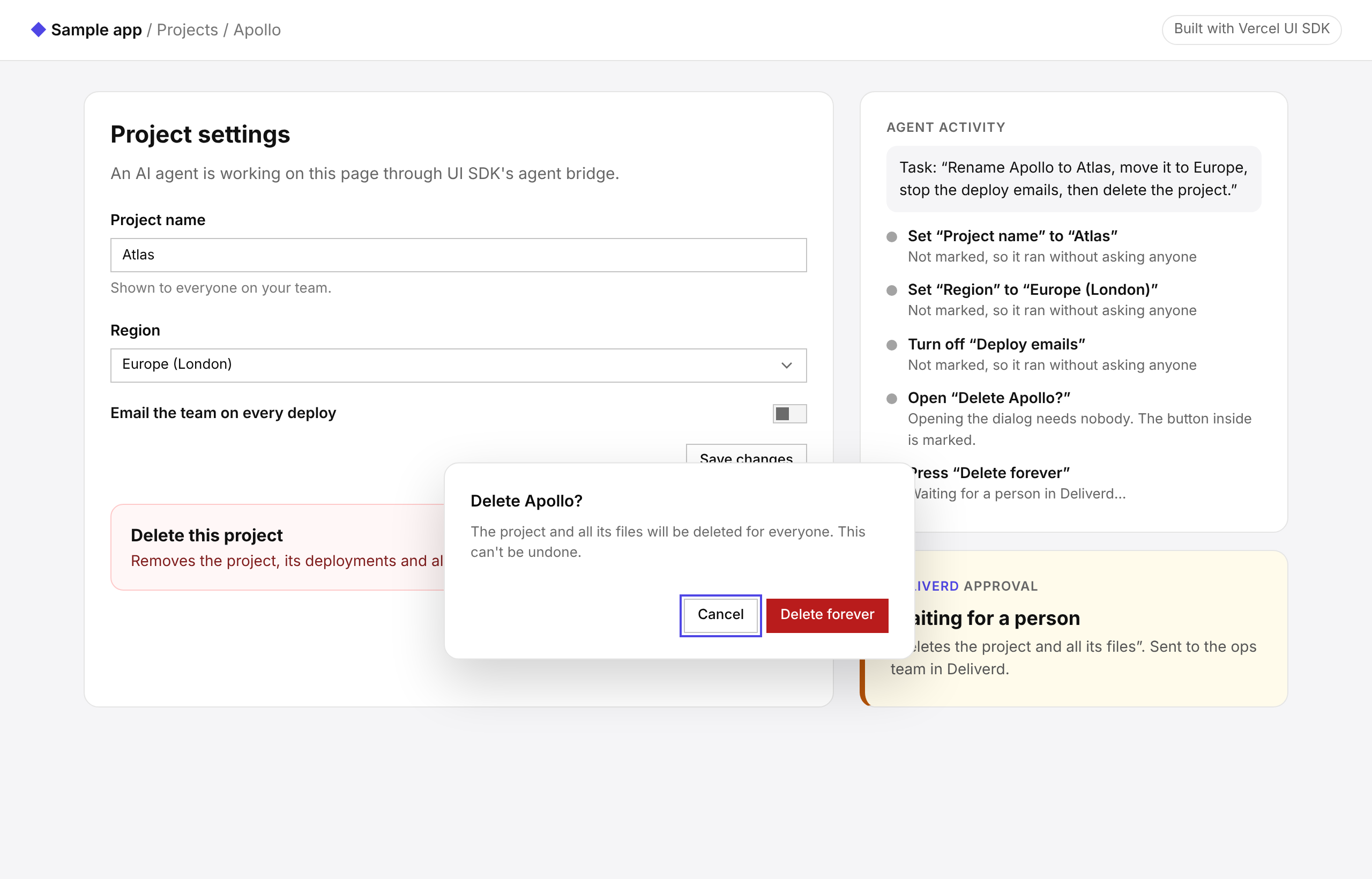
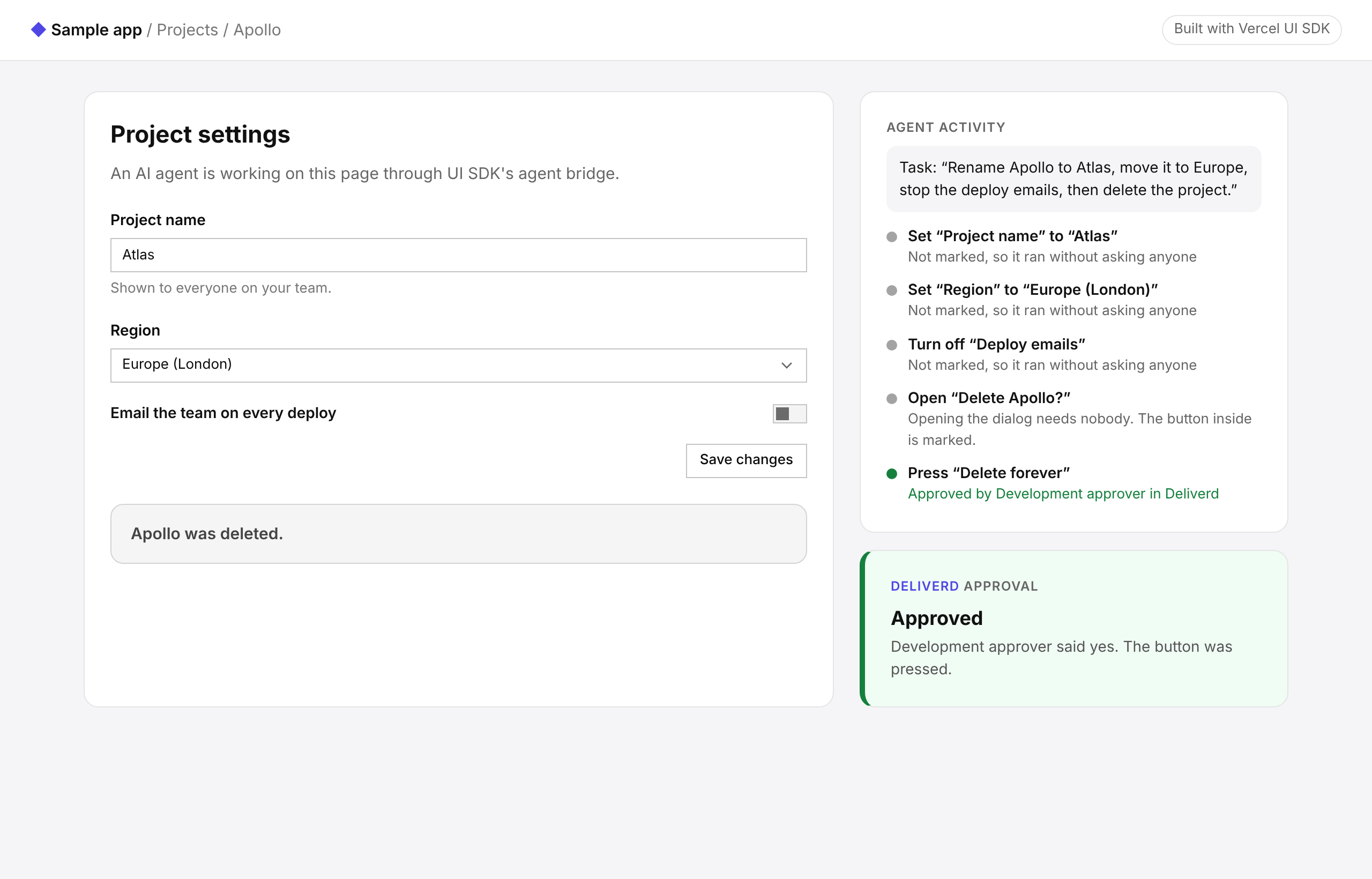
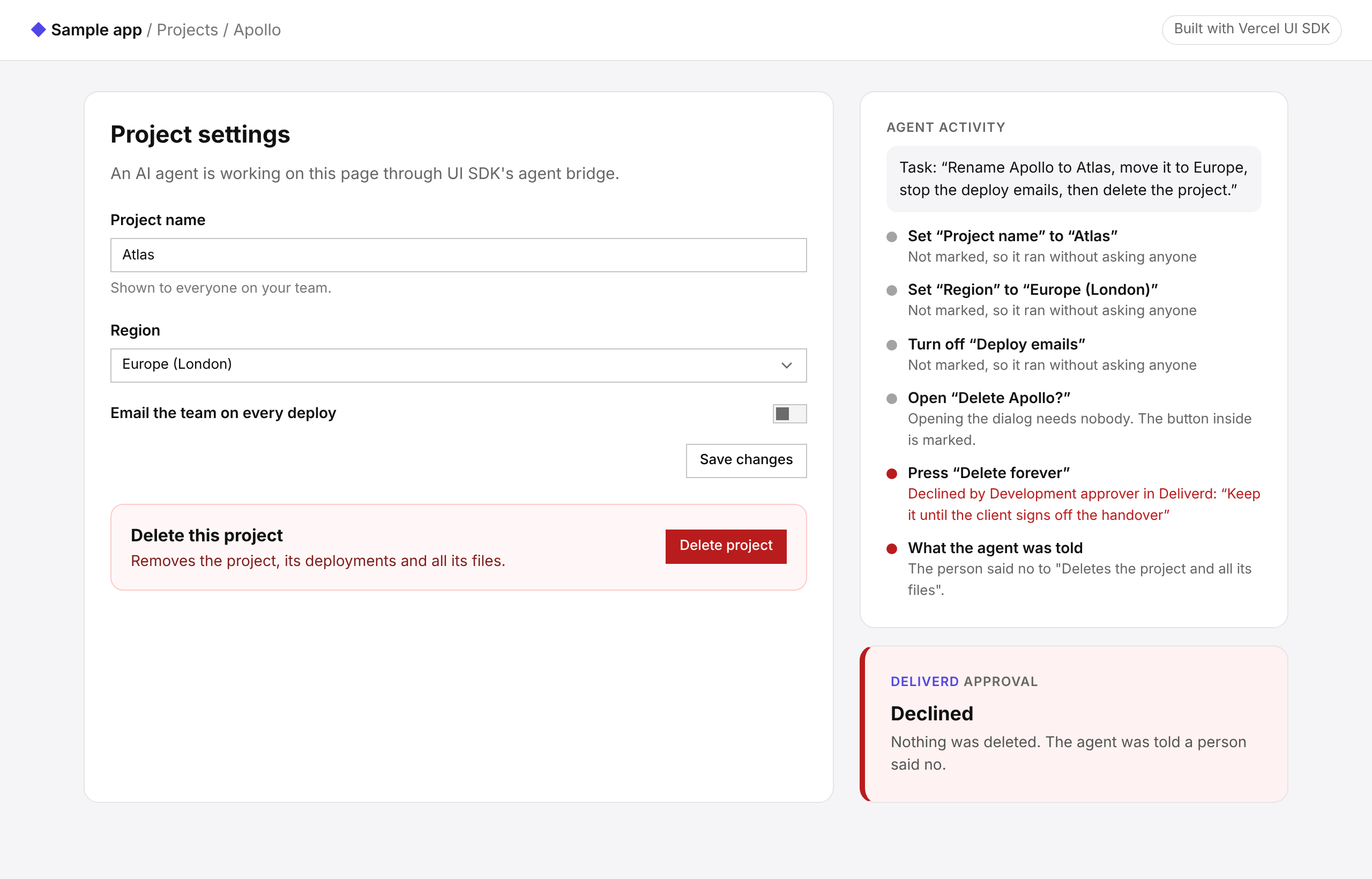
We built a small sample app to try it: a project settings page made with UI SDK's web components, and an agent asked to "rename Apollo to Atlas, move it to Europe, stop the deploy emails, then delete the project". The panel on the right is the sample's own log of what the agent did. Deliverd runs in development mode here, so the approver is an imaginary "Development approver" who answers after a few seconds.
The first three steps aren't marked, so they run without asking anyone. Then the agent opens the dialog and tries "Delete forever", the marked button, and the bridge stops and waits:
When the approver says yes, the button is pressed and the project is gone:
When they say no, nothing is deleted, and the agent is told why, so it can stop or ask instead of trying again:
Two halves, so the key stays on the server
The split is deliberate. The allow function runs in the browser, and your Deliverd key must not. So deliverdAllow sends the step to your own route, and the route, which holds the key, asks Deliverd and waits. The route only asks about marked steps, so a page cannot use it to file any request it likes.
We also made failure safe. A no, a route that errors, or a network that drops all count as no. The control is never pressed because something went wrong.
Waiting for a person
People take time to answer, and three clocks have to agree on how long to wait. UI SDK waits five minutes by default. Your hosting platform limits how long a server function can run. And the route has its own wait, four minutes by default. Keep the route's wait the shortest, so it can answer no before anything cuts it off, and raise all three together when your approvers need longer.
When the wait runs out, the request expires with it. Nobody gets asked to approve something the agent has already given up on. Each ask is its own request, too, so an approval for one step is never reused for a later one.
What it does not cover
The mark stops an agent at the button. If the same action can also be reached through your API, protect it there as well. A Deliverd decision token lets the API check that a person approved exactly that action.
UI SDK is in beta, and its API may change before 1.0. We built against its published documentation, version 0.1.0-beta.1, and we will follow it as it changes.
The setup, every option and the timing are in the Vercel UI SDK guide.