See what AI costs, and screen what it's sent
16 November 2026 · Deliverd Engineering Team · 7 min read
Most organisations now pay for AI in three or four places. Microsoft 365 Copilot seats, with Copilot Credits for the agents on top. Claude for one team and Claude Code for the developers. ChatGPT Enterprise for another team, and an OpenAI API key somebody set up in March. Each vendor has its own admin report, in its own units, and nobody looks at all of them on the same day.
Then the question arrives from finance: what are we spending on AI, who is using it, and are we paying for seats nobody opens?
Two things launch today. The first answers that question. The second is about what goes into those tools in the first place.
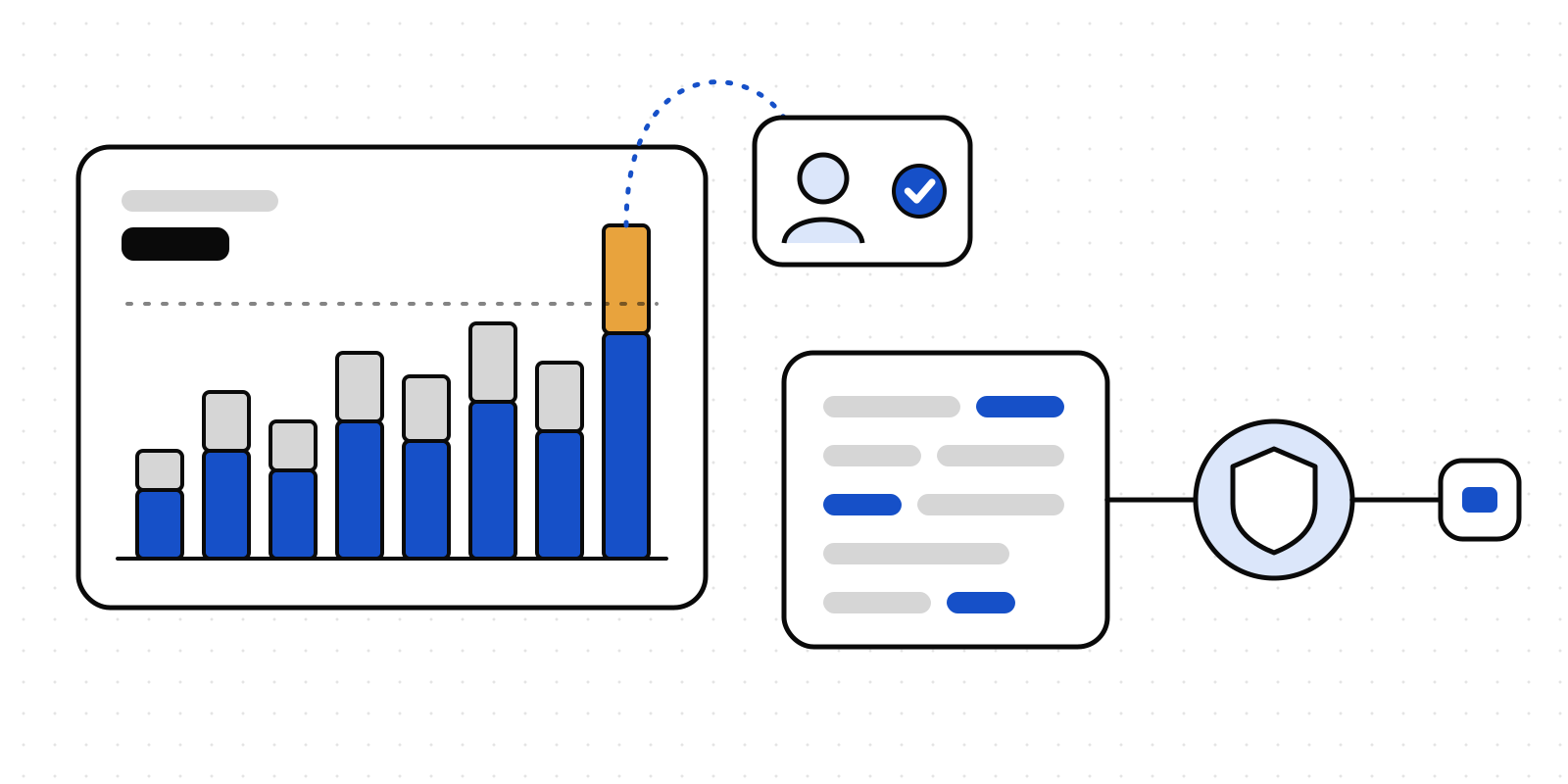
AI spend and utilisation, in one place
Analytics → AI usage connects to each vendor's own admin reports:
- Microsoft 365 Copilot. Actions per person, Copilot Credits per service, and who has a seat. Microsoft doesn't report tokens, so we price credits at $0.01 each, the pay-as-you-go list price, and say so on every chart.
- Claude. Per-person usage and cost from Claude Enterprise, or usage and cost by model from the Claude Console.
- ChatGPT and the OpenAI API. Costs, and usage by person where the vendor gives it.
Deliverd reads them every morning. You can also upload a vendor's CSV export if you'd rather not connect a key.
The figures now also appear on Analytics → Organisation, in a section called AI spend and utilisation. When you press Download report on that page, the PDF includes them, next to what your agents asked for and who approved it. Download spend CSV gives finance the figures as rows.
The screenshots below use sample data, generated for this post. They are not a customer's figures.

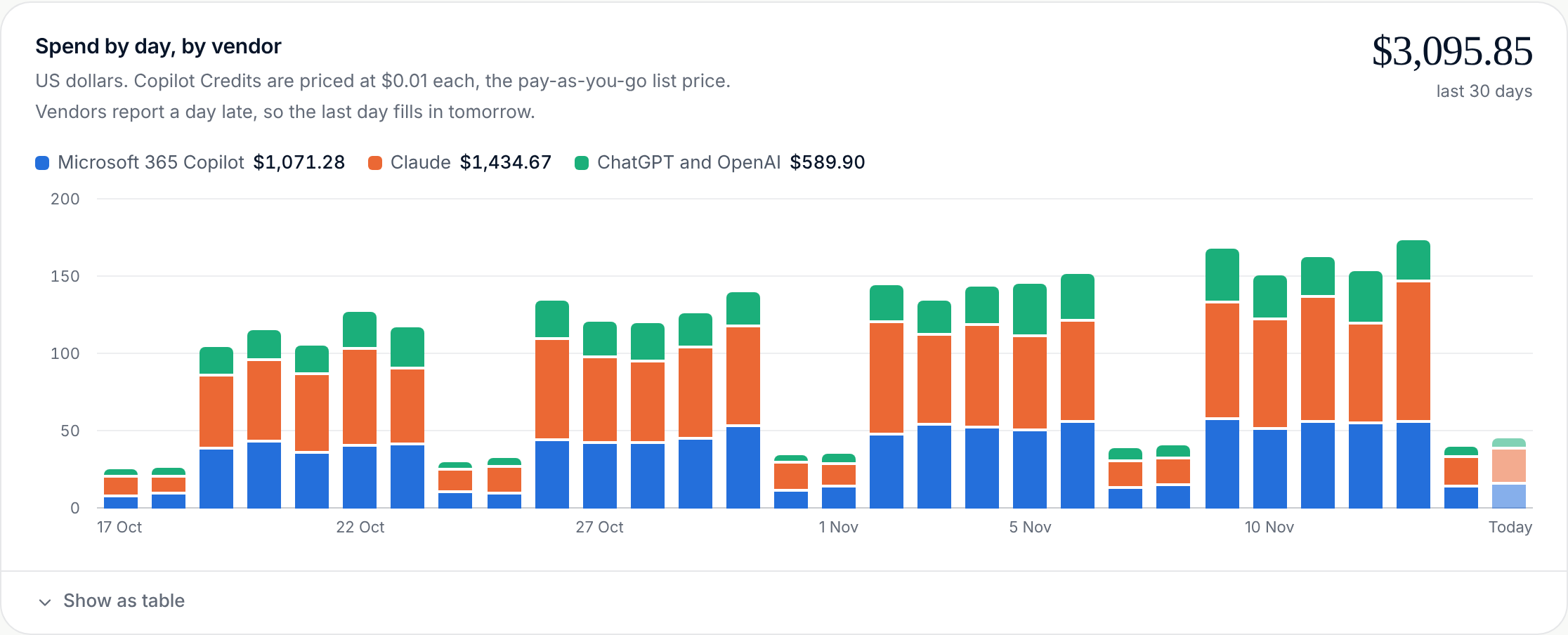
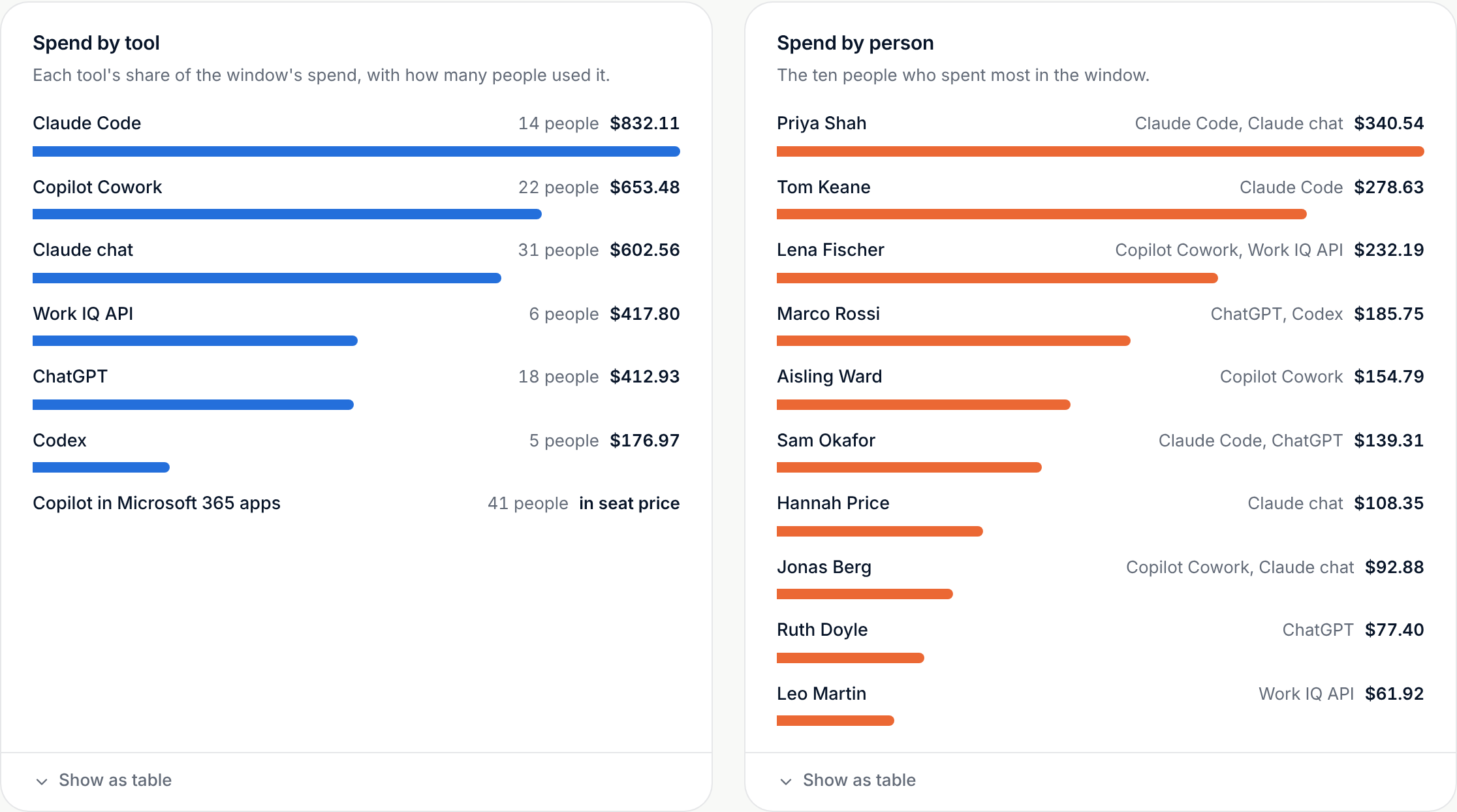
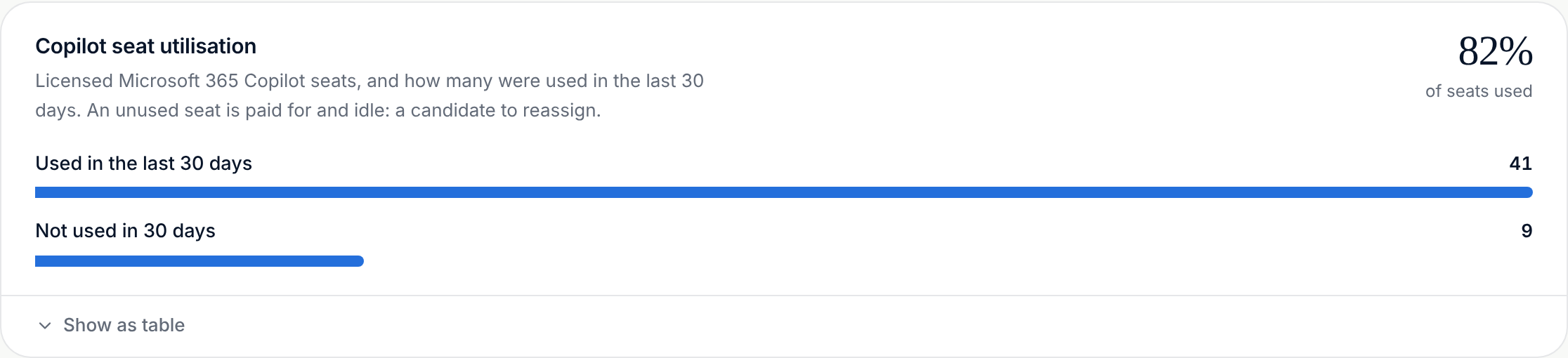
Each chart has a Show as table button, so you can read the exact figures without hovering over anything.
A budget that asks a person
Seeing spend after the fact is useful. Stopping a surprise is better. Set a monthly budget in dollars, for one vendor or for all of them, with an early alert (at 80% unless you change it). When the budget is passed, Deliverd doesn't just send an email that nobody reads. It raises an approval, and a person decides whether to allow more for the month. The record shows who said yes and why.
Microsoft lets people ask for Copilot Credits from inside Copilot, and an administrator decides each request. An administrator can now sign in once, and Deliverd brings each new request in as an approval, with that person's use over the past 30-day window beside it. The decision is sent back to Microsoft. Microsoft still shows the administrator as the one who decided. Deliverd records the person who actually did. How many credits an approval gives is set by your spending policy in Microsoft, not by us.
The AI usage guide covers each connection step by step.
Deliverd Screen 0.3.0
Cost is one question about AI. What people send to it is another.
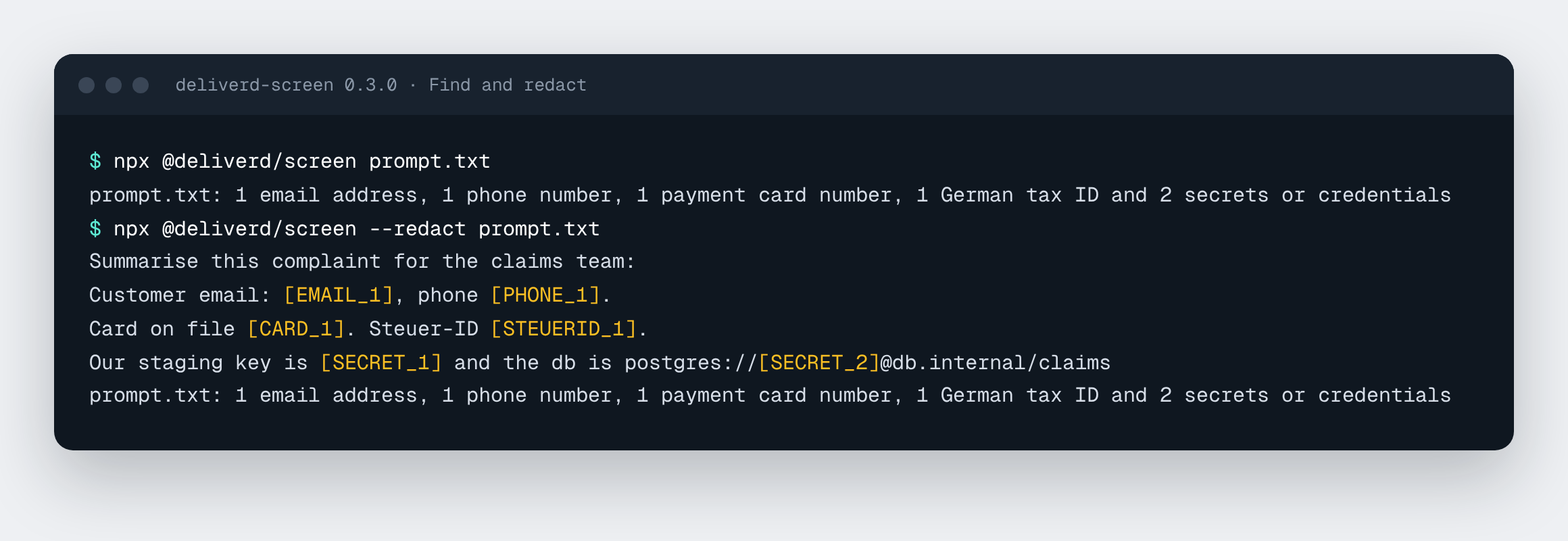
Deliverd Screen checks a prompt before it leaves for a model. It finds and redacts personal data, secrets and your own confidential terms. It's free and open source under the MIT licence. It's available for TypeScript on npm (@deliverd/screen), for Python on PyPI (deliverd-screen) and for Rust on crates.io (deliverd-screen). It runs on your own machine. It needs no account and makes no network calls unless you ask it to. It's also the engine under Deliverd's own data screening, so you can build your own screening on the same detectors we use.
Version 0.3.0 adds four things.
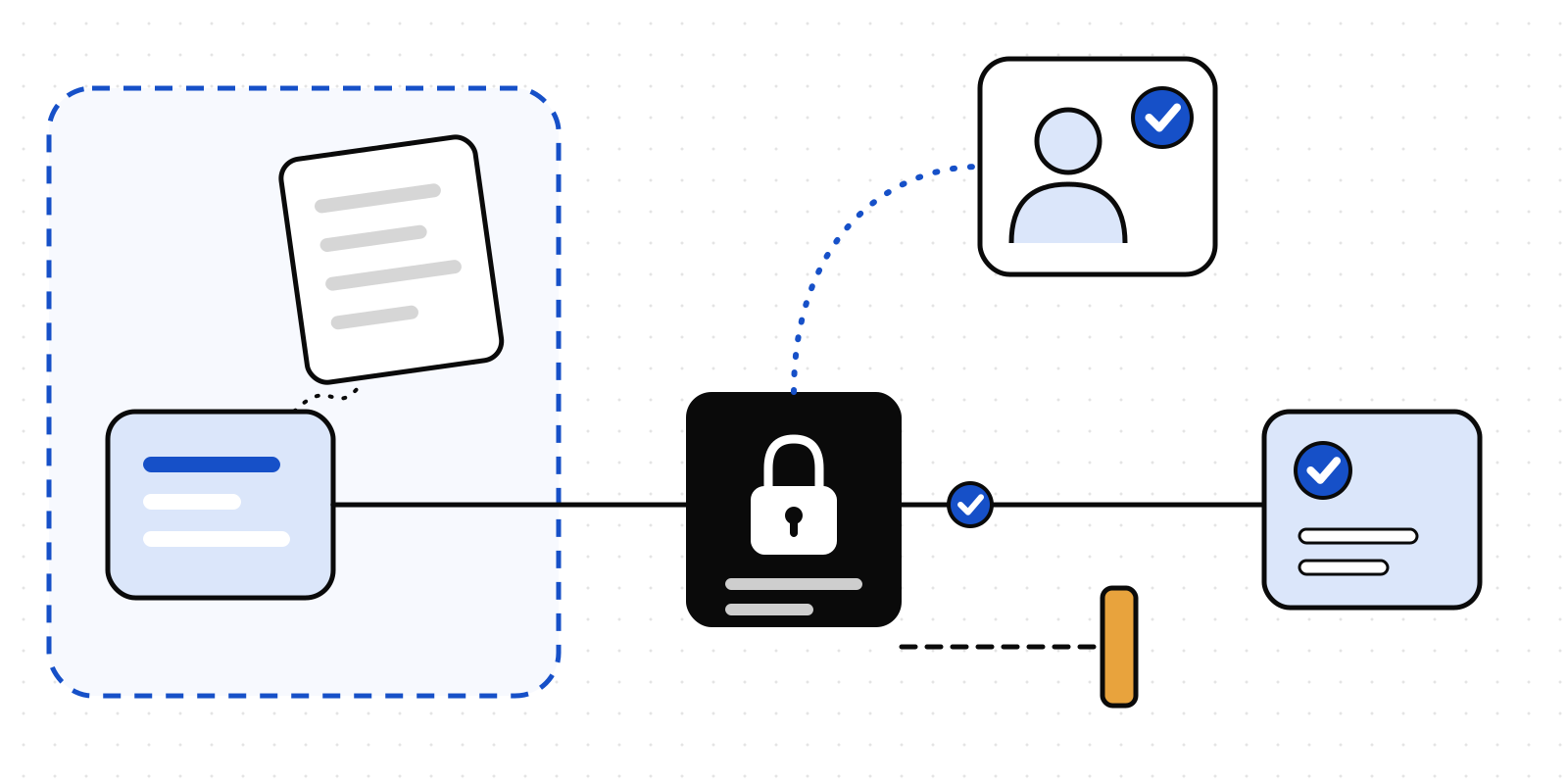
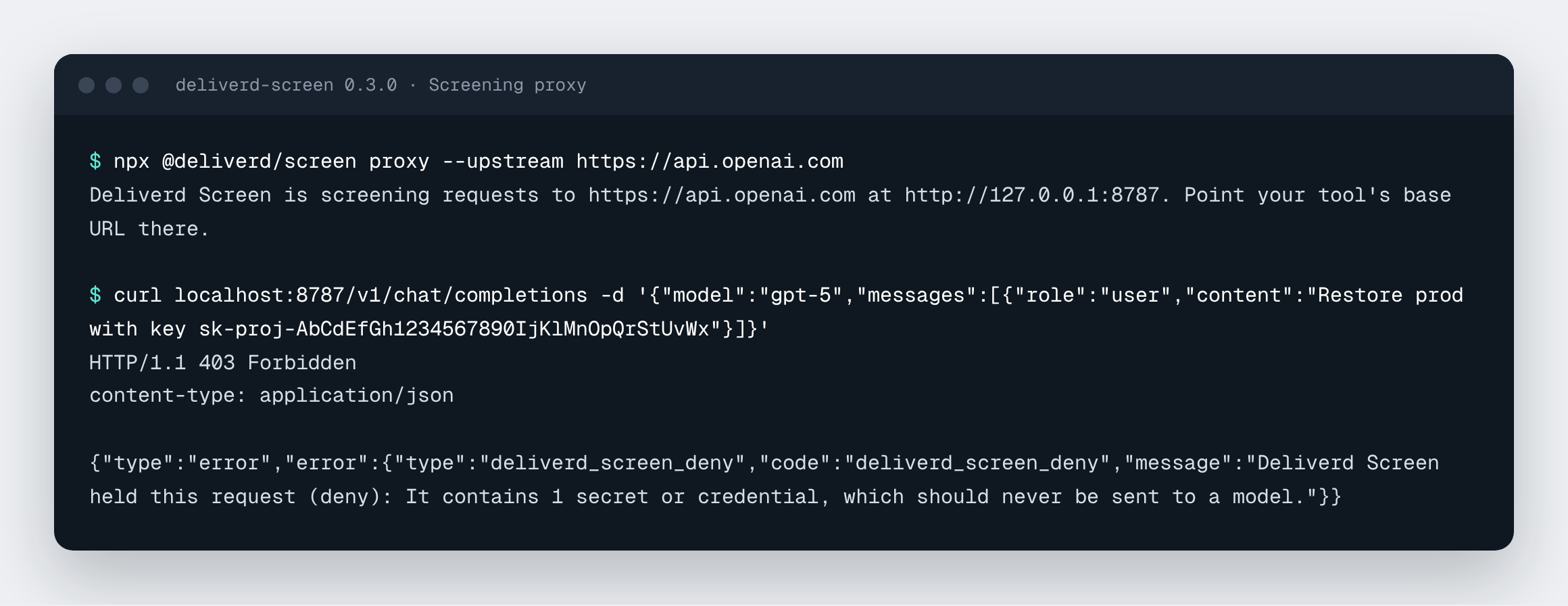
A local screening proxy. deliverd-screen proxy --upstream https://api.openai.com listens on localhost. Point a tool's base URL at it, and every request is screened before it leaves. The proxy does one of three things with each request. It lets it through unchanged. It redacts the sensitive values and puts them back into the answer, streamed answers included. Or it refuses the request with a 403 that says why. It works with OpenAI, Anthropic, OpenRouter and local model servers.
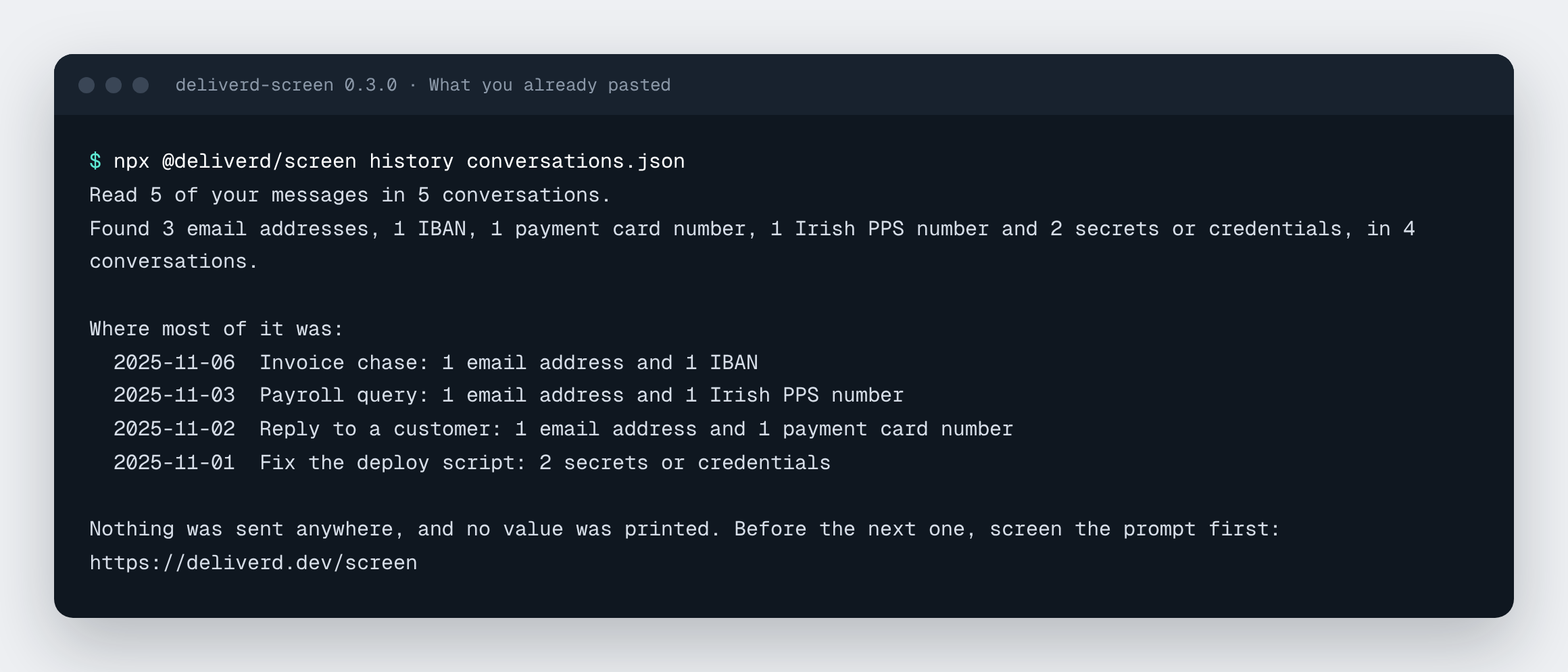
What you've already pasted. deliverd-screen history reads the data export that ChatGPT or Claude gives you. It reports how many email addresses, card numbers, keys and other sensitive items went into your messages, and in which conversations. It never prints a value. It's a quick way to find out where to start.
More identifiers, each with its check digit. US ITINs, Canadian SINs, French NIRs, Spanish DNI and NIE numbers, Italian fiscal codes, Dutch BSNs, Polish PESEL numbers and German tax IDs. Also passport numbers, VAT numbers, and bank details such as US routing numbers and UK sort codes and account numbers. A bare string of nine or eleven digits is too often something else. For those formats, Screen looks for the word that names the number (such as "Steuer-ID") before it flags it.
Names, with a model on your machine, if you want it. names() and --names run a small named-entity model locally. It's downloaded once from Hugging Face, and after that nothing leaves the machine.
The Python and Rust packages, both at 0.2.0, have the same new identifiers. Python also has names().
Try it without installing anything in the box on deliverd.dev/screen. It runs in your browser. In a project, run:
npx @deliverd/screen --redact prompt.txt
What we haven't done yet
We'd rather you hear the limits from us.
- We built the AI usage connections from each vendor's published admin APIs, and we've tested our parsers against the shapes those APIs document. We haven't yet run them against a customer's live accounts. If you'd like to be the first, talk to the team.
- Microsoft reports Copilot use in credits, not tokens. Our dollar figures for Copilot are credits multiplied by the list price, not your invoice. Claude and OpenAI report cost in dollars directly.
- We haven't yet tested Screen's
names()against a real model in our own pipeline, and a model will miss some names. Treat screening as fewer identifiers sent, with a record of what was. It isn't proof that a prompt was clean.
You can now answer what AI costs from one report, and stop a surprise before it happens. What goes into those tools can be checked first, with code you can read.