Publishing should be one sentence
8 September 2026 · Deliverd Engineering Team · 5 min read
Hello again from the engineering team.
We hold ourselves to a rule that sounds glib and is not: if doing the thing takes more than a sentence, we have not finished building it.
It is a useful rule because it is falsifiable. You can hold any part of this product up against it and see whether it passes. This post is that exercise, including the places where the answer is no.
Connecting takes one paste
Copy this into Claude Code, Codex, Cursor or Claude Desktop:
Set up Deliverd so you can publish reports for me.

1. Run: npx deliverd setup --url https://deliverd.dev
   It looks for Claude Code, Codex, Claude Desktop and Cursor on this
   machine and adds the Deliverd MCP server to each one it finds.
   There is no API key to paste.

2. Tell me exactly what it connected and what it says to do next. Some
   tools need a restart, and Codex needs "codex mcp login deliverd"
   before the connection is live.

3. Once you can see the Deliverd tools, build a short, well-made HTML
   page summarising what you just set up, and publish it with the
   publish_report tool. Title it "Hello from Deliverd".

4. Give me the URL it returns.

If npx is unavailable, install the CLI first with: npm install -g deliverd
It is also on the Connect page inside the product, with a copy button, so you never have to retype it.
There is no key in that flow, and that is not a convenience — it is the design. The first time a Deliverd tool runs, a browser window opens and asks you to approve the connection. Nothing is written to a config file that can be committed by accident, and removing someone from your organisation cuts their agent off immediately rather than whenever a token would have expired.
After that, it is sentences
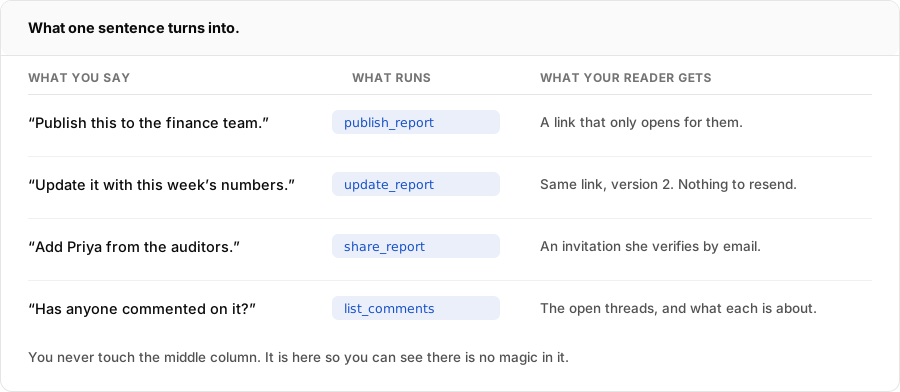
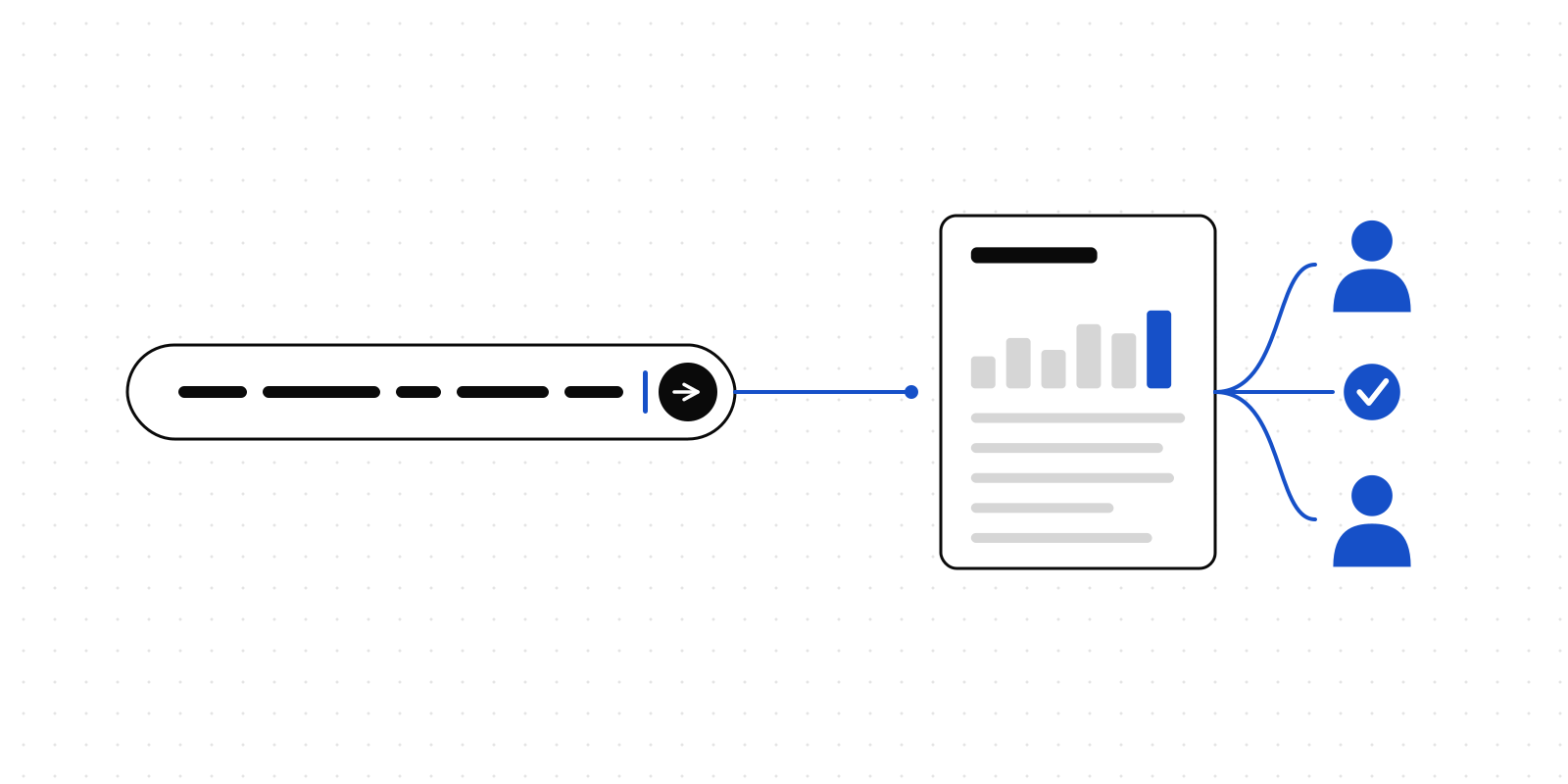
Four sentences cover most of what anyone does here. The middle column is in that picture only so you can see there is nothing hiding in it — you never type a tool name, and your agent picks the right one because the descriptions say what each is for.
The second row is the one worth sitting with. Update it with this week's numbers keeps the same address. No second email, no "sorry, use this link instead", no ambiguity next quarter about which version the board actually read. The version history is kept underneath, and a comment someone left on Wednesday stays attached to the passage it was about even after your agent rewrites the wording on Friday — which we wrote about in more detail here.
What you never do
- Download the file.
- Find somewhere to host it.
- Decide whether anyone with the link is an acceptable answer.
- Track which link you sent to whom.
- Create accounts for your readers. They sign in with the identity they already have, or verify by email if they are outside your organisation.
If you would rather type
The same publishing works from a terminal or a CI job.
| Command | What it does |
|---|---|
deliverd setup |
Find the AI tools on this machine and connect them. |
deliverd publish ./report.html |
Publish a file, or a folder, as a report. |
deliverd update <slug> ./report.html |
New version, same URL. |
deliverd list |
What is published, and where. |
deliverd open <slug> |
Open it in a browser. |
There is a GitHub Action wrapping the same CLI, so a report can be republished by a pipeline on every merge. Everything is on the developers page.
Two things we kept manual on purpose
Approving the connection. It would be technically possible to make that first browser round trip disappear. We are not going to. It is the moment a human says yes to an agent acting as them, and it should cost one click rather than none.
Making something public. An agent can share a report with named people, teams and groups. It can never make one public. That is not a setting an administrator can turn on for agents — it is refused in code, and there is a policy rule saying so as well, so the two would have to fail together. Reports classified confidential or restricted cannot be made public by anyone at all.
What is still clunky
The rule cuts both ways, so:
Codex needs a second command. npx deliverd setup adds the server, but Codex will not authenticate until you run codex mcp login deliverd yourself. We print the reminder; we would rather not need to.
ChatGPT is the awkward one. Custom MCP connectors live behind Developer mode on paid plans. Nothing we can do from our side, but it means the ChatGPT path is genuinely more setup than the others.
A custom domain is DNS work. Putting reports on reports.yourcompany.com means a record in your DNS and a wait for it to propagate. One sentence it is not, and pretending otherwise would just move the surprise later.
Scheduled reports still need something running. A schedule marks a report as due; an agent polls for what is due and does the work. If nothing is running, nothing happens. That is honest rather than clever, and it is on the list.
Which sentence do you wish worked?
That is the question we would most like answered. If you tried to say something to your agent and it turned into a procedure instead, tell us what the sentence was — that is usually enough for us to see what is missing.
Get in touch, or follow along by RSS.