The prompt that works should be the one everybody uses
29 October 2026 · Deliverd Engineering Team · 4 min read
Somewhere in your organisation, somebody has written the prompt that gets a piece of work right. It compares a renewal with the contract it replaces and lists every change, clause by clause. It asks for the risks in a supplier's terms in the order your team checks them. It tells the assistant what not to do. It lives in their notes, a chat thread or a shared document, and everybody else writes their own.
That has a cost. Two people asking for the same piece of work get two different answers, the better wording never spreads, and when somebody improves it, half the team keeps using the old one. For work that matters, nobody can say afterwards which instructions an answer came from.
Approved prompts, new in Deliverd Context, make the prompt that works the organisation's version.
A prompt with an owner
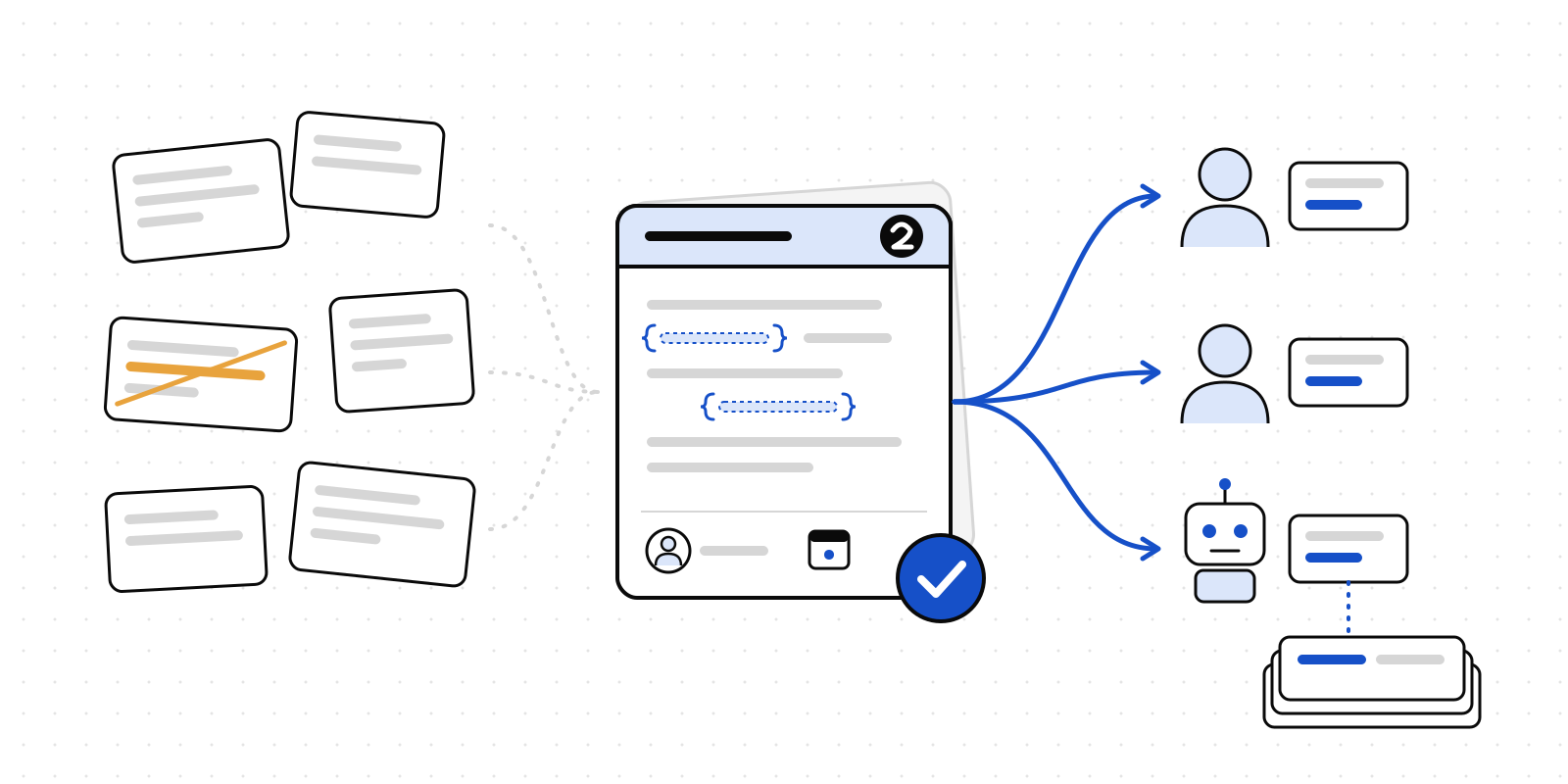
A prompt in Deliverd has more than its words. Each one carries:
- the wording, with a gap for whatever changes each time, written in braces, such as
{previous contract}and{renewal contract}, - an owner, the person who answers for it,
- a review date, so a prompt does not quietly go stale,
- its limitations: what it is not for, and how to check what it produces,
- and, if you like, a department, a task type and a language, so people can find it.
Prompts live under Context → Prompts, beside the knowledge your agents share and the playbooks they follow.
Approved before anybody uses it
A new prompt starts as a draft. It goes in force the same way a playbook does: somebody who runs the organisation puts it in force, or anybody asks for approval and it goes in force when a person approves it. From then its words are fixed. A change is a new version, approved in the same way, and the version in force carries on until the new one replaces it.
So "the approved prompt" means one thing at any moment, and the history of how it changed is kept.
When a prompt's review comes round, its owner checks it still says what it should. Mark reviewed moves the review date on without touching the words; if it needs changing, they write the next version. A prompt past its review date is flagged in the library, so nobody has to remember.
Used by people, and by agents
On a prompt's page, Use it asks for the gaps, fills them in and copies the approved words, ready to paste into whichever assistant you use. Each use is recorded against the version that was used, and the prompt's Versions and use table shows, for every version, how many times it was taken and by how many people and agents. "Is everybody on the approved one?" is answered where the prompt is.
Agents read the same library. Over MCP, list_playbooks with kind: "prompt" lists the prompts, and use_prompt returns the filled-in words of the version in force, with its limitations. From code it is one call:
import { deliverd } from "@deliverd/sdk";

const { text, prompt, limitations } = await deliverd.playbooks.use(promptId, {
  inputs: { "previous contract": previous, "renewal contract": renewal },
});
The Python SDK has playbooks.use() too, and from a terminal deliverd playbooks use <id> --input "renewal contract=..." prints the words on their own, so they pipe straight to the clipboard. An agent that asks for an older version is handed the one in force, and is told so. The AGENTS.md export of your context carries the prompts in force as well, for coding agents and other tools that read files.
That is the point of putting prompts beside knowledge and playbooks: a person pasting into a chat window and an agent running overnight start from the same approved words.
Into Microsoft 365 Copilot
Many organisations already have Microsoft 365 Copilot, and Copilot has a list of prompts an administrator can publish to everybody. It is a good place for people to find a prompt. It is not built to govern one: an administrator publishes straight to the list, an edit replaces the old wording, and there is no approval step or version history.
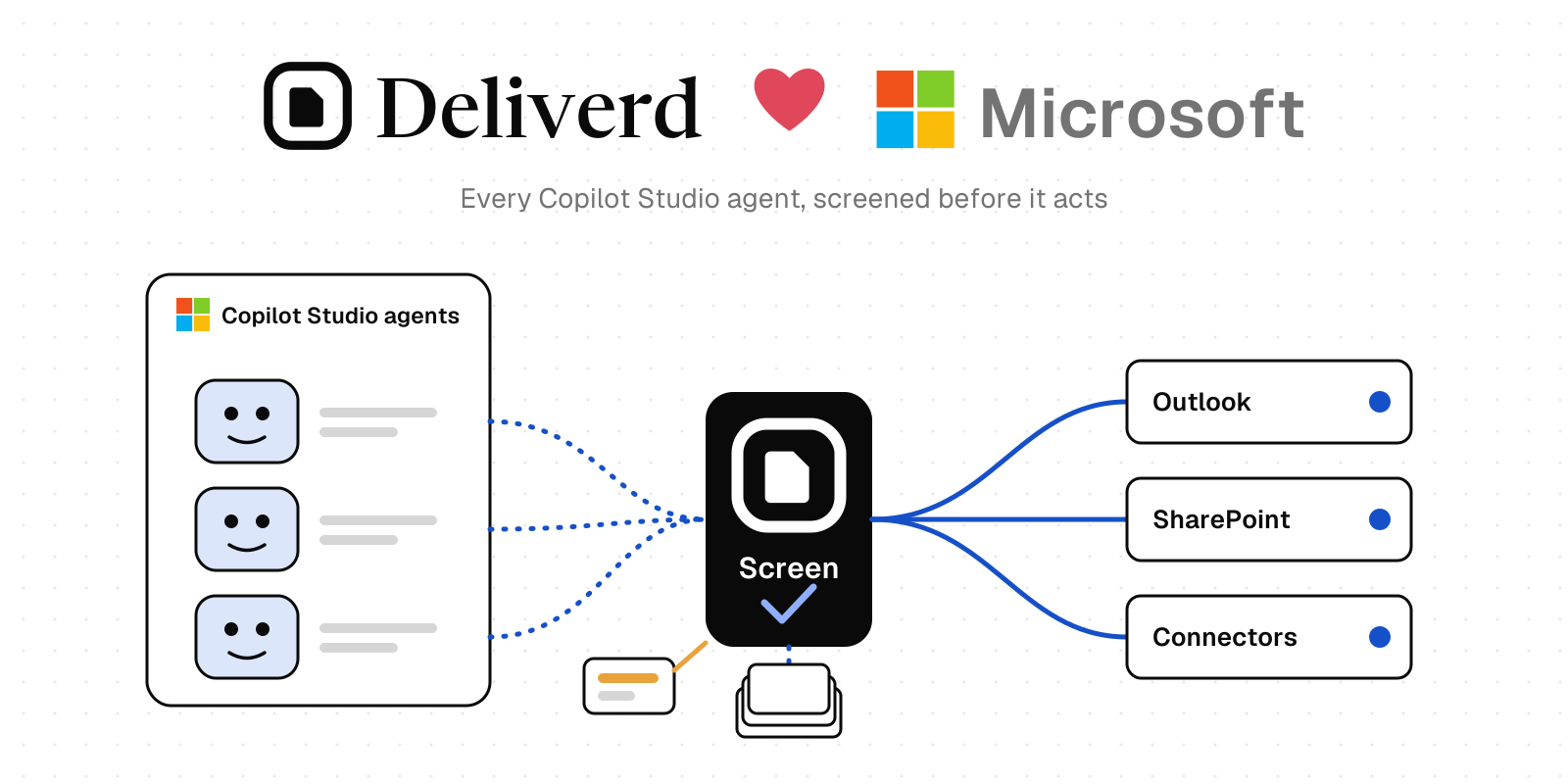
So Deliverd fills that list rather than competing with it. Somebody who runs the organisation can download the prompts in force as a file for the Microsoft 365 admin centre's prompt import, and an AI administrator imports it. After a new version is approved, import it again, and Copilot carries the approved version. Uses inside Copilot are counted by Microsoft, not by Deliverd; the export itself is recorded against each version it carried.
Microsoft 365 and Copilot are Microsoft's products. Deliverd is not made or endorsed by Microsoft.
Getting started
Approved prompts are part of Context, included in the Team, Business Starter, Business and Enterprise plans. Open Context → Prompts, write down a prompt that already works for your team, add its owner and review date, and put it forward. The Context guide has the details.
The best prompt in your organisation should not depend on who you sit next to. Write it down once, approve it, and let everybody, and every agent, use it.