Video in reports
12 October 2026 · Dave Reid · 4 min read
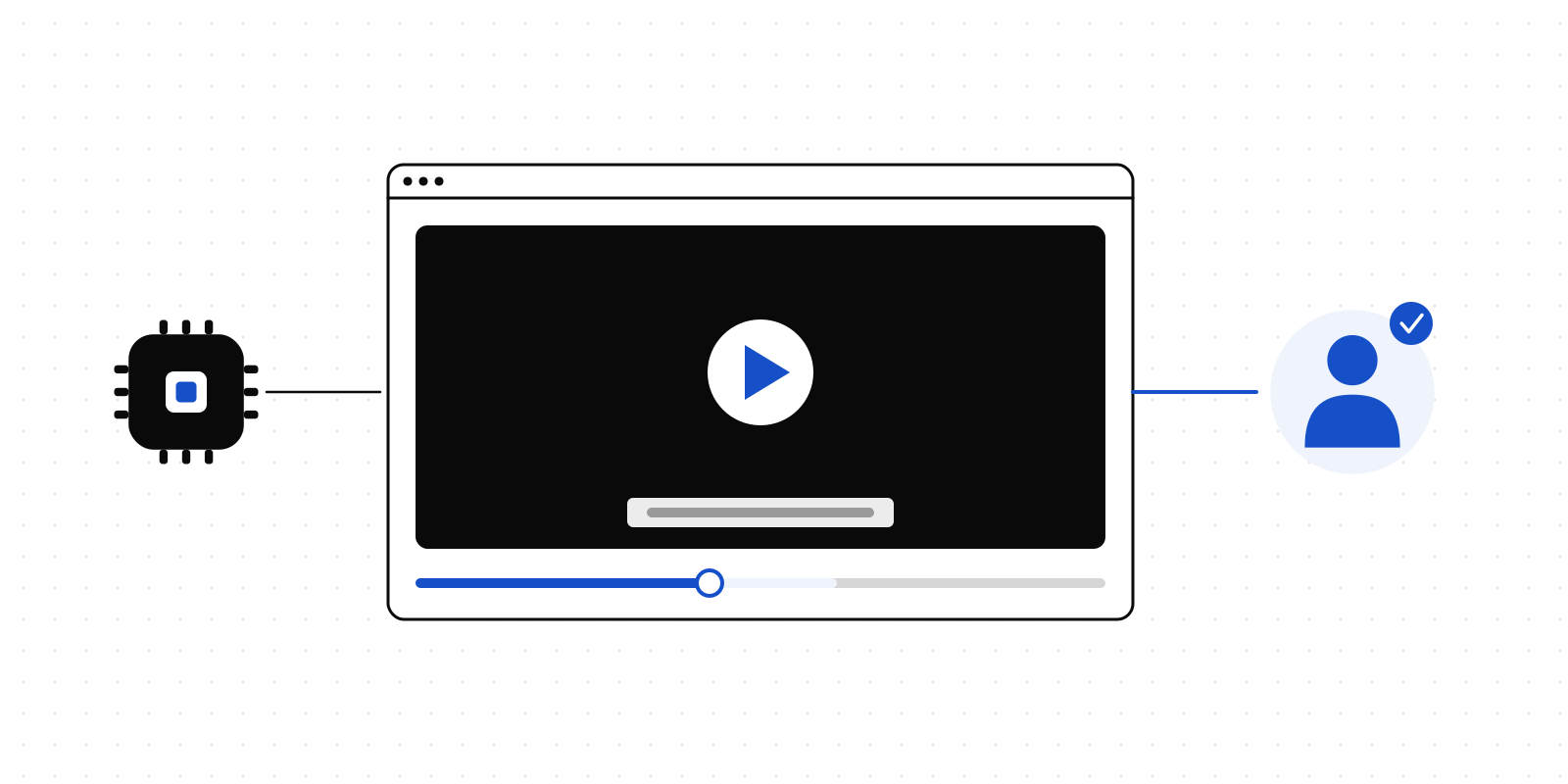
AI tools no longer stop at text and charts. Ask one for a walkthrough of a new feature, an animated explainer of last quarter's numbers or a short screen recording that shows a bug happening, and you get a video file back. Until now, Deliverd could not do much with that file.
Strictly speaking, a report could already contain an .mp4. It just would not play. Every file in a report passes through the same access check on its way to the reader, and that path was built for HTML pages and the images inside them, not for a couple of hundred megabytes of moving picture. Safari would not play an MP4 from it at all, and seeking did not work anywhere.
Video in reports now works properly, on Team, Business and Enterprise.
What you get
Video that streams. A video in a report plays in the browser's own player: play and pause, a scrub bar you can drag, full screen and picture-in-picture, on a laptop or a phone. It starts playing before the whole file has arrived, and jumping to the last minute does not mean downloading everything before it.
A video on its own needs no page. Publish just the .mp4 or .webm and Deliverd writes a simple page around it, with the title and the player. If your AI wrote its own page with the video in it, that page is used exactly as written.
Subtitles. Put a WebVTT file beside the video and it is attached: demo.vtt, or demo.en.vtt and demo.fr.vtt for each language, and readers choose one from the player. Subtitle files are scanned for secrets like any other text, because a transcript is exactly where a pasted API key turns up.
The same report as everything else. A video gets a permanent address, and each new version keeps it. A person decides who can watch, and you can take access away again. You can ask someone to review it before it goes further, and views are recorded against it.
Publishing one
From a terminal, with the CLI:
npx deliverd publish launch-walkthrough.mp4
The page is titled from the file name, "Launch walkthrough", unless you give it a title of your own. A folder with a video and its subtitles works the same way, and so does dragging the file onto the Publish page in the app. The SDK and the REST API take it through an upload.
If an agent is building a page around the video, it references the file with a relative path, like any image:
<video src="launch-walkthrough.mp4" controls>
  <track kind="subtitles" src="launch-walkthrough.en.vtt" srclang="en" label="English" default>
</video>
The controls attribute matters: without it the browser shows the first frame and no player. Our open-source artifact skill now tells agents so.
One limit to know about: an AI working in a chat app, connected to Deliverd as a tool, sends files inline, and a video is far too large to send that way. For now, video goes through the CLI, the SDK, the API or the app.
How it is served
Every request for a report's files goes through the same access check. That does not change for video. The check runs first, exactly as for a page, and decides whether this reader may open this report.
What changes is what happens next. A page is passed back through our servers, and a video is not. Once the reader is allowed in, the browser is sent to the video in storage with a signed address that lasts an hour. Storage is built to stream a large file and to send any part of it on request, which is what seeking needs, and the bytes never pass through our application.
That hour is the honest limit of it. A reader whose access you remove can keep playing for up to an hour from the moment they were let in. They cannot open the report again, and the address stops working when its hour is up.
Why it is on paid plans
Video is the one kind of file that is both large and watched over and over. A one-minute recording can be a hundred times the size of the report it sits in, and every viewer streams all of it again. That cost grows with how much a report is watched, not with how many people publish, so we have put it on the plans that are paid for: up to 200 MB a video, counted against the plan's storage like everything else.
On Free, a publish with video is refused, and the refusal names the files, the plans that include video and where to upgrade. If an agent made the publish, it can pass that straight on to you. If an organisation moves off a paid plan, its videos stop playing. Nothing is deleted, and readers see a note saying why the video is not there instead of a broken player. Owners and administrators see a way to fix it.
Try it
If you are on Team or above, publish a recording you already have and send it to someone. If you are on Free, the pricing page has the details.
Deliverd is human-in-the-loop infrastructure for AI agents. Publishing, video included, is documented in the developer docs.