Put the article your AI wrote on your own website
12 October 2026 · Dave Reid · 3 min read
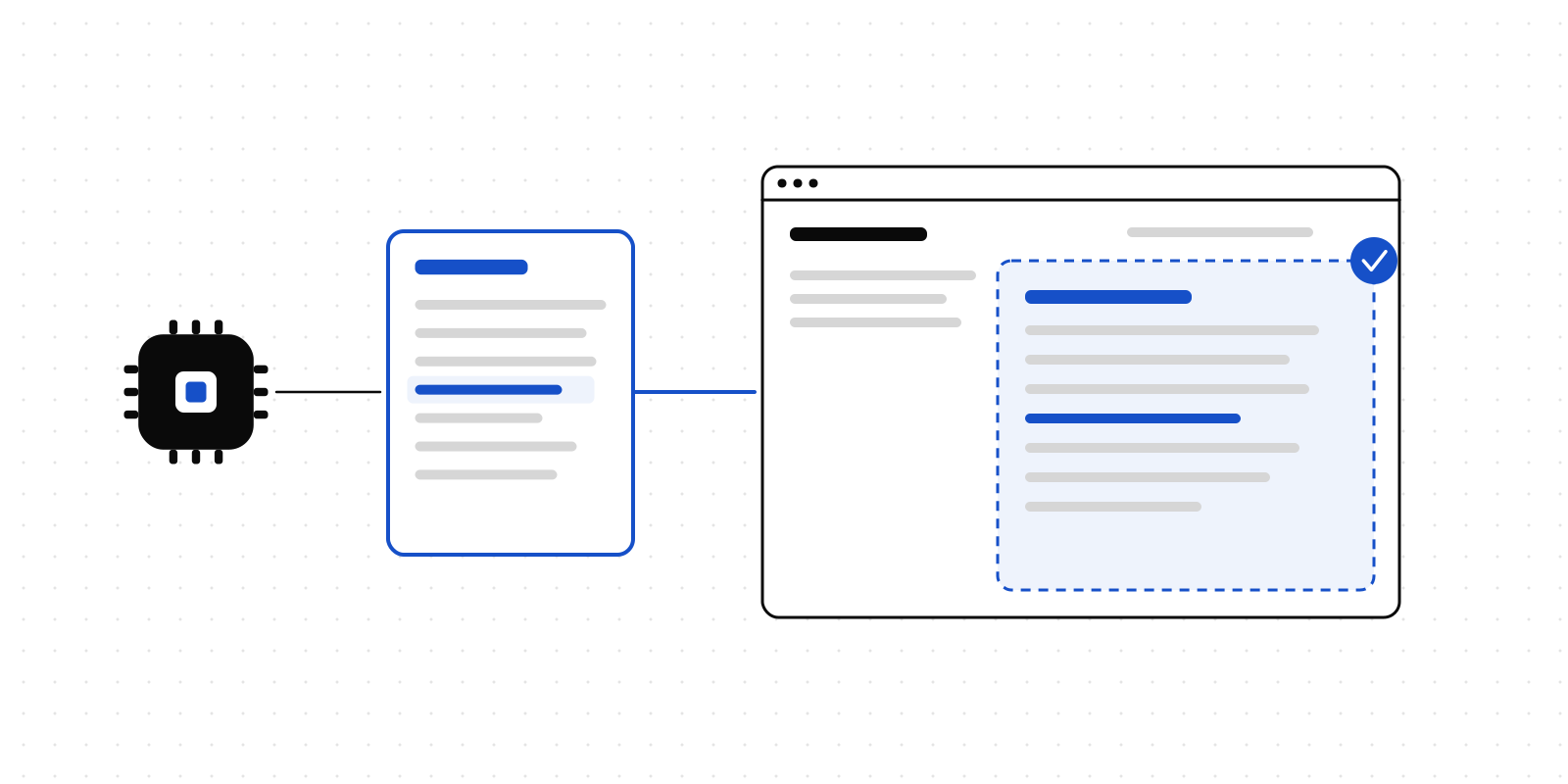
Most of what we write about is agents asking people before they act. This post is about something smaller, which Deliverd was not designed for but already does: publishing an article your AI wrote, straight onto your own website.
It works because of what Deliverd already does with anything an agent publishes. It gets a permanent address, every update keeps that address, and a person decides who can read it. Point that at a blog post instead of a quarterly report and you have a way to put AI-written articles on a site without copying HTML around.
How it works
1. Ask your AI to write it and publish it. In Claude, ChatGPT, Codex or anything else connected to Deliverd:
Write a 900-word article on how small insurers can use AI agents safely. Make it a clean, responsive HTML page. Publish it to Deliverd.
The agent uses Deliverd's publish tool (or the SDK, the REST API or the CLI) and gets back an address. The article is private at this point. Nobody outside your organisation can open it.
2. Read it, then make it public yourself. Open it in Deliverd, check it, and share it publicly from the report's page. This step is deliberately yours: an agent can publish an article but can never make anything public. If your organisation does not allow public links at all, the option is not there.
3. Copy the embed code. The report page has an Embed button. It gives you an iframe to paste into any page on your site:
<iframe
  src="https://deliverdcdn.site/your-org/ai-agents-for-insurers"
  title="How small insurers can use AI agents safely"
  width="100%"
  height="900"
  loading="lazy"
  style="border:0"
></iframe>
Your site has to be on your organisation's list of places allowed to embed, under Admin → Security → Embedding. If it is not, the dialog says so and tells you where to add it. Because the article is public, every visitor sees the article itself, with nothing to sign in to.
4. Improve it without touching your site. Ask your AI to tighten the introduction or add a section and publish again. It is a new version at the same address, so the article on your site updates on its own. Every earlier version is kept, and you can roll back to one.
5. Take it down whenever you like. Remove the public link and, within a few minutes, the frame on your site shows a sign-in card instead of the article.
What it is not
It is not a blog platform, and we are not about to turn it into one. There is no editor, no theme, no comments, no list of posts. The article is the page your AI wrote, served from a separate domain so nothing in it runs alongside your sign-in, under your organisation's security settings for published pages.
An embedded article also does not count as text on your own page as far as search engines are concerned. If the point of the article is to be found on Google, embedding it is not enough on its own. That is the one thing we are testing next.
Early access: letting search engines find it
We have built a per-article switch that lets search engines index one public article: its own address, and nothing else. It is off unless a person turns it on, it only works while the article is public, and an agent cannot turn it on. Removing the public link hides the article again.
It is in early access while we find out whether people want it. If you would use this, for a blog, product updates, changelogs or guides, tell us what you would publish. That is how we will decide what to build next, and whether to build anything at all.
Deliverd is human-in-the-loop infrastructure for AI agents. Publishing is documented in the developer docs.