Some requests deserve a second thought
28 September 2026 · Dave Reid · 7 min read
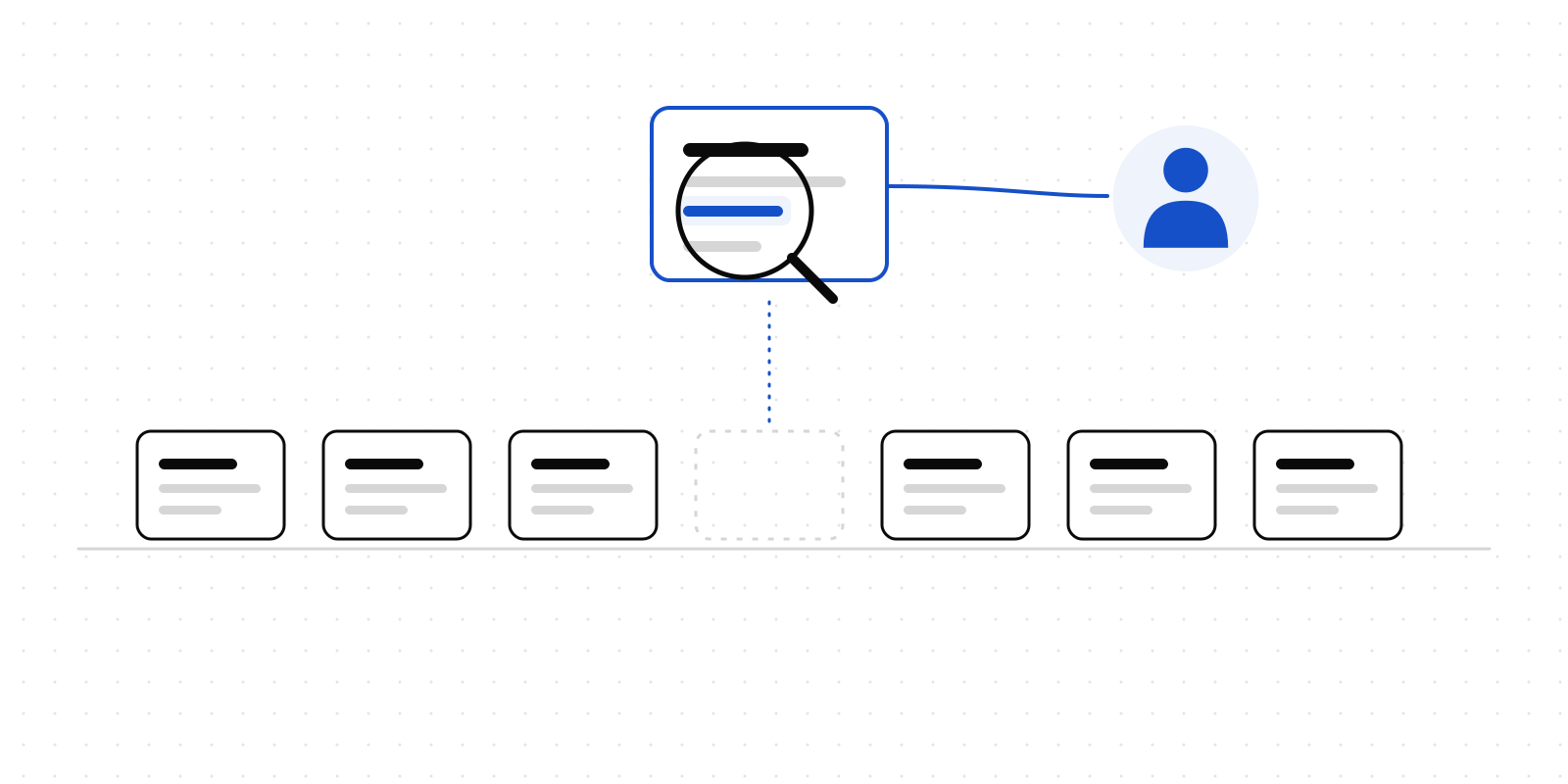
Most of what an agent asks a person is routine. A refund inside the limit. A report going to the usual six people. A supplier invoice that matches its purchase order. An approver looks, sees nothing surprising, and taps Approve. That is what the approval is for, and it is fine.
Some requests look exactly the same and are not.
"Send the attached letter to J. Patel" is routine until the letter is a dismissal. "Update the customer's credit limit" is routine until the reason given is their postcode. "Share the case file with the new adviser" is routine until the case file is a medical record. The request arrives in the same shape, on the same page, with the same two buttons, and the person deciding has had forty of them this week.
The risk here is not an agent doing something it was told not to. It is a person approving something they would have stopped if they had noticed what it was.
What an ethics rule is
Deliverd's ethics rules are written by your organisation, in Admin → Ethics, for the kinds of request that deserve a second thought. Each one says what it matches, which principle it is about, and — the important part — the concern a person should weigh, in a sentence.
A rule can match three ways:
- Keywords in what the agent wrote: the title, the description, and the text of its input.
redundan*catches "redundancy" and "redundancies". - Registered actions, the same names your gate policies use:
hr.*,finance.credit_limit. - Particular agents, when one of them works somewhere sensitive.
And it can do one of three things when it matches:
| Effect | What happens |
|---|---|
| Flag | The concern goes in front of whoever decides, before anything else on the page. |
| Escalate | As a flag, and more people must agree. The rule can name who. |
| Refuse | The request is not created. The agent is told which rule refused, and why. |
Every rule names one of eight principles — fairness, privacy, safety, honesty, autonomy, wellbeing, legality, or other — so that later you can see which kinds of concern actually come up.
There is no fourth effect. An ethics rule cannot approve anything, cannot lower the number of approvers a request needs, and cannot remove a person from it. Rules only ever add oversight. If two rules match, the approver sees both concerns, not just the louder one.
What the approver sees
This is the part that changes behaviour, so it is worth being specific.
When a request carries a concern, it is shown first — above the request itself, on the approval page, in the email, in the Slack or Teams card and in the push notification. It reads as a question rather than a verdict:
Before you decide · Fairness This may decide someone's access to credit, housing or insurance. Check that nothing like age, race, religion, disability or postcode is standing in for a protected characteristic.
And then three things become harder, on purpose:
- Approving takes a sentence. A flagged request cannot be approved without saying why it is right to go ahead. The reason is written into the record beside the approval.
- No one-tap approval. In Slack or Teams, a flagged request has no Approve button; the card takes you to the page. The sign-in-free link in an approval email will not decide it either.
- No guest approvers. A flagged request is never sent to someone outside the organisation.
None of this stops the approver from going ahead. It makes going ahead a decision rather than a reflex.
Six rules to start from
An empty page is where most policies go to die, so Admin → Ethics offers six starter rules:
- Decisions about someone's job
- Credit, housing and insurance
- Health and personal data
- Children — which escalates to a second person who can weigh safeguarding
- Messages sent in someone else's name
- Things that cannot be undone
They arrive switched off. A set of rules that started flagging an organisation's existing work the morning it was deployed would be switched off again by lunchtime, and then nobody would switch it back on. Read them, edit the keywords and the wording to fit your work, and turn on the ones you mean.
Rules come with every plan, including Free.
Where they apply
Ethics rules read every approval an agent requests — through the API or MCP, whether the caller is an agent identity, an API key or a person's OAuth connection — and every action checked at the gate.
At the gate the effect is the same idea in a different place. A flag means a policy rule cannot settle the action on its own: even an action your policy would have allowed goes to a person, with the concern attached. A refusal refuses.
An approval a person raises by hand in the app is not read by the rules. A person asking a person is already the thing the rules are trying to produce.
What the agent sees
The concerns come back to the agent too. Every approval and every gate result carries a concerns field — empty when nothing matched:
"concerns": [
  {
    "principle": "fairness",
    "rule": "Decisions about someone's job",
    "concern": "This may affect someone's employment. Is the decision based on relevant facts?"
  }
]
A refused approval is a 403 with the code refused_by_rule and the rule's concern in the message. At the gate it is allowed: false, with the concern as the reason.
An agent should treat a refusal as the organisation's answer: stop, and tell the person it works for which rule refused and why. The concern is written for them. The open-source ethics skill (npx skills add deliverd-dev/deliverd-skills --skill ethics) teaches an agent to do exactly that — and to raise a concern itself, in the request's description, when it notices a possible harm the rules did not.
Knowing whether it works
A rule that flags everything is worse than no rule: it teaches people to click past the ones that matter.
So every concern, and every reason given for going ahead, is written into the evidence pack for that decision. And Admin → Decisions has an ethics panel: how many requests were flagged, how often they were approved anyway, and which principles come up. A rule whose flags are approved every single time is either catching nothing that matters or being ignored, and either way it wants rewriting.
An optional second reader
Keyword rules only find what someone thought to write down. For organisations on Business and Enterprise there is also a model screen: switched on by an administrator, a model reads each request an agent makes and may add up to three concerns of its own. They arrive labelled "Model screen", beside the rules' concerns.
The limits matter, so here they are plainly:
- It can only add concerns. It never escalates, never refuses and never approves.
- It is off until an administrator switches it on.
- When it is on, it sends the request's title, description, action and input to Anthropic. Fields a registered action marks as restricted are removed first. Anthropic is listed in our subprocessors.
- It is capped each month: 1,000 requests on Business, 10,000 on Enterprise. Past the cap, the rules carry on as normal and the screen waits for the next month.
What this does not do
Two honest limits.
It is not a judgement on the agent. A rule's concern is a question for the person deciding. It does not claim the request is wrong, and most flagged requests will turn out to be fine. That is the point: the ones that are not fine get looked at by someone who has been asked to look.
It is advisory, like the gate. A refusal means Deliverd will not create the approval or allow the action. An agent that goes ahead without asking at all is outside what any approval system can see. What ethics rules change is what happens when the agent does ask — which, if you have given it a working way to ask, is most of the time.
Getting started
Open Admin → Ethics, read the six starter rules, and switch on the ones that describe your work. Then look at Admin → Decisions in a fortnight and see what came up.
The ethics guide covers writing rules; the developer page covers the concerns field and how an agent should respond.
Some requests deserve a second thought. The person deciding should get to have it.
Deliverd is the human layer for AI agents.