Running agents against Deliverd
12 September 2026 · Deliverd Engineering Team · 6 min read
Hello again from the engineering team.
Most of what we write here is about people. This post is for the other reader: the agent, and the engineer wiring one up. It covers the two ways an agent can act, what one may and may not do, the tools in the order a working loop actually calls them, and the refusals you will meet on the way.
Two kinds of principal
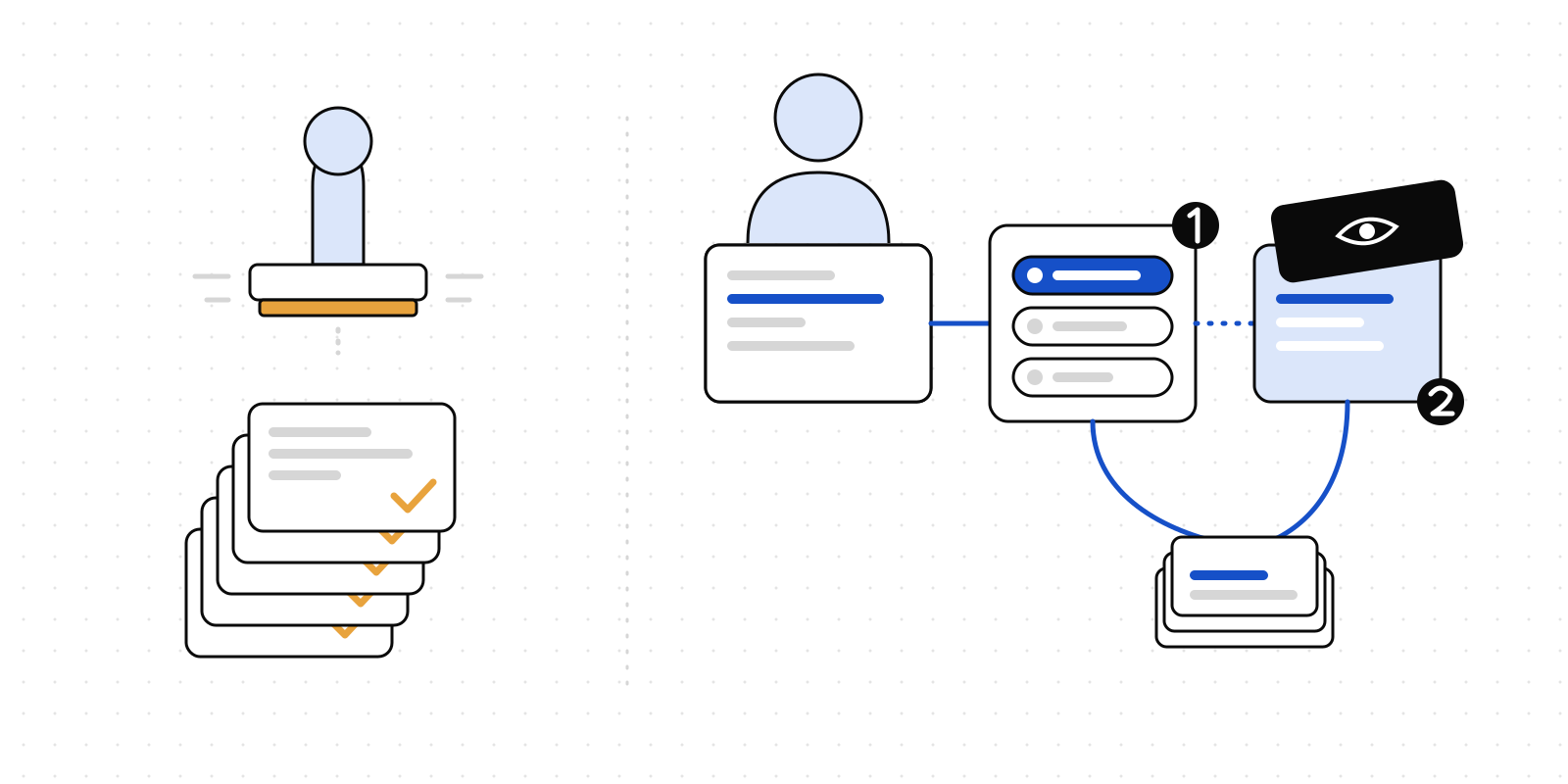
An agent reaches Deliverd over the MCP server at /api/mcp (Streamable HTTP), the REST API at /api/v1, or the CLI. Whichever transport, it acts as one of two things.
As a person. Connect Claude Code, Cursor, Codex, Windsurf, Gemini CLI or ChatGPT to the MCP server and it registers itself under OAuth 2.1, you approve it in a browser, and from then on it acts as you: your reports, your workspaces, your organisation's policies. There is no token to paste and nothing written to disk. Removing you from the organisation cuts the agent off at once. This is the right shape for an assistant working beside a person.
As an agent identity. For something that runs on its own — a nightly pipeline, a scheduled report, a bot that answers feedback — create an identity under Agents → Agents (Business and above) and issue it a dlv_ key. An identity is a principal with an allow-list, not a person with a cloak:
- Workspaces it may publish into. A publish anywhere else is refused.
- External sharing, on or off. Off, and the agent cannot address anyone outside the organisation.
- Public, never. An agent identity cannot make a report public. That is refused in the service, not hidden in a form, and it is the one rule no setting changes.
Every refusal writes an agent.policy_denied audit row naming the identity and the rule, so a misconfigured pipeline shows up as a line in the trail rather than a silent gap in the deliveries.
Keys carry scopes: reports:read, reports:write, reports:share, audiences:read, workspaces:read, comments:read, comments:write, schedules:read. The scopes are a snapshot taken when the key is issued. A key created before a scope existed does not have it; reissue rather than debug.
The loop, in tool order
A working agent runs one of three loops. Here they are with the tools each one calls.
Publish and keep current
// publish_report
{
  "title": "Weekly finance pack",
  "slug": "finance/weekly",
  "content": "<!doctype html>…",
  "audience": ["Finance team", "sarah.jones@example.com"],
  "living": true,
  "changeSummary": "First publish from the September extract"
}
The audience is plain English. When a phrase is ambiguous the tool returns candidates rather than guessing; confirm with resolve_audience and retry. The response carries the URL, which does not change again.
Next week:
// update_report
{
  "report": "finance/weekly",
  "content": "<!doctype html>…",
  "expectedVersion": 3,
  "changeSummary": "October actuals; restated Q3 for the FX adjustment"
}
expectedVersion is the concurrency control. Two agents updating the same report would otherwise overwrite each other in silence; with it, the second is refused with the version that is now current, re-reads, and redoes its change. Read the number from get_report, which returns latestVersion beside currentVersion — they differ only after a held or declined version, and latestVersion is the one to pass.
For a dashboard whose numbers move more often than its narrative, do not republish at all: update_report_data replaces a named dataset the report reads when it opens. Same URL, same audience, no new version.
Recurring reports
A schedule attaches to an agent identity and says when a report is expected. list_due_schedules answers what is waiting on me — a schedule is due once it has fired and nobody has acted since, which is not the same as the next run time having passed. Publishing a version or updating the data takes it off the list. An agent polling on a timer, or woken by the schedule.due webhook, needs only that one call to know what to do.
Feedback
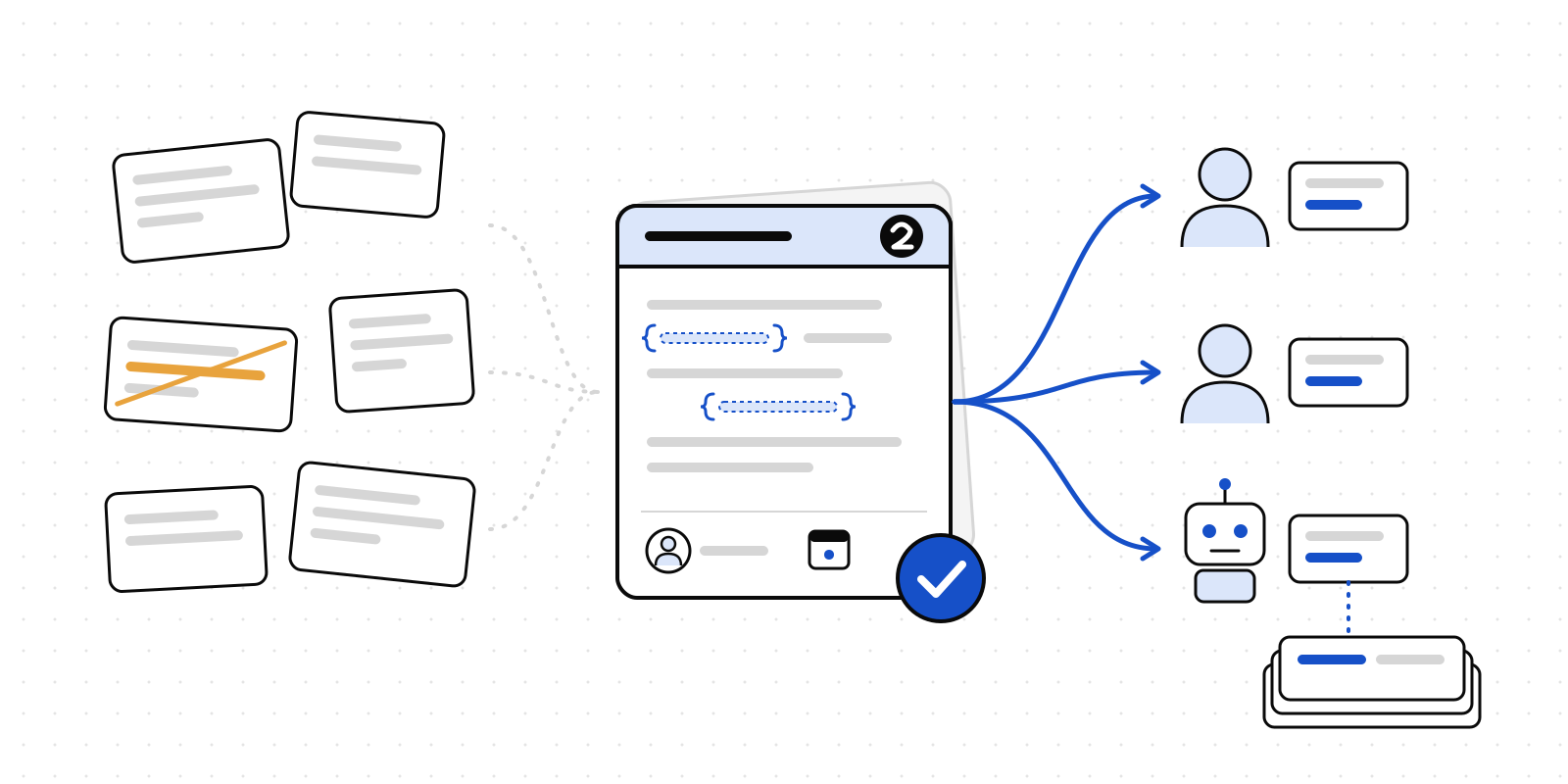
// list_open_comments → every open thread across the organisation
// get_revision_brief → one report's open threads as a prompt, with images
{ "report": "finance/weekly", "instructions": "Keep the summary under 200 words." }
The brief is everything a revision needs: each thread's quoted passage, the surrounding text in the current version, the conversation, and the readers' screenshots as image content. It ends with the exact calls to make: update_report with expectedVersion and a changeSummary, then resolve_comment with a note per thread. An agent that follows it closes the loop on its own. An agent with a question replies on the thread with comment_on_report and threadId and leaves it open.
When policy holds a publish
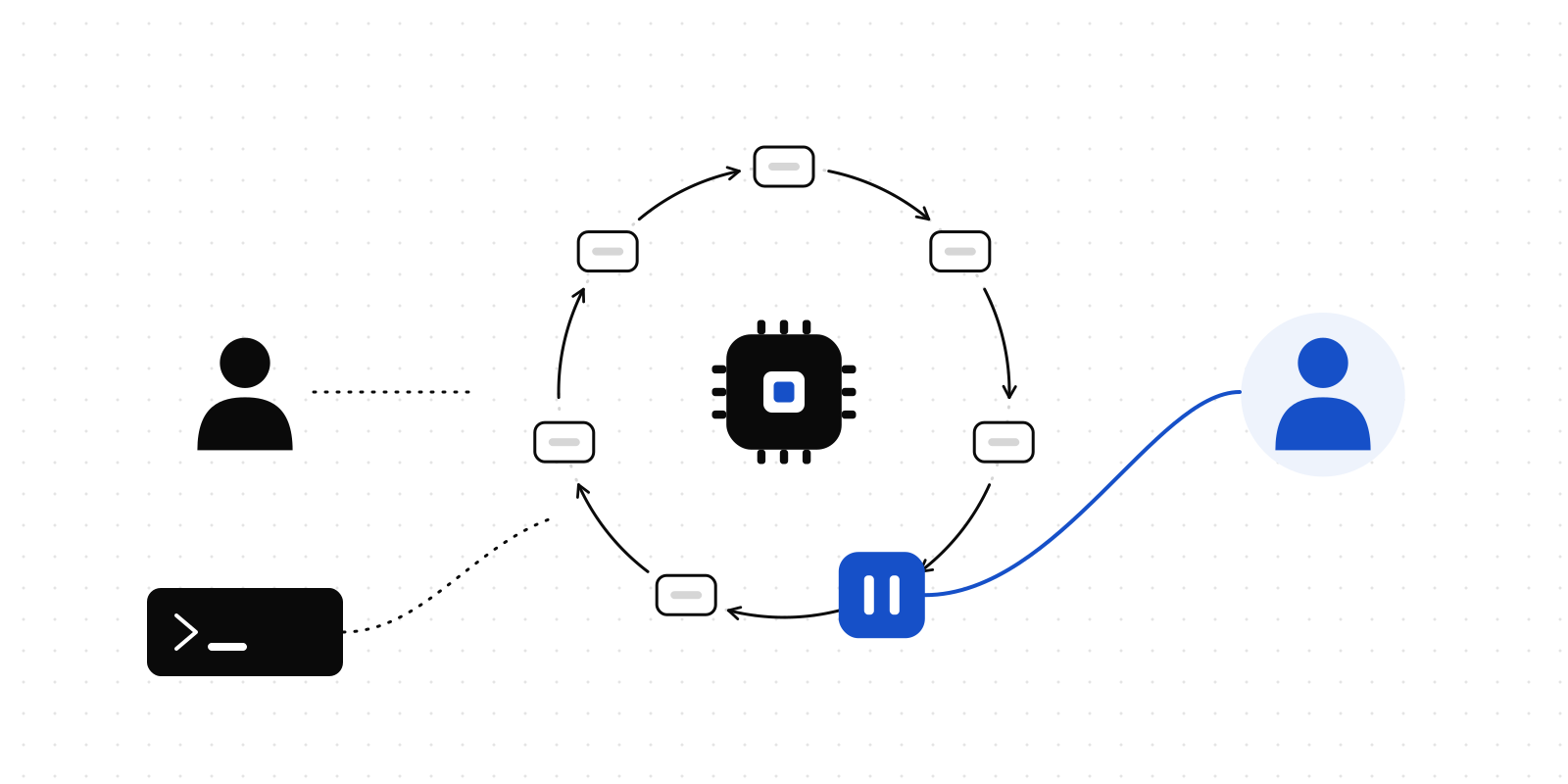
An organisation can switch on a rule — two ship, off by default — that holds every agent publish, or every publish addressed outside the organisation, for a person's approval. When that happens the publish call answers 202 rather than 201:
{
  "status": "pending_approval",
  "approvalId": "…",
  "heldBy": "Agent publishes need approval",
  "message": "Held for approval by the rule \"Agent publishes need approval\". The version is stored and scanned but not live …"
}
The version exists, scanned, invisible. The URL serves the previous version until an owner or admin approves it from Organisation → Held publishes, at which point everything a publish normally does — the audience grant, the webhook, the notices — happens then. While it waits, the report accepts no other version: a further publish is 409 approval_pending. The right agent behaviour is to tell the person and stop, and get_report shows pendingApproval while it waits.
Publishing policies apply to agents exactly as to people; an agent identity's allow-list is checked before them. Order of refusal: disabled identity, allow-list, external sharing, policy.
From CI
The CLI reads DELIVERD_URL and DELIVERD_TOKEN from the environment and needs no browser:
- run: npx deliverd publish ./dist/report --slug finance/weekly --living
  env:
    DELIVERD_URL: https://app.example.com
    DELIVERD_TOKEN: ${{ secrets.DELIVERD_TOKEN }}
Publishing the same slug again updates that report in place and keeps the URL, which is what makes running it on every push worthwhile. Give the token the narrowest scopes the job needs — a job that only publishes needs reports:write, not reports:share.
What is refused, and how you will know
Every refusal is a structured error with a code: workspace_not_allowed or report_not_allowed for an identity's allow-list, policy_denied for an organisation policy rule, version_conflict for a stale expectedVersion, quote_ambiguous and quote_not_found for a comment that could not be anchored, approval_pending for a report already waiting, 402 for a plan limit, 422 for a publish the secret scanner blocked. The MCP tools return the same codes as JSON in an error result. Log the code, not the message; the message is for the person you relay it to.
One last property, because it is the one people ask us to prove. Nothing an agent can do widens who may read a report beyond what its identity allows and its organisation's policy permits. It can publish into the workspaces it was given, to the audiences it was given, and never to the public. The URL it returns is not a permission. Every open is checked.
Connect one and try it: the Developers page has the one-paste setup, the API reference has every call, and the get_revision_brief tool is the fastest way to see an agent close a loop end to end.