Only the apps you recognise
6 October 2026 · Deliverd Engineering Team · 5 min read
Hello again from the engineering team.
A security researcher wrote to us about our OAuth endpoint, and they were right. This post is about what they found, what we changed, and the setting it led to. It also covers the part of the problem that a setting cannot solve.
Why anyone can register
When you connect Claude or ChatGPT to Deliverd, the AI tool registers itself with us as an OAuth client and then asks you to approve it. Nobody at Deliverd hands out client IDs. The tool turns up, introduces itself and asks.
That is not carelessness. It is how MCP works. The specification relies on dynamic client registration, because the alternative is every AI tool on earth emailing every service on earth for credentials. If Claude had to ask us before it could connect to us, nobody's agent would connect to anything.
The cost is that a client's name proves nothing. Anybody can register a client called "Claude". Anybody can register one called "Deliverd Support", with a logo of their choosing.
What can go wrong: consent phishing
The attack is old and has a name: consent phishing. Somebody registers a client with a friendly name and a callback on a site they control, sends you a link to our consent screen, and waits. You see a genuine Deliverd page asking whether "Claude" may connect. You click Allow. The authorisation code goes to the attacker's site, and they swap it for a token that reads your reports.
Nothing was broken into. You gave permission, on our page, to something you thought you knew.
The one thing a client cannot fake
A client can lie about its name, its logo and its purpose. It cannot lie about where the code is sent. We only ever send an authorisation code to a redirect address the client registered, and we match it exactly: not a prefix, not the same origin, the same string. An attacker can register any address they like, but they can only receive the code at an address they control.
So the consent screen now leads with that address, under a heading that says what it is: Where access goes.
- Claude's and ChatGPT's own callbacks read as what they are.
- An app on your own computer or phone (a loopback address, or an installed app's scheme) also reads as what it is. A phisher somewhere else cannot receive a code on your machine.
- Any other website gets a warning, with the address in full, and a box you must tick before Allow will work: I set up this connection and expected access to go to …
That box does not stop a determined person from ticking it. What it does is put the one honest fact in front of them at the moment it matters, in words they can check.
The setting: Only recognised apps can connect
For some organisations, a warning is the wrong level of protection. Telling a hundred people to read an address carefully is a training programme, not a control. So there is now a setting for owners and administrators: Admin → Security → Only recognised apps can connect.
With it on:
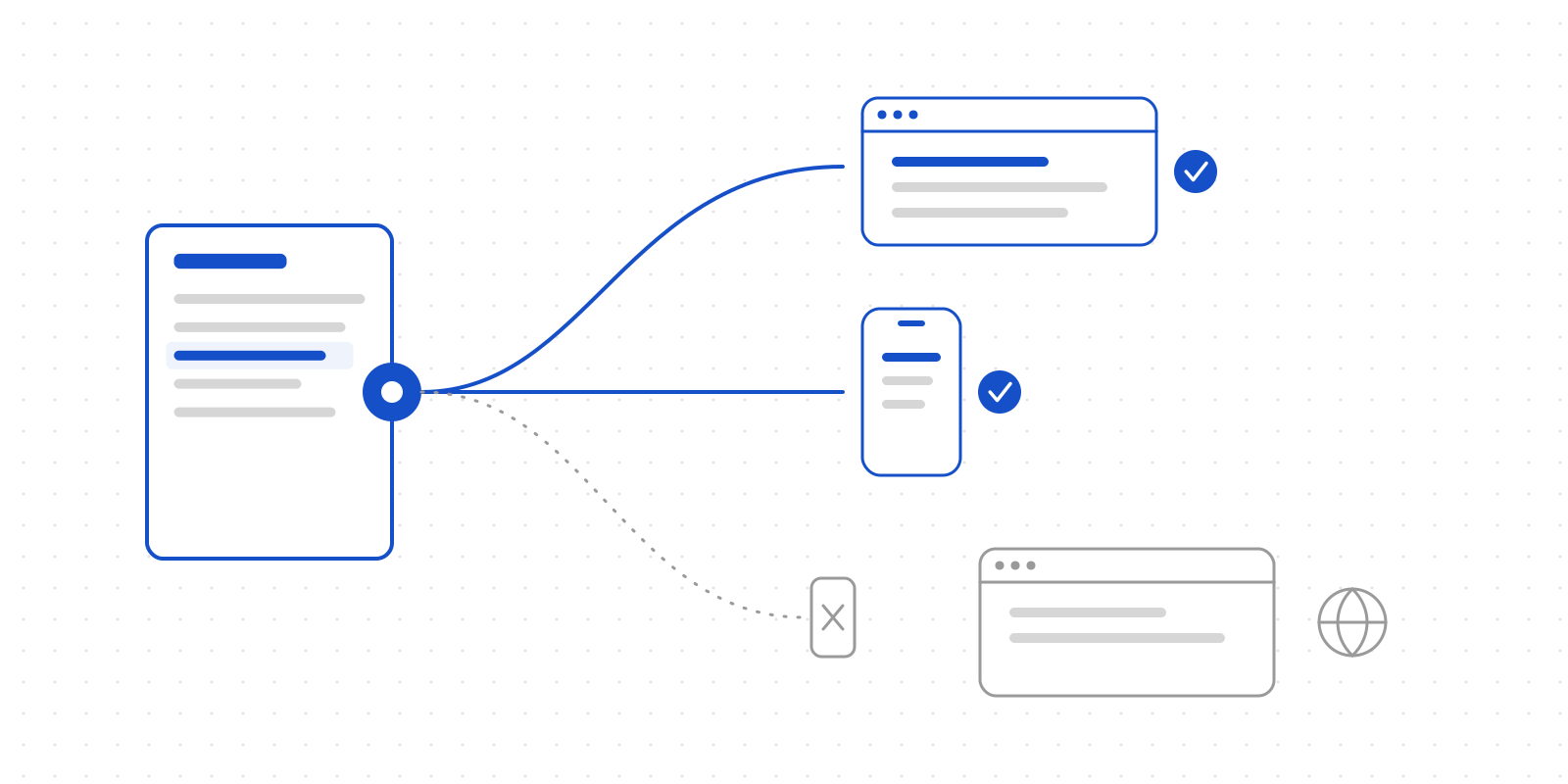
- Claude, ChatGPT and apps on the person's own device can connect. Any other website is refused at the consent step, before a code is issued.
- Every registered redirect has to pass, not just the one used today. A client with one honest callback and one somewhere else can still send access somewhere else, because a token does not remember which redirect its code went to. So it is refused.
- Switching it on disconnects what it now refuses. Every live token in your organisation held by a client that would no longer be allowed is revoked at once, and the save tells you how many. We did not want "turned it on" to quietly mean "turned it on for new connections".
- A refused client cannot renew. If a token slips through somehow, its next refresh is refused with This organisation only allows recognised apps to connect, and the token is ended.
With it off, which is the default, nothing changes from before: unrecognised websites get the warning and the tick box.
A second fix from the same review
Looking at refresh tokens for the setting turned up a gap that had nothing to do with it.
We rotate refresh tokens: each refresh hands back a new one and retires the old. On its own, rotation only makes life awkward for whoever refreshes second. If somebody copied your token and refreshed first, they kept a working pair, and your client's next refresh simply failed.
Now, an old refresh token presented after it was rotated is treated as what it most likely is: two parties holding the same grant. Every live token that client holds for that person and organisation is ended, so the copy stops working too. There is a short grace window, so a client that sends the same refresh twice at once (a retry, a second tab) does not log itself out. And one client's reuse can never end another client's grant.
What we cannot do, said plainly
The setting decides where access is allowed to go. It cannot decide whether you meant it.
If you turn it off, the consent screen is still the last line, and it only works if the person reads it. And a recognised app is still an app somebody chose to connect: "Claude may read your reports" is exactly what it says. Recognising Claude's callback tells you the code goes to Claude. It does not tell you that the person who clicked Allow wanted Claude to have it.
That is why the screen says where access goes rather than "this app is safe". We can vouch for the address. We cannot vouch for intent.
Thank you
To the researcher who wrote in: thank you for writing it up clearly. If you find something too, tell us. We would much rather hear it from you.
Deliverd is the human layer for AI agents. Follow along by RSS.