From a comment to a version, without the retyping
12 September 2026 · Deliverd Engineering Team · 6 min read
Hello again from the engineering team.
The previous post said what the feedback loop does. This one says how it is built, and where we drew the lines, because two of them are security lines and one of them is a design line we expect to be asked about.
An image is exactly as visible as its report
A comment thread can now carry images. The tempting implementation is the obvious one: put them in a storage bucket, hand out the bucket's URL, done. We did not do that, and the reason is what the images are of. A snapshot of a passage in a client's management accounts is the management accounts. A bucket URL that anyone holding it can open is the "anyone with the link" problem this whole product exists to remove, reintroduced through the side door.
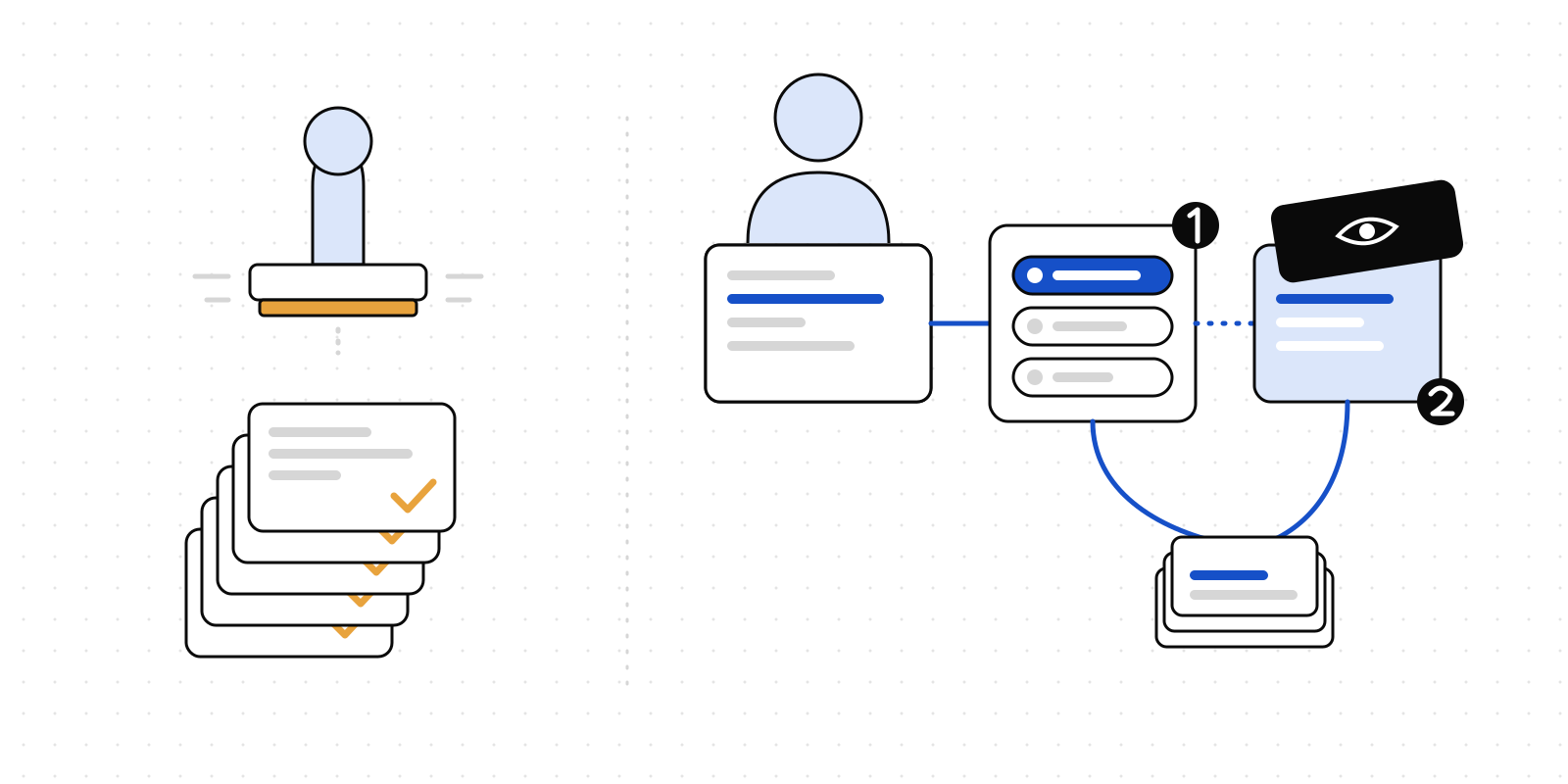
So the bucket is private, and every image is served by the app at an address that checks, on every request, that the person asking may open the report the image belongs to. It is the same capability engine the content gateway uses to decide whether to serve the report itself. If you cannot open the report, you cannot open the picture of it. Removing someone from the audience removes their access to both in the same moment.
There is one deliberate exception, and it is bounded. A revision brief that leaves the product — pasted into a chat window — has to carry its images somewhere a model's tool can fetch them with no session. Those links are signed: the image id and an expiry, signed with the same secret the viewer tokens use, good for a week. A link proves itself and names one image. It says nothing else about the report and cannot be widened into anything else.
A snapshot is taken as you, of what you may see
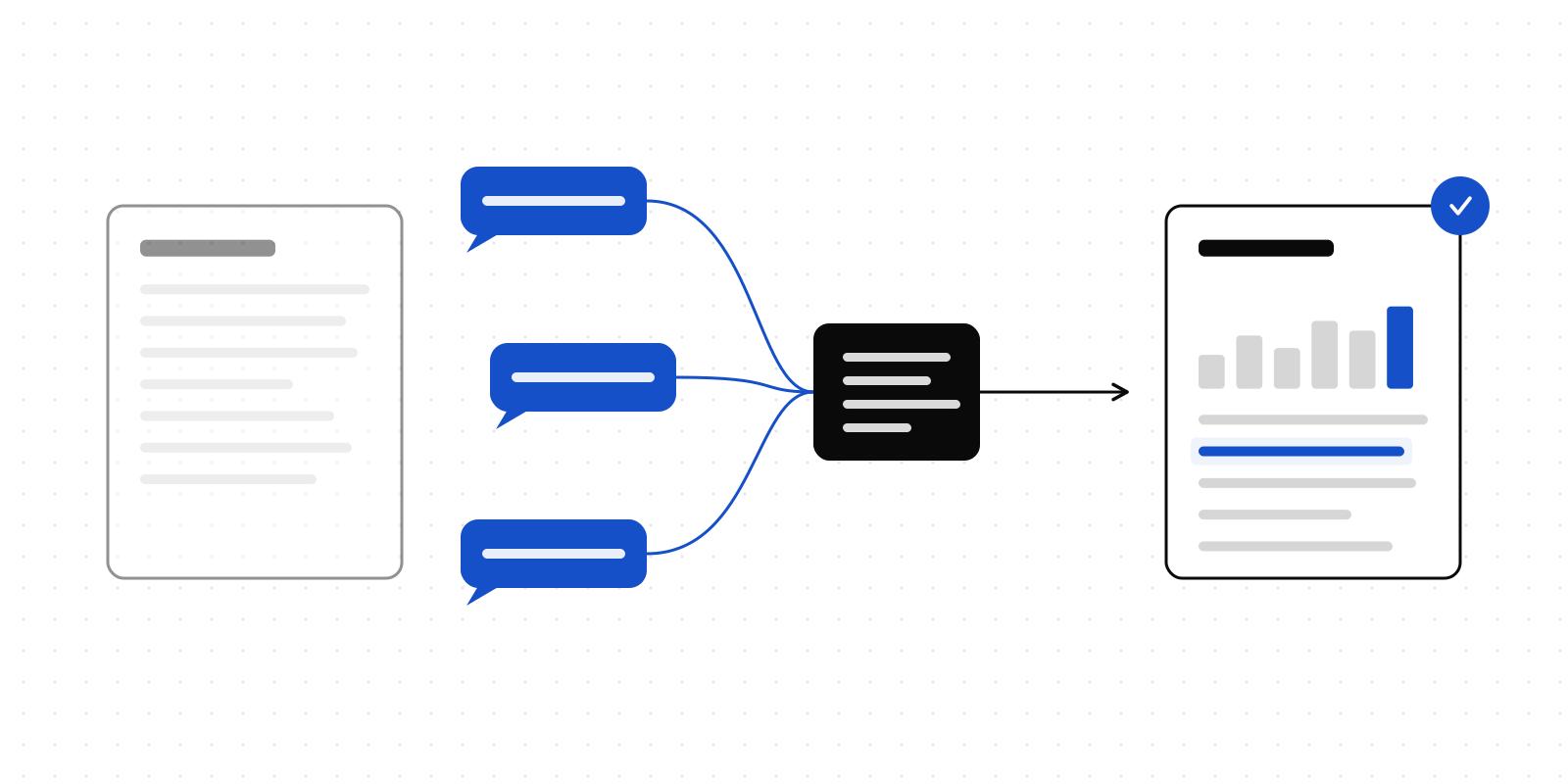
The snapshot button does not screenshot your screen. It asks the server to photograph the passage, and the server does that by opening the report the way the PDF export opens it: in headless Chromium, through the content gateway, holding a single-use handoff code minted for the member who pressed the button. The page in the picture is therefore the page that member is allowed to see — the pinned version if the report is pinned, the watermark if the organisation watermarks readers, nothing if they may not open it at all.
Inside the page, the quoted passage is found with the browser's own text search, scrolled to the centre, and left selected, so the capture shows what was commented on and not only where. The viewport is clipped around it with some room above and below. When the passage cannot be found — a selection that crossed a table cell will do it — the capture is of the top of the page and the response says so, and the panel tells you. A picture of the wrong place labelled as the right one would be worse than none.
The launcher is shared with the PDF export now. One Chromium, one pinned pack, one place for the version to be wrong. A guard holds the pin equal to the installed loader, and another holds both callers to the shared launcher by the call itself rather than the import — a regression we ran showed that a second browser could be launched beside the import line without anything failing, so the guard was tightened before we shipped.
What goes into the brief
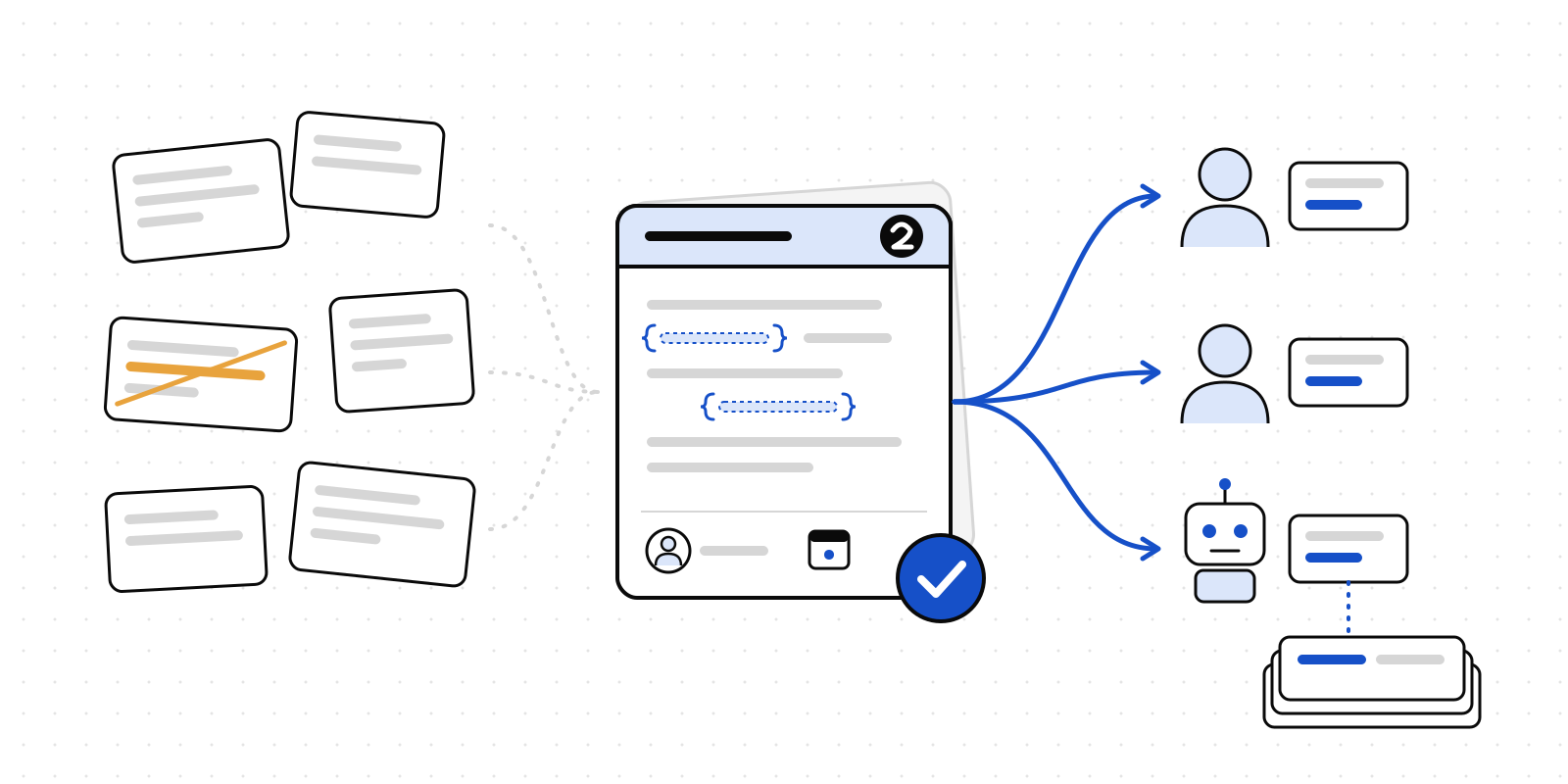
The brief is a prompt, composed from data, and the composition is the product. What an agent needs to revise a report from feedback is, in order:
# Revision brief: Q3 board pack

Generated 10 Sept 2026 by Sarah Jones from version 3 of
https://content.example/acme/q3-pack. 3 open comment threads, 2 images.

## What to do
1. Start from the current version …
2. Address every thread below …
3. Publish the result as a new version of the same report …
4. Then close each thread you addressed …
5. Finish by reporting the new version number and which threads you resolved.

## Feedback (3)

### 1. "Revenue grew 12% year on year"
Thread `1111…`, opened by Sarah Jones on version 3, in `index.html`.

Where it is now:
> …Revenue grew 12% year on year, driven by the EMEA renewals…

Conversation:
- **Sarah Jones**, 9 Sept 2026: It was 14% — check the finance dataset.
- **Report bot (agent)**, 9 Sept 2026: Which table?

What the reader saw:
- Snapshot of the passage: https://…/api/feedback/attachments/…?exp=…&sig=…
Three choices in there are worth defending.
The excerpt is from the current version, not the one the comment was written on. A comment left on version 2 is being addressed in version 4. The anchor is re-resolved against what the agent is about to edit, so the surrounding text is the text it will find. When the passage is gone — edited away between versions — the brief says so plainly instead of quoting stale context, and points the agent at the conversation for intent.
The closing instructions are exact. Publish with update_report, with expectedVersion set to the version the brief was read from, so two agents cannot silently overwrite each other; with a changeSummary, one line per thread, so the versions table says what changed. Then resolve_comment with a note per thread, so the reader who raised it is told what happened rather than that something did. An agent given a vague instruction does the vague thing.
Only open threads. A resolved thread has been dealt with. A brief that restated it would ask for the change twice.
The brief is recorded
Composing a brief writes a row: which threads, from which version, who asked, and the prompt itself. That row is the tracking half of the feature. A thread that has gone into a brief is shown on the report page as with the agent until a version resolves it, and each brief shows how many of its threads came back resolved. When somebody asks in a month what the agent was told before it produced version 5, the answer is on the report.
It also means the REST endpoint that composes a brief is a POST, not a GET. Composing one changes what other people see.
For agents, the same brief with the pictures in it
The MCP tool get_revision_brief returns the same text, and then the images themselves as image content — up to eight, each under a megabyte — so an agent connected over MCP sees what the reader saw without fetching anything. list_comments now carries the signed image links on every thread, and there is a matching REST endpoint. The tool takes the same threadIds and instructions the dialog does.
What is still rough
Three things, honestly.
Guests cannot comment. The viewer panel is for organisation members; a verified guest reads comments and cannot leave one, let alone attach an image. That is the next slice in this area.
The cold start. The first snapshot after a quiet period downloads and inflates the browser pack, about ten seconds. The second is quick. The PDF export has the same shape, and the same environment variable — a pack hosted nearer the function — helps both.
The find is a text search. A passage that spans a table cell, or that the report renders from data after load, may not be found; the capture then shows the top of the page and says so. A better anchor-to-pixel mapping is possible using the same selector data the comments already carry, and it is on the list.